Maintenance > 62
C
LEANING
...
THE
UNIT
CASING
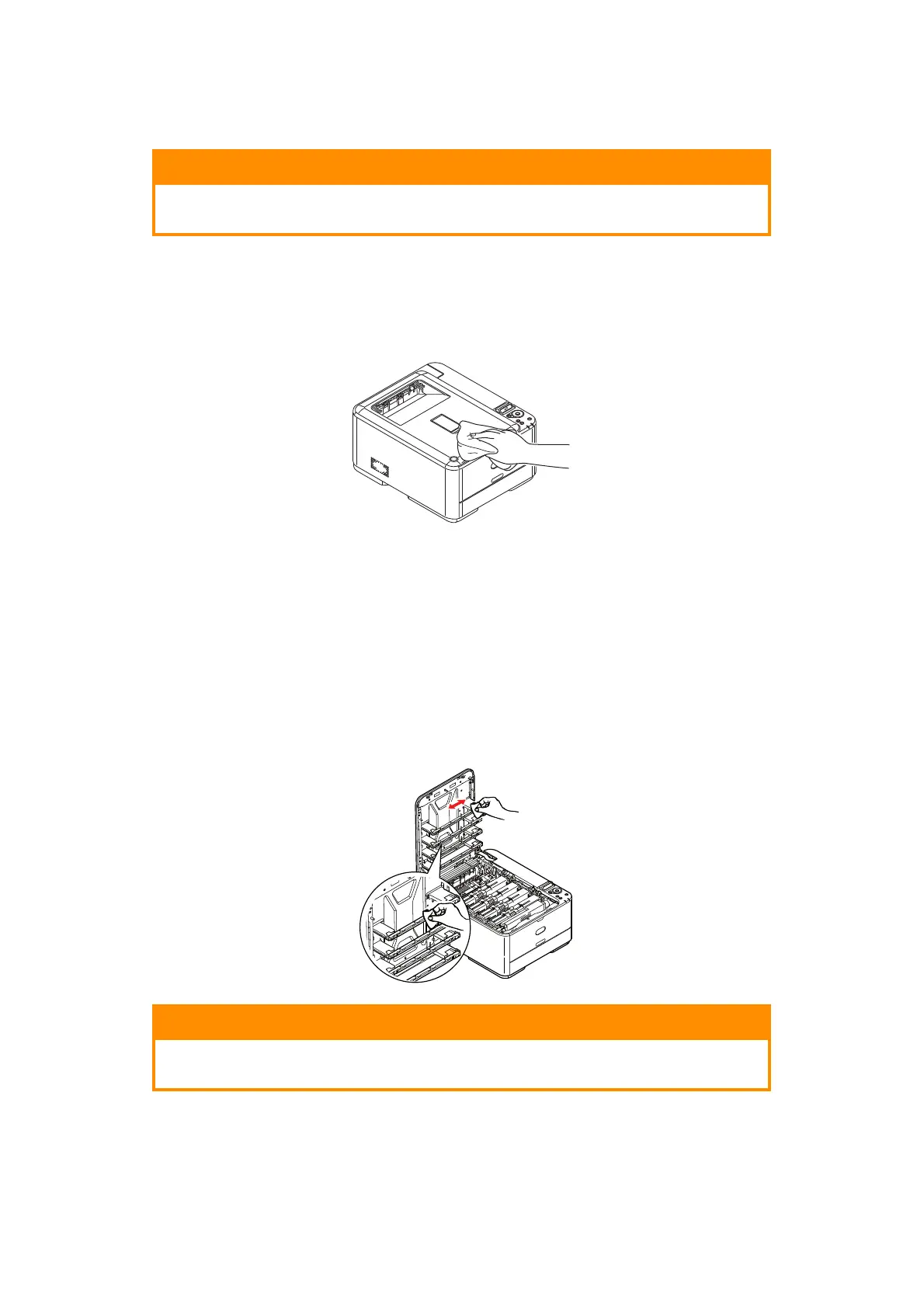
1. Switch the printer off.
2. Wipe the unit surface with a soft cloth moi
stened sparingly with water or neutral
detergent.
3. Use a soft dry cl
oth to dry the unit surface.
4. Switch the printer on.
...
THE
LED
HEAD
Clean the LED heads when printing does not come out clearly, has white lines or when text
is blurred.
There is no need to switch off the printe
r to clean the lens.
1. Press the cover rele
ase and open the printer’s output tray fully.
2. Gently wipe the LED head surface
with a clean, lint free cloth.
3. Close output tray and press down firmly at both sides so that the cover latches
closed.
CAUTION!
Use a clean, moist, lint-free cloth for cleaning. Do not use benzine,
thinners or alcohol as a cleaning agent.
CAUTION!
Do not use methyl alcohol or other solvents on the LED head as
damage to the lens surface will occur.



 To Next Page