22
notE
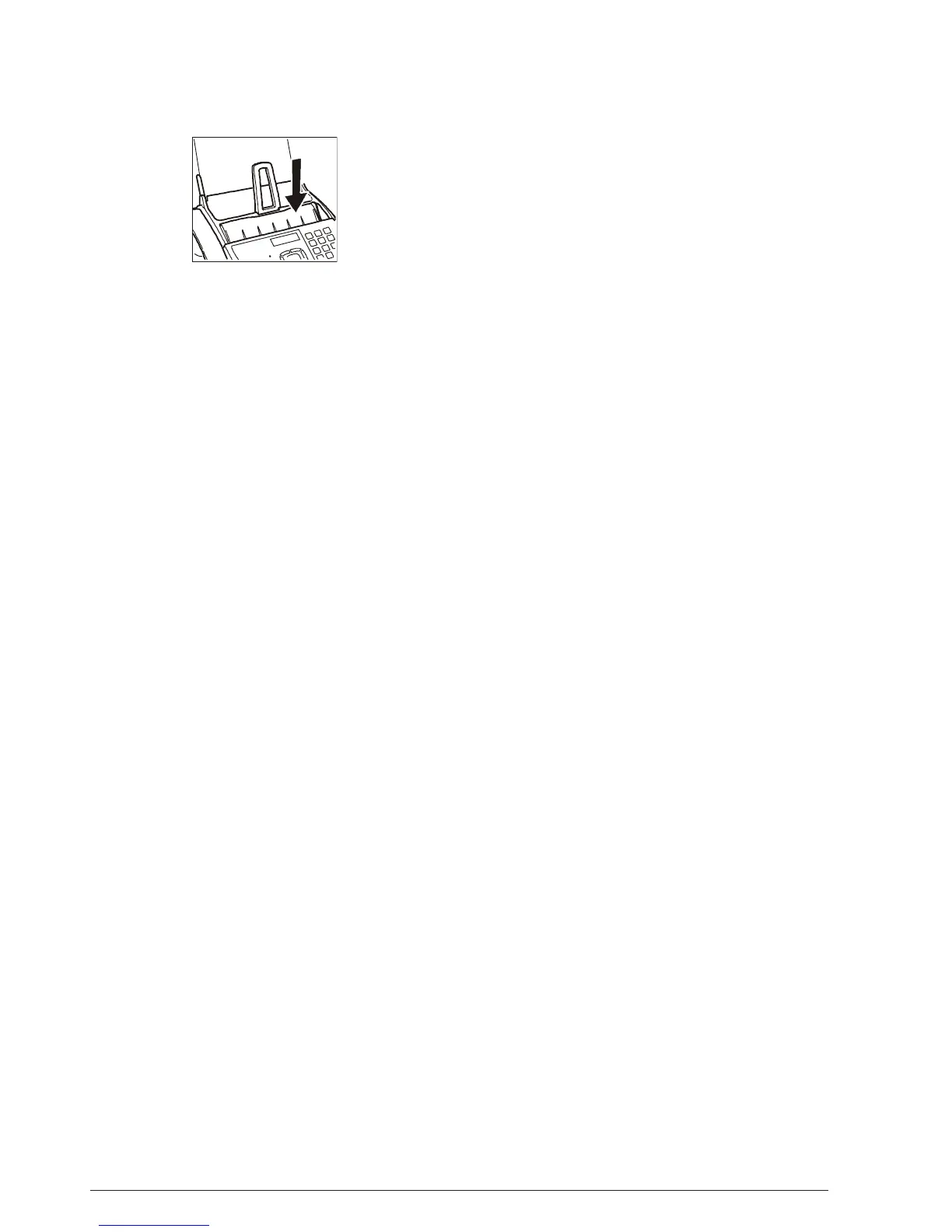
If you want to make enlargements or reductions, lay the origi-
nal in the centre in a lengthwise direction. Use the middle step
in the sheet feeder as an orientation aid.
The maximum printing width is 204 mm and the maximum print-
ing length is 282 mm. The maximum non-printing area is: right
and left 4 mm, top 3 mm and bottom 14 mm.



 To Next Page