56
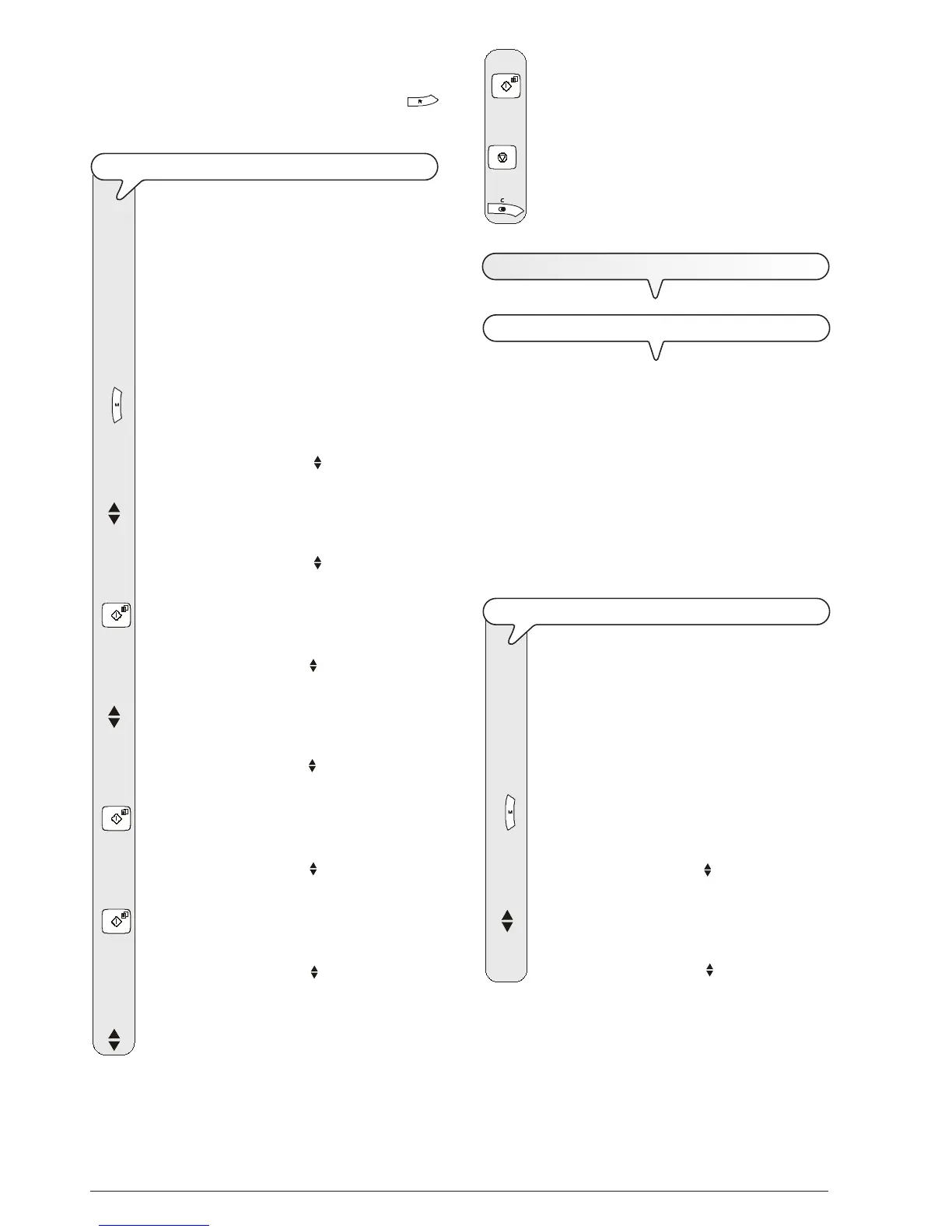
8. To confirm your choice, press the key:
9. To return the fax machine to its initial stand-by mode,
press the key:
10. If you want to move back one function, press the key:
R
ECEIVING
A
DOCUMENT
IN
POLLING
MODE
FIRST OF ALL, WHAT POLLING IS
It is a request by which a fax machine instructs an enabled
terminal to send the document requested automatically.
There are two main characteristics of communication using
the polling method:
• the user who is to receive the document requests trans-
mission. In other words, a user may connect to an enabled
terminal and instruct it to send a (specially prepared) docu-
ment to him, even when the user at the other end of the line is
out.
• the transaction is paid for by the person who requested
transmission (that is, the user who receives the document)
and not the person whose fax machine sends the document.
TO MAKE A TRANSMISSION REQUEST (POLLING RECEPTION)
Inform your correspondent of the time at which you
intend to request transmission so that he has time to put
the document to be sent in his enabled terminal. Then
set up your fax machine to receive the document, by
programming the dialling mode to be used to call your
correspondent and the time at which you wish to re-
ceive the document.
1. Press the key:
The display shows:
MENU
RECEPT. SET-UP
2. Press the keys
until the display shows:
MENU
POLLING RX
NOTE
Having enabled the Flash function, to switch from the private
branch exchange (PBX) to the public line, press the
key before dialling the number (the letter "E" appears on the
display).
TO ENABLE/DISABLE ECM
The ECM (Error Correction Mode) is a system for
correcting the errors caused by interference on the line.
This function only has effect if it has been enabled both
on your fax machine and on your correspondent's fax
machine and is indicated by a letter "E" appearing on
the display.
The fax machine is set up to send documents in this
mode. However, you can set it up to send documents in
normal mode, as follows:
1. Press the key:
The display shows:
MENU
RECEPT. SET-UP
2. Press the keys
until the display shows:
MENU
FAX SET-UP
3. Press the key:
The display shows:
FAX SET-UP
DATE AND TIME
4. Press the keys:
The display shows:
FAX SET-UP
VARIOUS SETT.
5. Press the key:
The display shows:
VARIOUS SETT.
ECM
6. Press the key:
The display shows:
ECM
YES
7. To view the other available option, "ECM - NO", press
the keys:



 To Next Page