30
note
Any kind of reception may be stopped by pressing the
key. The fax machine then returns to its initial stand-by mode.
P
HONE
BOOK
The fax can also store several numbers and associate a
name to them, thus creating an electronic diary which not
only saves time but also eliminates the risk of making mistakes
in dialling numbers.
Each number in the phone book may be assigned one of the
4 ring tunes to make it even easier to recognize the caller (for
all new numbers added, the default ring tune is number 1).
In addition, the telephone number or fax number that you
associated with each of the 10 numeric keys (0 - 9) may be
dialled quickly simply by pressing and holding down the
relevant key for more than a second.
TO PROGRAM THE PHONE BOOK
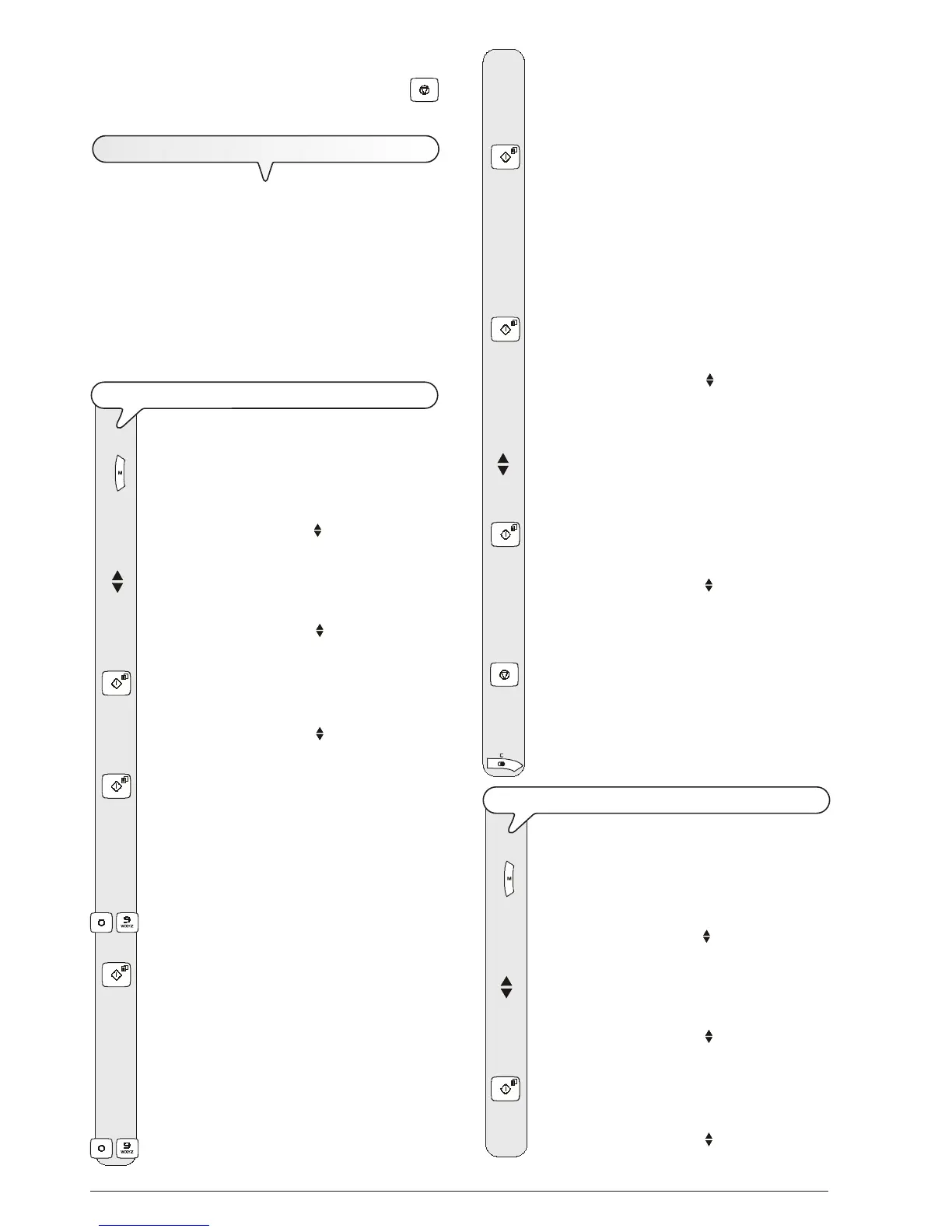
1. Press the key:
The display shows:
MENU
RECEPT. SET-UP
2. Press the keys
until the display shows:
MENU
PHONE BOOK
3. Press the key:
The display shows:
PHONE BOOK
NEW NUMBER
4. Press the key:
The display shows:
TYPE POSITION
(00-99) 00
5. Choose the position where you want to save the tel-
ephone number or fax number, for example: 01.
To do this, press the keys:
-
6. To confirm the setting, press the key:
The display shows:
01:TYPE NUMBER
_
If a number has already been saved in position 01, the
fax machine will display "ALREADY PROGRAM.".
7. Dial your correspondent’s telephone number or fax
number.
To do this, press the keys:
-
8. To leave a space, to correct typing mistakes or to enter
characters or special symbols, proceed as explained in
"All that is missing now is your name and fax
number", chapter "How to get started quickly".
9. To confirm the setting, press the key:
The display shows:
01:TYPE NAME
_
10. Enter the correspondent's name (max. 16 characters)
as you did for your name (see "All that is missing
now is your name and fax number", chapter "How
to get started quickly").
11. To confirm the setting, press the key:
The display shows:
RING TYPE
RING TYPE 1
12. To view the other available ring types, "RING TYPE
2", "RING TYPE 3" and "RING TYPE 4", press the
keys:
When switching from one ring tune to another, the fax
machine plays the first few seconds of the tune.
13. To confirm the setting, press the key:
The display shows:
PHONE BOOK
NEW NUMBER
At this point, you can terminate the procedure or you
can program another number.
14. To abort the procedure, press the key:
15. To program other numbers, repeat the procedure from
step 4.
16. If you want to move back one function, press the key:
TO MODIFY A NUMBER FROM THE PHONE BOOK
1. Press the key:
The display shows:
MENU
RECEPT. SET-UP
2. Press the keys
until the display shows:
MENU
PHONE BOOK
3. Press the key:
The display shows:
PHONE BOOK
NEW NUMBER



 To Next Page