35
TO PRINT THE LIST OF RECEPTION SETUP PARAMETERS
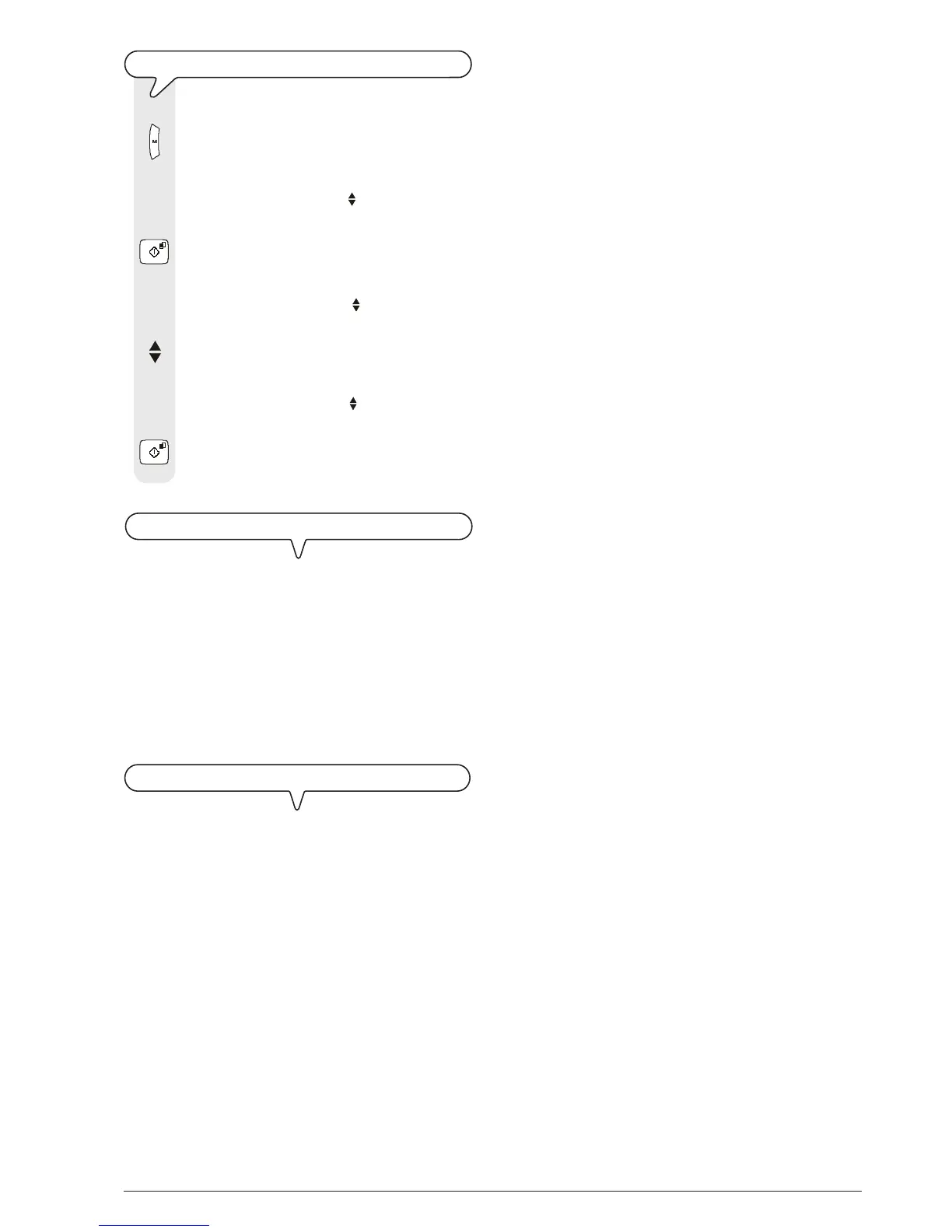
1. Press the key:
The display shows:
MENU
RECEPT. SET-UP
2. Press the key:
The display shows:
RECEPT. SET-UP
RECEPTION MODE
3. Press the keys
until the display shows:
RECEPT. SET-UP
PRINT CONFIG.
4. To confirm the setting, press the key:
Having printed the report, the fax machine automati-
cally returns to its initial stand-by mode.
TO PRINT THE BLACK LIST NUMBERS
Once programmed (see "To set the black list", chapter
"More sophisticated operations"), the fax machine can
disable a series of correspondents from whom you do not
wish to receive any documents whatsoever. This function is
useful to avoid receiving undesired documents such as: ad-
vertisements, propaganda, etc. All you have to do is save the
undesired numbers on a list. Having done this you will not
receive any documents from the correspondents whose num-
bers appear on the list (see "To print the black list", chap-
ter "More sophisticated operations").
TO PRINT THE DATA SAVED IN THE PHONE BOOK
As described previously, you can print a list of the telephone
numbers and fax numbers that you have saved in the phone
book, see "To program the phone book" and "To print
data from the phone book".



 To Next Page