CHARGING THE BATTERY WITH THE CHARGING
ADAPTER
Putting the Mobile Phone into Operation
TOUCH II
20
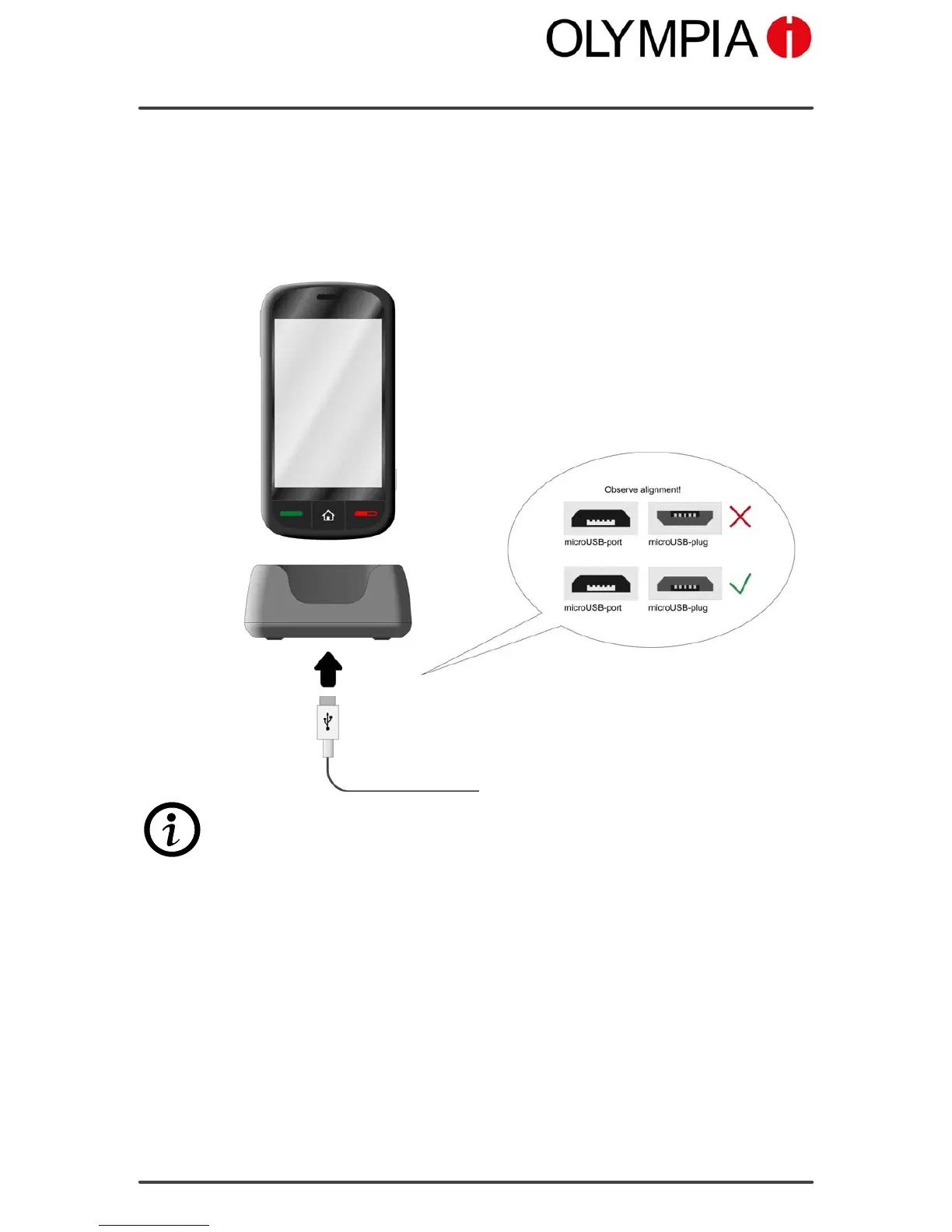
Charging the battery with the charging cradle
1. Connect the power plug to a properly installed power socket.
2. Connect the microUSB plug to the microUSB connection port on the
charging cradle.
3. Place the mobile phone in the charging cradle as illustrated.
The charging process is indicated in the display by means of a charging
battery icon.



 To Next Page