Mobile Phone Menu
TOUCH II
36
Mobile Phone Menu
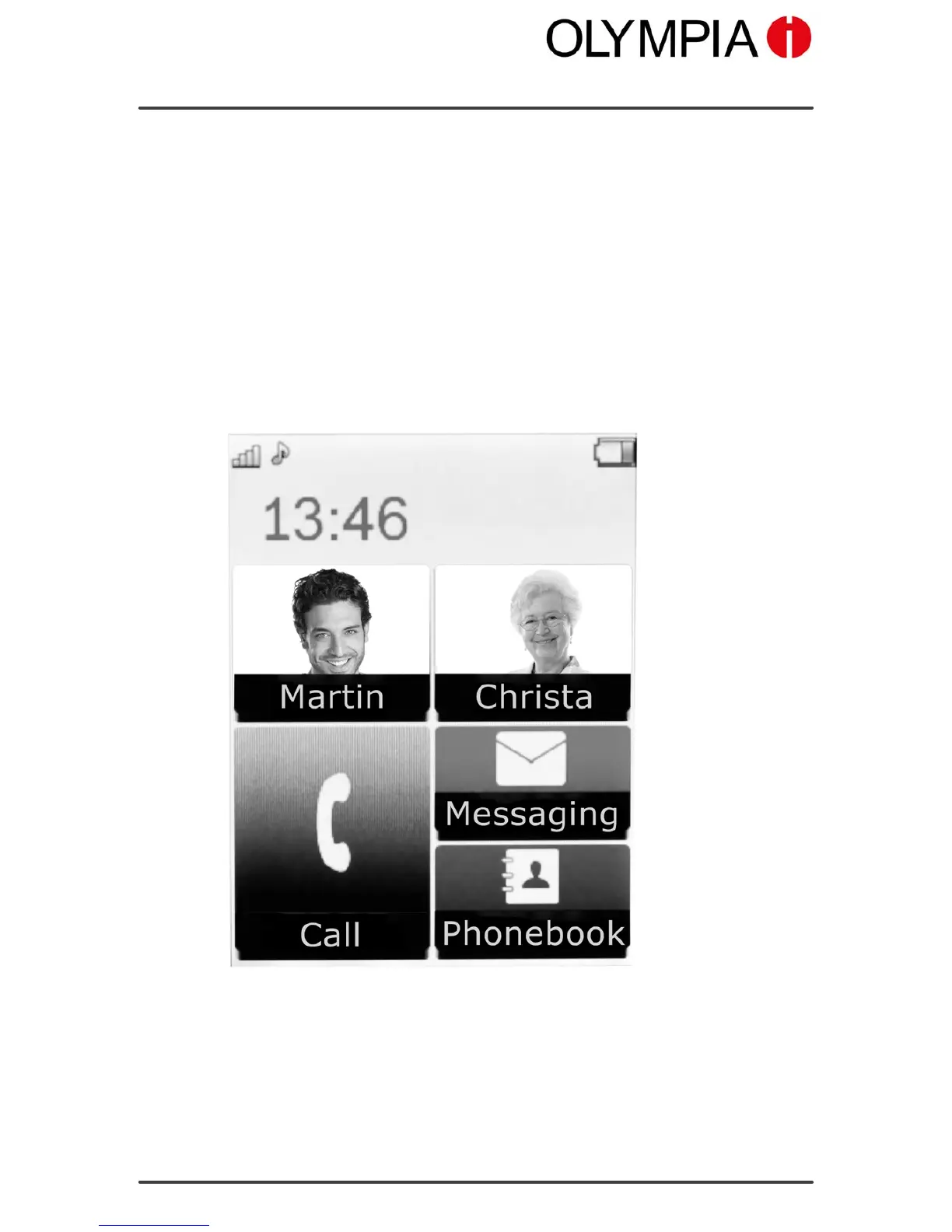
The main mobile phone menu is divided into topically organised groups
(submenus).
The higher level menus, such as the Phone Book, Settings and your Pic
ture dialling contacts menus, are located on the start screen of the mo
bile phone. Swipe your finger over the display (from top to bottom or bot
tom to top ) in order to view all the highest level menus.
All the most important functions are explained below with the aid of texts,
illustrations and examples.
Some texts in the menu appear as scrolling text. Wait a moment for the
respective selection in order to be able to read the scrolling text complete
ly.
The following descriptions always assume that the starting point for the op
eration is the mobile phone's start screen.
If necessary, you must deactivate the key lock before you can navigate to
the required menu.



 To Next Page