Using the Mobile Phone
MAKING, TAKING AND ENDING CALLS
TOUCH II
31
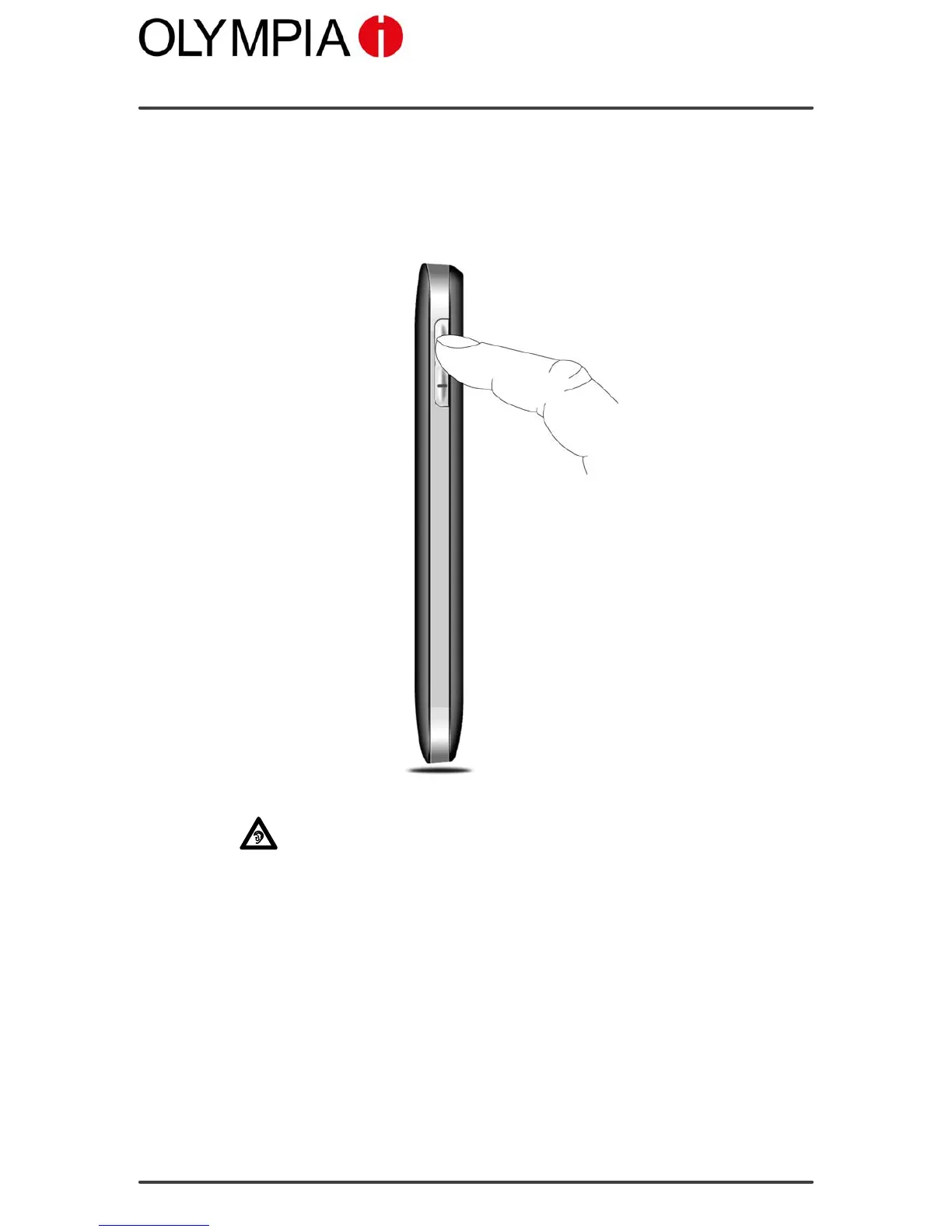
Setting the receiver volume
Adjust the receiver volume of the mobile phone while a call is in progress:
1. Press the / keys on the left-hand side of the mobile phone to
raise or lower the receiver volume.
Exposure to the receiver earpiece at full volume for a long period
could cause ear damage.



 To Next Page