Chapter 6 Submenu Operations
55
High definition LCD monitor OEV261H
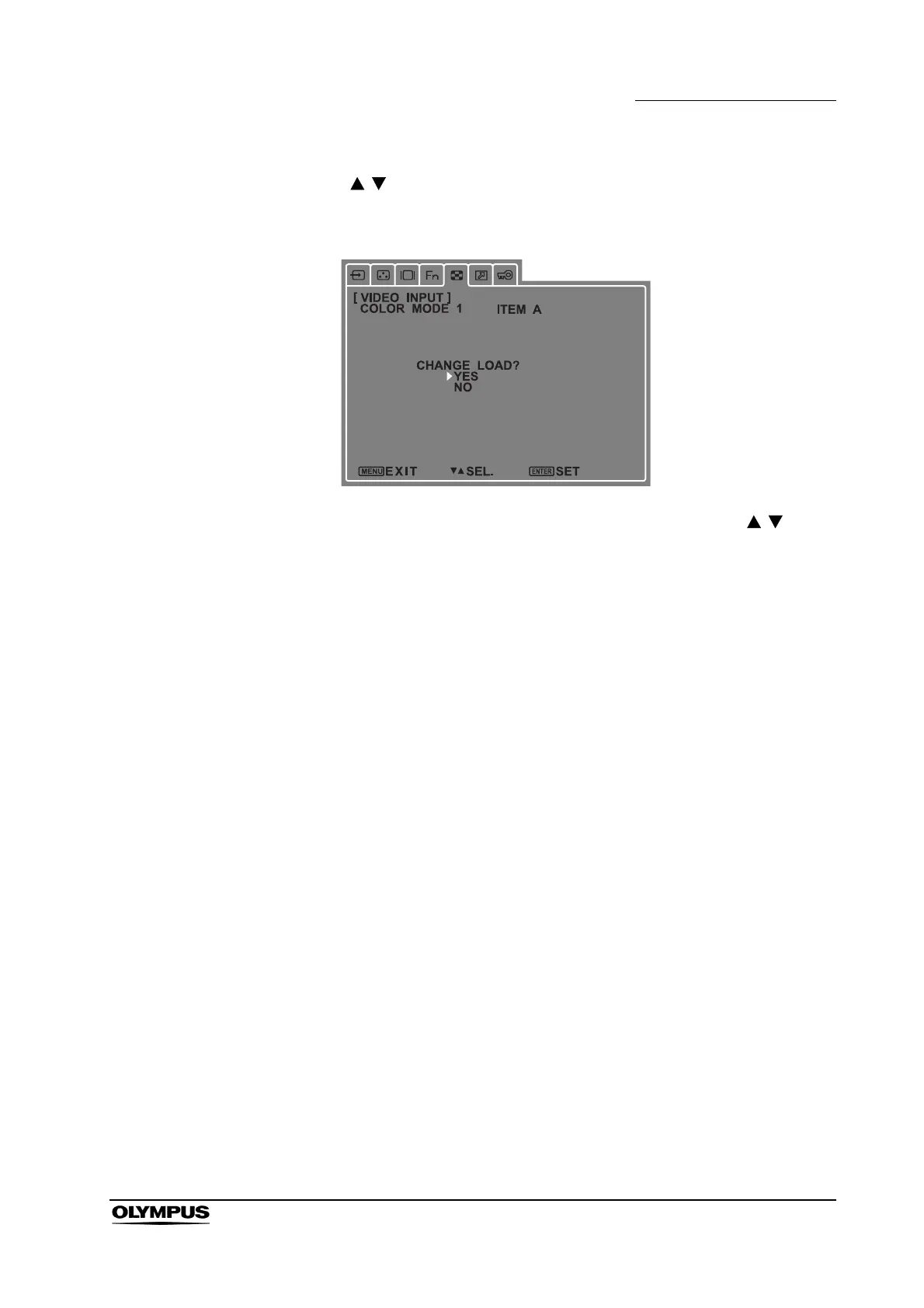
3. Use to select an ITEM (A – J) and press [ENTER].
A screen confirming the selection appears.
4. Unless a mistake was made in any of the screen settings, use to
select [YES] and press [ENTER].
• The settings are now saved and the previous screen reappears.
• To cancel previous settings, select [NO] and press [ENTER]. The
settings are not saved and the previous screen reappears.


 To Next Page