64
Chapter 6 Submenu Operations
High definition LCD monitor OEV261H
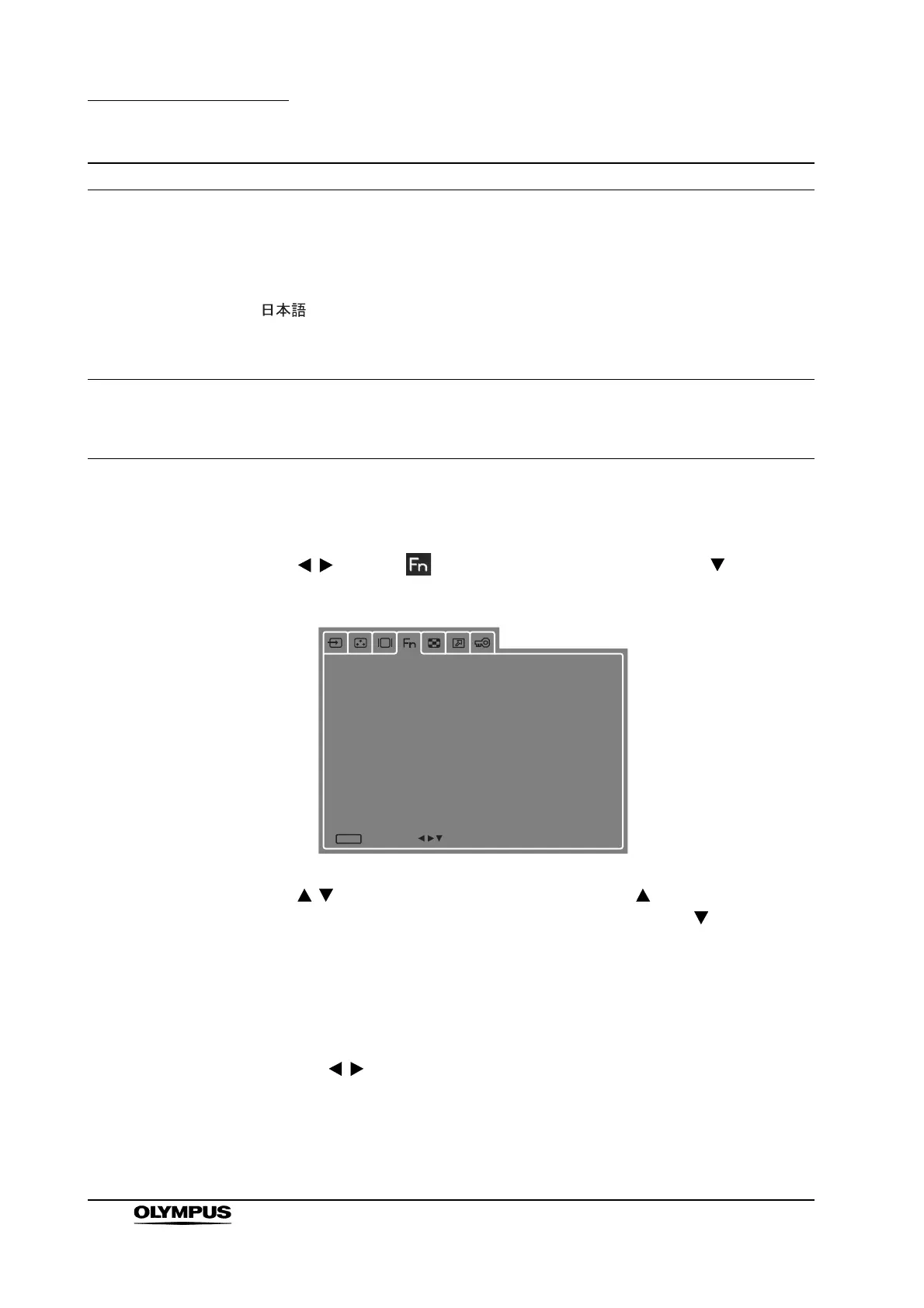
6.7 FUNCTION
Use to select (FUNCTION tab) in the tabs and press to open the
FUNCTION submenu and make the desired settings.
Use to move the cursor up and down. Pressing when the cursor is at
the top changes the cursor back to the tab selection. Pressing when the
cursor is at the bottom moves the cursor to the top.
Operation
1.
Press [ENTER] and the set submenu setting turns green.
2. Use to change the set value.
Use [ENTER] to confirm the change; the submenu selection screen
reappears.
Use [MENU] to cancel the change; the submenu selection screen
reappears.
LANGUAGE Sets menu language.
• ENGLISH (default value)............... English
• DEUTSCH..................................... German
• FRANÇAIS.................................... French
• ..........................................
Japanese
• ITALIANO...................................... Italian
• ESPAÑOL ..................................... Spanish
LOGO Displays the logo at startup.
• OFF............................................... Does not display
• ON (default value)......................... Displays logo
Submenu Description
[
FUNCTION
]
FUNCTION1
FUNCTION2
FUNCTION DISPLAY
PORT A SCAN SIZE
PORT A GAMMA SELECT
OFF
EXIT
MENU
SEL.


 To Next Page