2 Installation and connection
2-1 Installation
2 Installation and connection
2-1 Installation
Install the UPS.
For cautions when installing the UPS, refer to “Caution (for installation and connection)”
shown in the "Safety precautions" of the beginning of this manual.
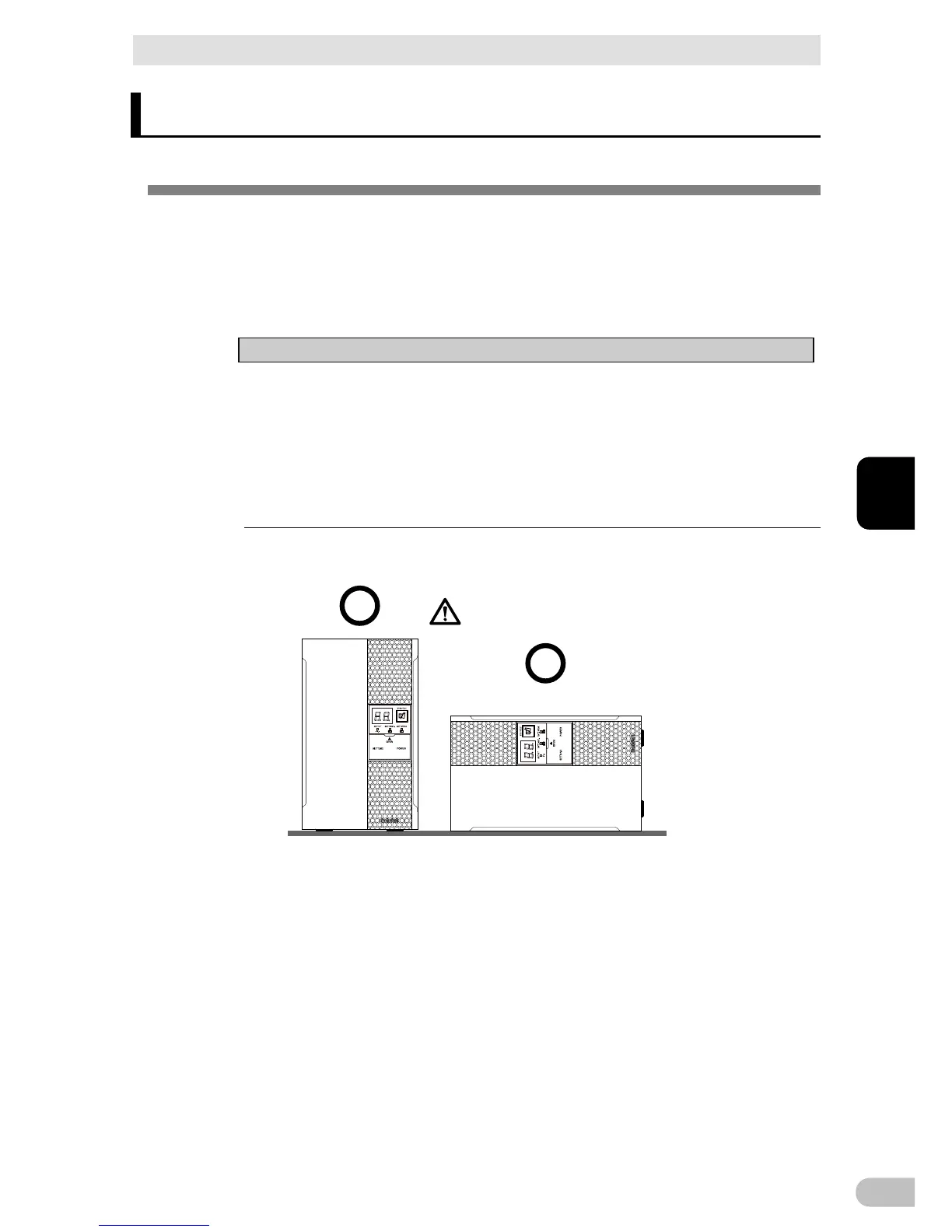
The UPS permits the following installing methods. Choose the one best suited for the
environment.
Notes
● Before installing this device, make a record of the serial number of this device.
The product serial number is required when contacting us about the device. The
serial number (S/N) is inscribed on the bottom left side of the rear panel. The
product serial number is inscribed on the bottom left side of the rear panel. The
product serial number label is also included.
●
Allow sufficient space at the back for the AC input cables of the UPS unit and
connected devices.
<BA75T/BA100T>
(Air vents are facing upward)
Ba careful not to get your fingers
caught when arranging the unit.
Correct Positions



 To Next Page