3 Check and start operation
3-5 UPS operation mode settings
3-5-2 Settings
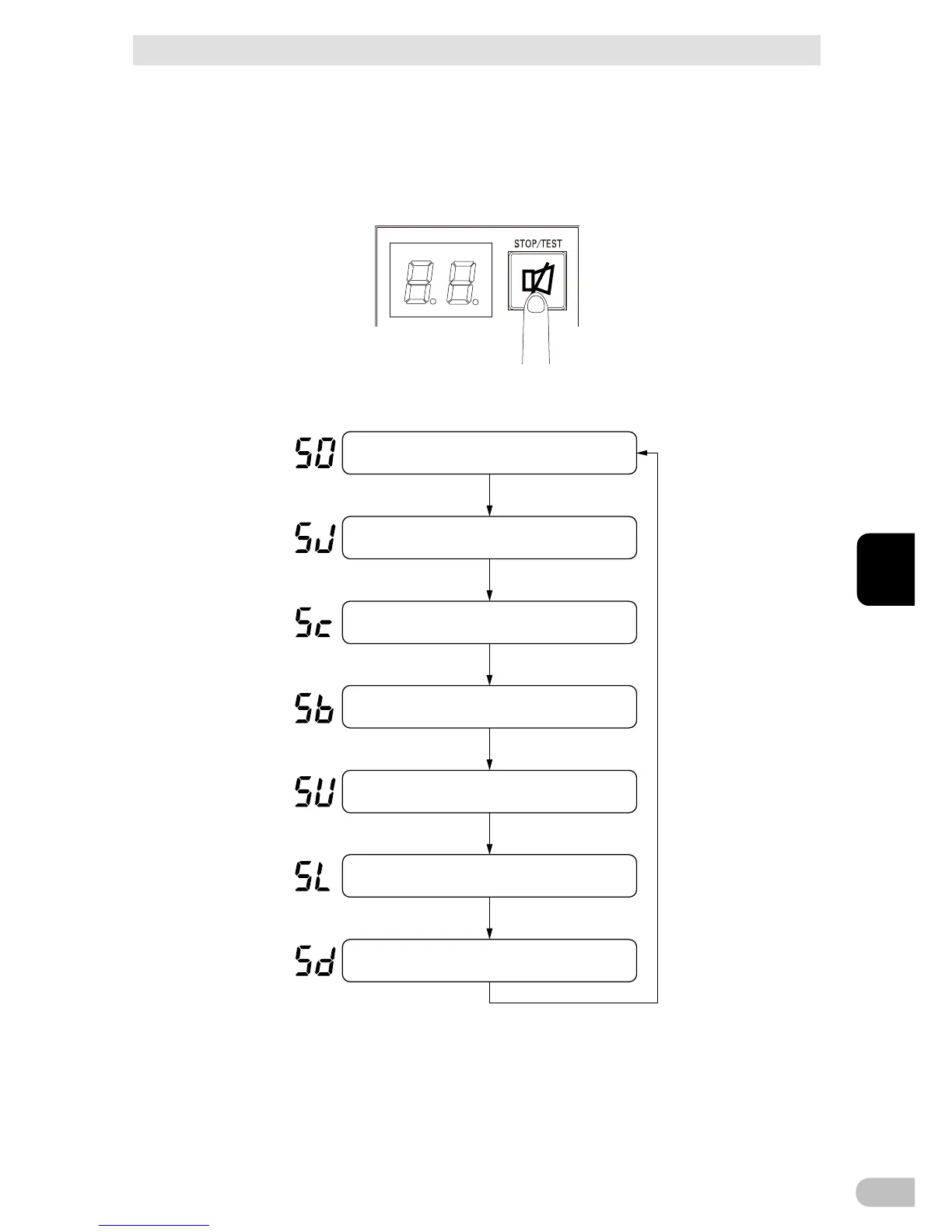
The UPS operation mode can be set if the “Power” switch is turned ON while the “Buzzer
Pause/Test” switch is pressed.
Note: While in setting mode, output from the power supply output is OFF even if the “Power” switch is
ON.
(1) When the “Buzzer Pause/Test” switch is briefly pressed (for less than 1 second), the
next item is displayed.
(2) The unit enters the “individual item setting mode” when the “Buzzer Pause/Test” switch
is pressed and held (for more than 1 second).



 To Next Page