2 Installation and connection
2-3 Connecting the AC input
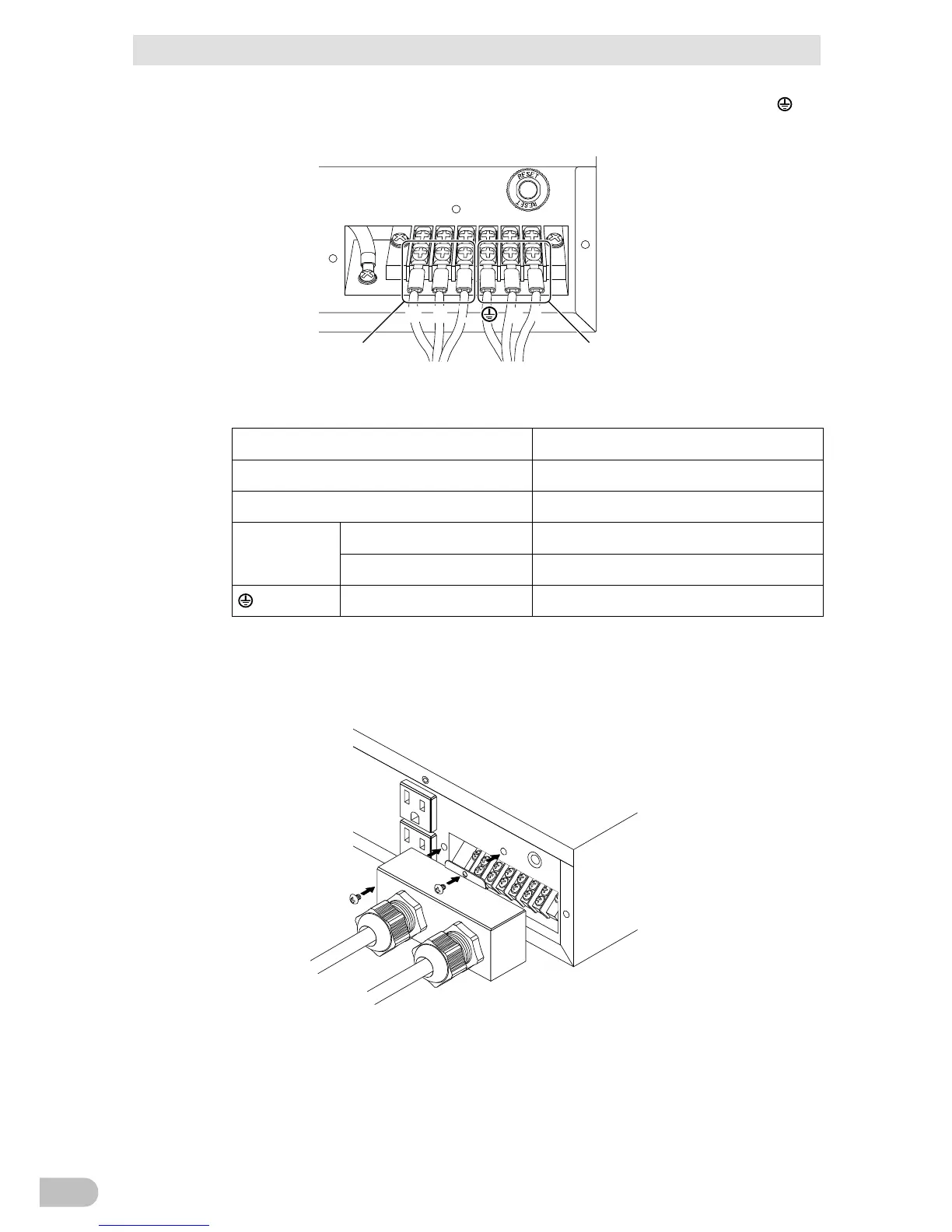
3. Connect the L line to L. Connect the N line to N, and connect the ground wire to .
Connections to the terminal block shall comply with the standards in Table 1.
4. Fix the terminal block cover with the screws, and then turn the clamp to stabilize the
wires (13mm to 18.5mm).
5. When the installation and connection are complete, connect the input of this unit to a
commercial power source such as a power switchboard.
When you connect it to a commercial power source, battery charging automatically
starts regardless of the ON/OFF state of the “Power” Switch and charging completes
within 8 hours.
BA75T/BA100T/BA100R
32



 To Next Page