695
V600/V620 ID Controller Protocol Appendix P
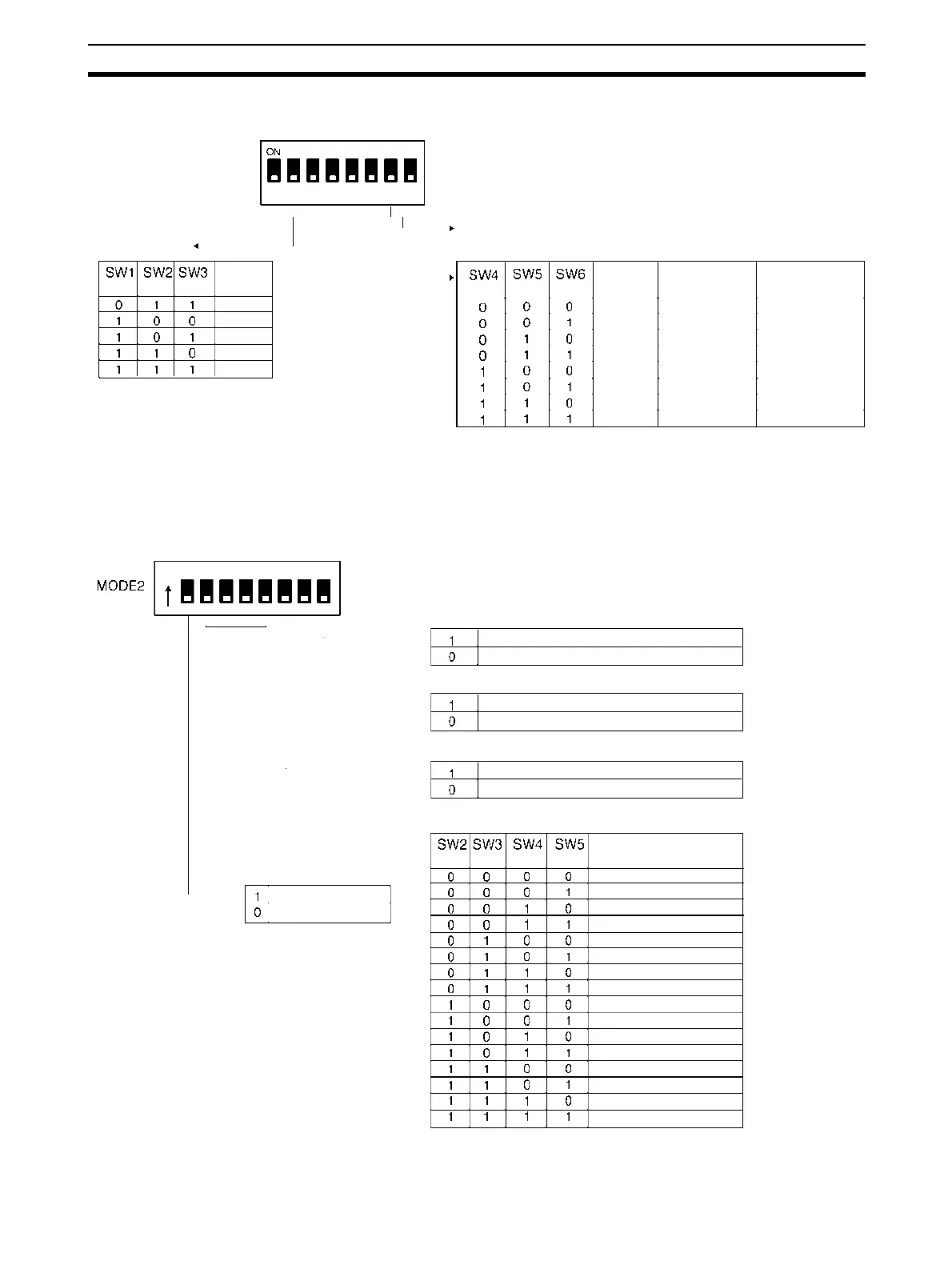
V600-CA@A DIP Switches
DIP Switch 1
Mode 1
12345678
Note 1. Data length setting
7 bits: ASCII
8 bits: JIS8 unit code
2. Parity setting
E: Even parity
O: Odd parity
N: No
arit
desi
nation
• Baud Rate
Setting
1=ON, 0=OFF
1 = ON, 0 = OFF
Note Factory Setting: All OFF
SW7 and SW8: Be sure to set to OFF.
• Communications Format
Baud rate
(bps)
2,400
4,800
9,600
19,200
7
7
7
7
8
8
8
8
2
2
1
1
2
1
1
1
Data
length (bit)
STOP
bit (bit)
Parity type
E
O
O
E
N
O
N
E
1,200
(See note 1) (See note 2)
DIP Switch 2
Note 1. Be careful not to set to the same unit number twice.
2. Set them to OFF for the 1-to-1 protocol.
• SW8: Receive Side Terminating Resistance Setting (Valid Only for the V600-CA2A)
12345678
• SW7: Receive Side Terminating Resistance Setting (Valid Only for the V600-CA2A)
• SW6: Communications Protocol Setting
• ID Controller Unit Number Setting (Valid Only for the 1-to-N Protocol)
• SW1 Setting
This setting is only valid if the EEPROM-type (battery-
less-type) Data Carrier (DC) is accessed. The setting
of SW7 does not work with the SRAM-type (battery-
type) DC.
• SW6 Setting
When selecting the 1-to-N protocol for the
V600-CA1A/RS-232C interface, the setting is limited
to N=1. In this case, the FCS check code may be add-
ed.
• Local Communications Mode Setting
Connected (ID Controller send side)
Not connected
Connected (ID Controller receive side)
Not connected
1-to-N protocol
1-to-1 protocol
Unit No.
No. 0
No. 1
No. 2
No. 3
No. 4
No. 5
No. 6
No. 7
No. 8
No. 9
No. 10
No. 11
No. 12
No. 13
No. 14
No. 15
Speed priority setting
Distance priority setting










 To Next Page