9
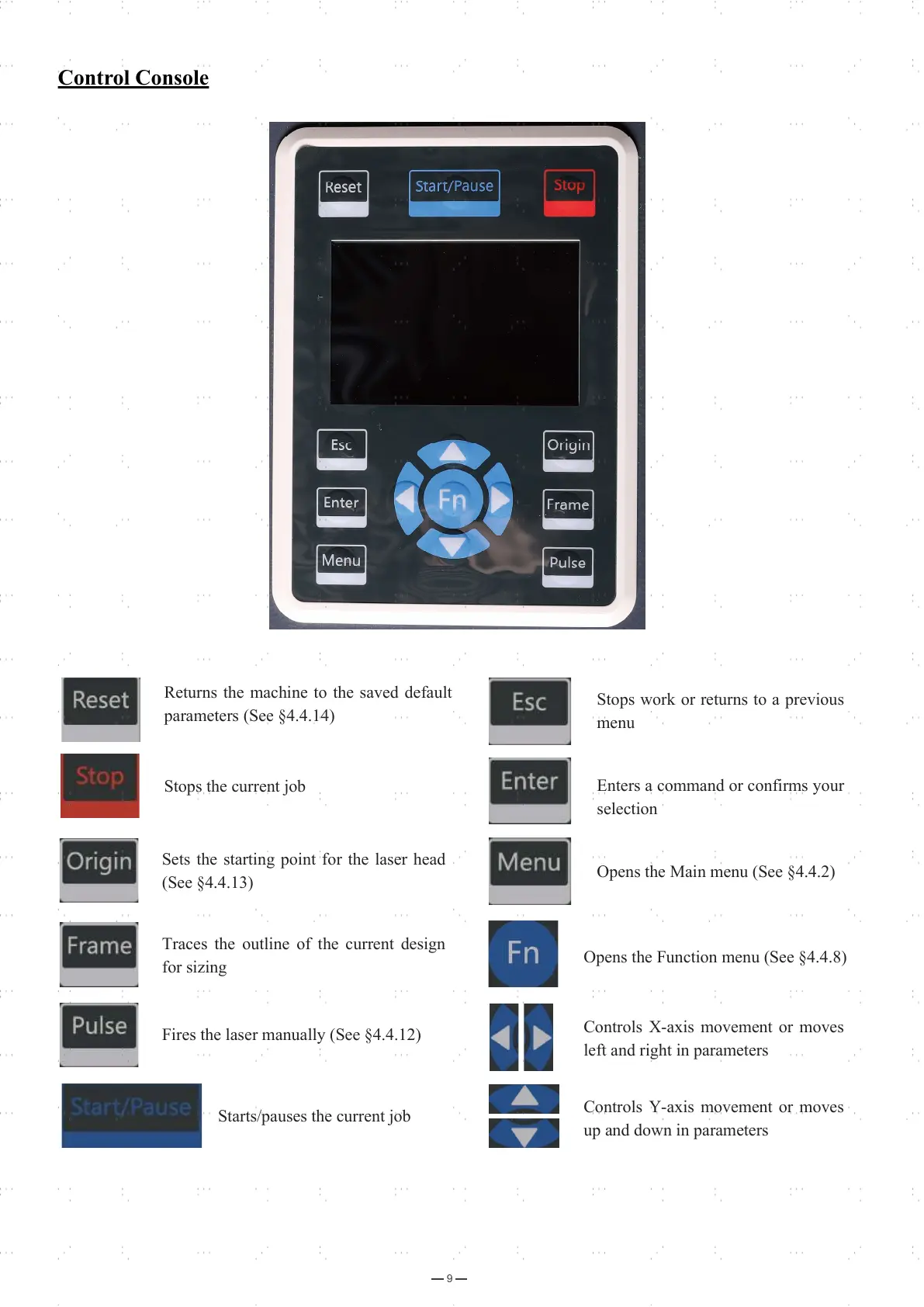
Control Console
Stops work or returns to a previous
menu
Enters a command or confirms your
selection
Opens the Main menu (See §4.4.2)
Opens the Function menu (See §4.4.8)
Controls X-axis movement or moves
left and right in parameters
Controls Y-axis movement or moves
up and down in parameters
Returns the machine to the saved default
parameters (See §4.4.14)
Sets the starting point for the laser head
(See §4.4.13)
Traces the outline of the current design
for sizing
Fires the laser manually (See §4.4.12)
Starts/pauses the current job
Stops the current job



 To Next Page