Recording
[
Unless you have the full consent of the copyright holder, copyright laws prohibit using your ]
recordings for anything other than personal enjoyment!
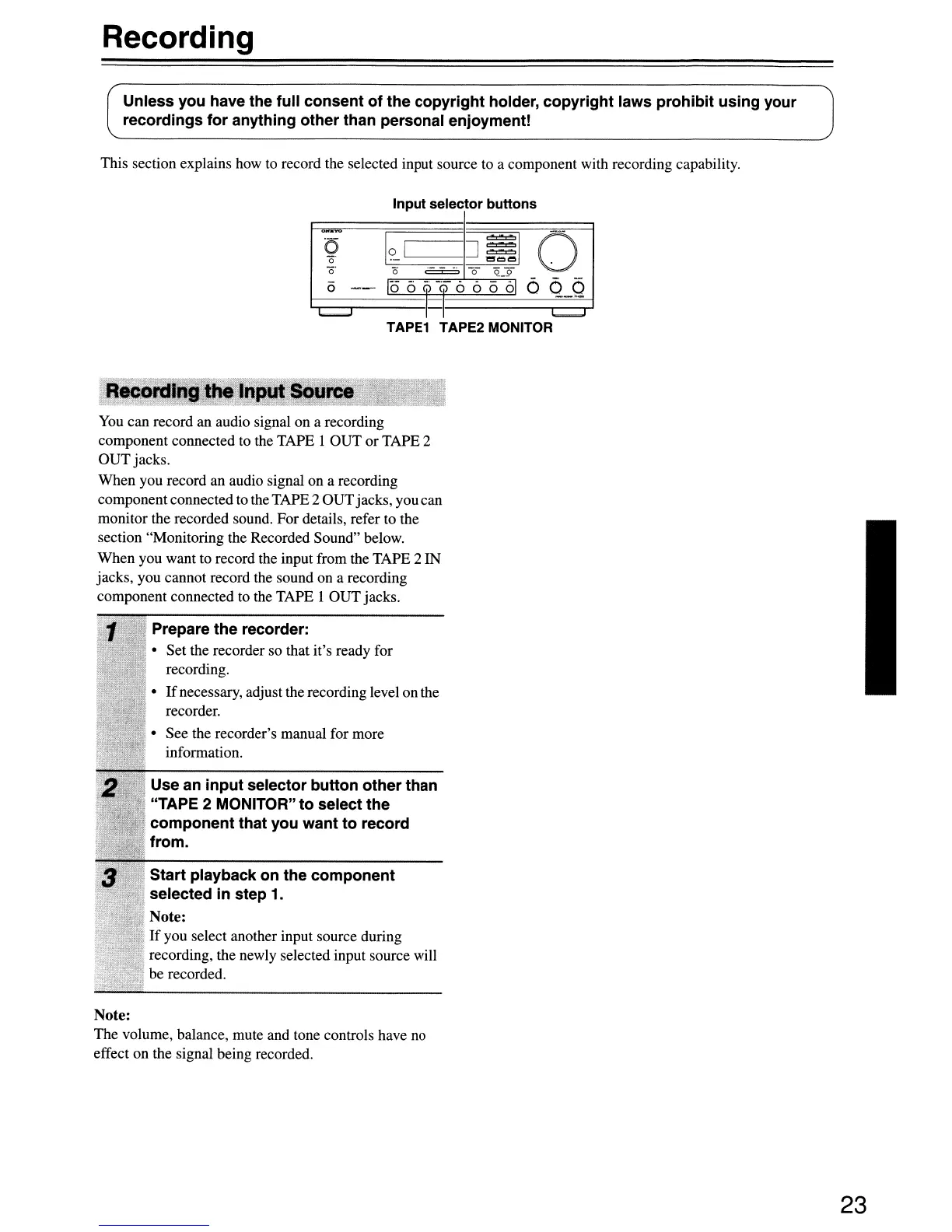
This section explains how to record the selected input source to a component with recording capability.
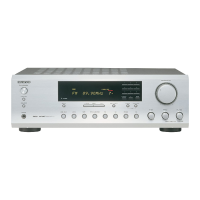
Input selector buttons
~
I?
J51
0
0
I
'0
o'
0
C::::::::::::z:
-0-
Q_9
(5
--
1(56
QQ
0 0
0
010
Q
<5
l..........J
I I
I..........,l
TAPE1 TAPE2 MONITOR
You
can record an audio signal on a recording
component connected
to
the TAPE
lOUT
or TAPE 2
OUT jacks.
When you record an audio signal on a recording
component connected
to
the TAPE 2 OUTjacks, you can
monitor the recorded sound. For details, refer to the
section "Monitoring the Recorded Sound" below.
When you want to record the input from the TAPE 2 IN
jacks, you cannot record the sound on a recording
component connected to the TAPE I OUT jacks.
. Prepare the recorder:
• Set the recorder so that it's ready for
recording.
•
If
necessary, adjust the recording level on the
recorder.
• See the recorder's manual for more
information.
Use an input selector button other than
"TAPE 2 MONITOR" to select the
component that you want to record
from.
Start playback on the component
selected
in
step 1.
Note:
;,
If
you select another input source during
recording, the newly selected input source will
be recorded.
Note:
The volume, balance, mute and tone controls have no
effect on the signal being recorded.
23


 To Next Page