Recording-Continued
Monitoring the Recorded Sound
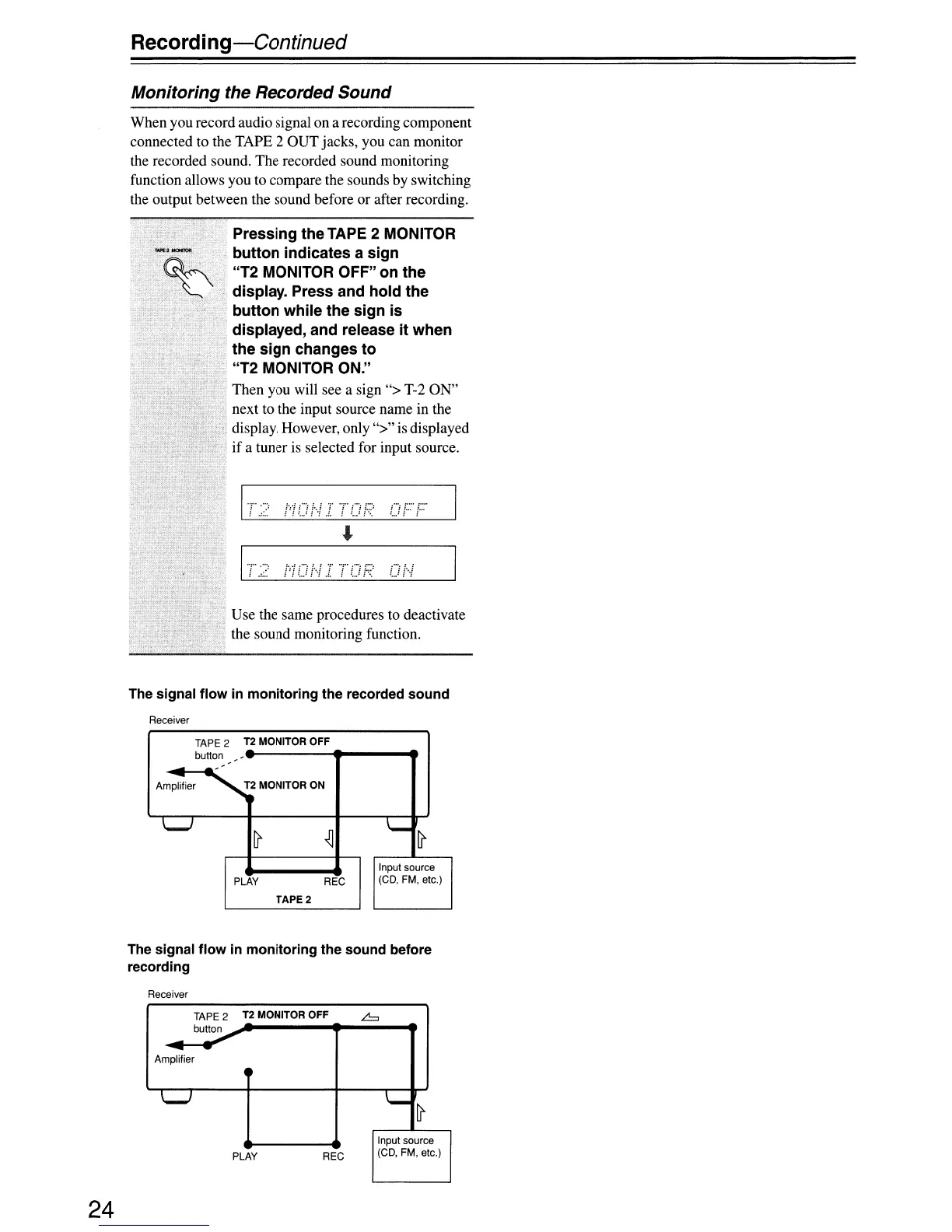
When you record audio signal on a recording component
connected to the TAPE 2 OUT jacks, you can monitor
the recorded sound. The recorded sound monitoring
function allows you to compare the sounds by switching
the output between the sound before or after recording.
Use the same procedures to deactivate
the sound monitoring function.
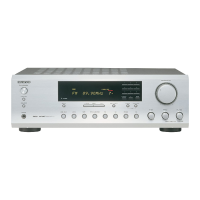
Pressing the TAPE 2 MONITOR
button indicates a sign
"T2 MONITOR OFF" on the
display. Press and hold the
button while the sign is
displayed, and release it when
the sign changes to
"T2 MONITOR ON."
Then you will see a sign "> T-2 ON"
next to the input source name in the
display. However,
only">"
is displayed
if
a tuner
is
selected for input source.
i
...
ff''' t
..
(j
J-··f
/
..
, .
f.::::
1'T"
.":,
......
The signal flow in monitoring the recorded sound
Receiver
TAPE
2
T2 MONITOR OFF
button
-
-
-
-
-
-
-
Amplifier
T2 MONITOR ON
\......-I
~
~
'-
~
Input
source
PLAY
REC
(CD,
FM,
etc.)
TAPE 2
The signal flow in monitoring the sound before
recording
Receiver
TAPE
2
T2 MONITOR OFF
.6
button
-
-
-
Amplifier
'-J
I.-
~
Input
source
PLAY
REC
(CD,
FM,
etc.)
24


 To Next Page