Introduction 11
Usage
Control elements
The Infotainment system is operated
via function buttons, a touch screen
and menus that are shown on the
display.
Inputs are made optionally via:
● the central control unit in the
control panel 3 8
● the touch screen 3 13
● audio controls on the steering
wheel 3 8
● the speech recognition 3 32
Switching the Infotainment
system on or off
Press X. After switching on, the last
selected Infotainment source
becomes active.
Automatic switch-off
If the Infotainment system has been
switched on pressing X while the
ignition is switched off, it will switch off
again automatically 10 minutes after
the last user input.
Setting the volume
Turn X. The current setting is shown
on the display.
When the Infotainment system is
switched on, the last selected volume
is set, provided that it is lower than the
maximum start-up volume. For a
detailed description 3 16.
Speed compensated volume
When the speed compensated
volume is activated 3 16, the
volume is adapted automatically to
make up for the road and wind noise
as you drive.
Mute
Press X to mute the Infotainment
system.
To cancel the mute function: press
X again. The last selected volume is
set again.
Volume limitation at high
temperatures
At very high temperatures inside the
vehicle, the Infotainment system
limits the maximum adjustable
volume. If necessary, the volume is
decreased automatically.
Modes of operation
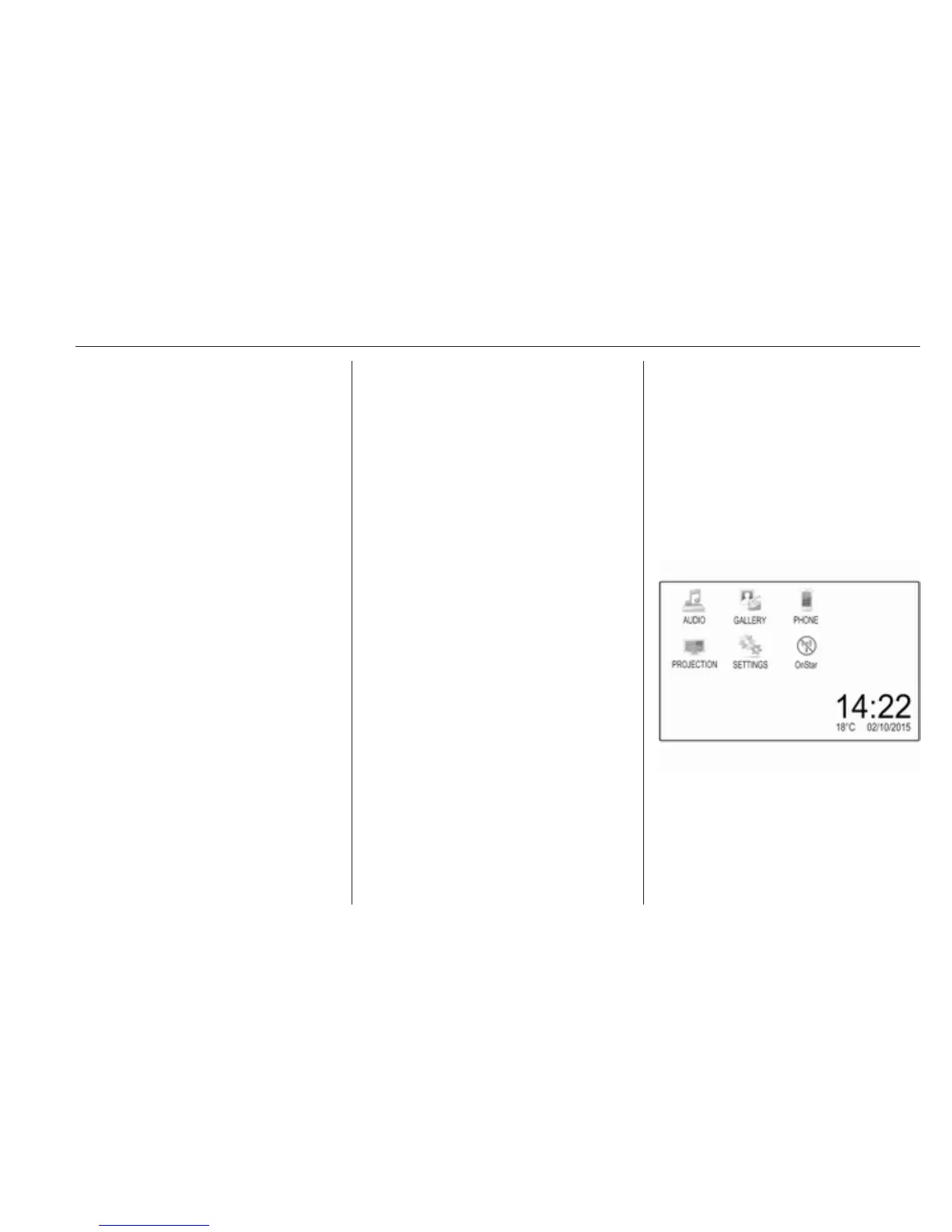
Press ; to display the Home menu.
Note
For a detailed description of menu
operation via touch screen 3 13.
AUDIO
Select AUDIO to open the main menu
of the last selected audio mode.



 To Next Page