56 Introduction
Tone settings
In the tone settings menu the tone
characteristics can be set differently
for each radio waveband and each
audio player source.
Press TONE to open the tone settings
menu.
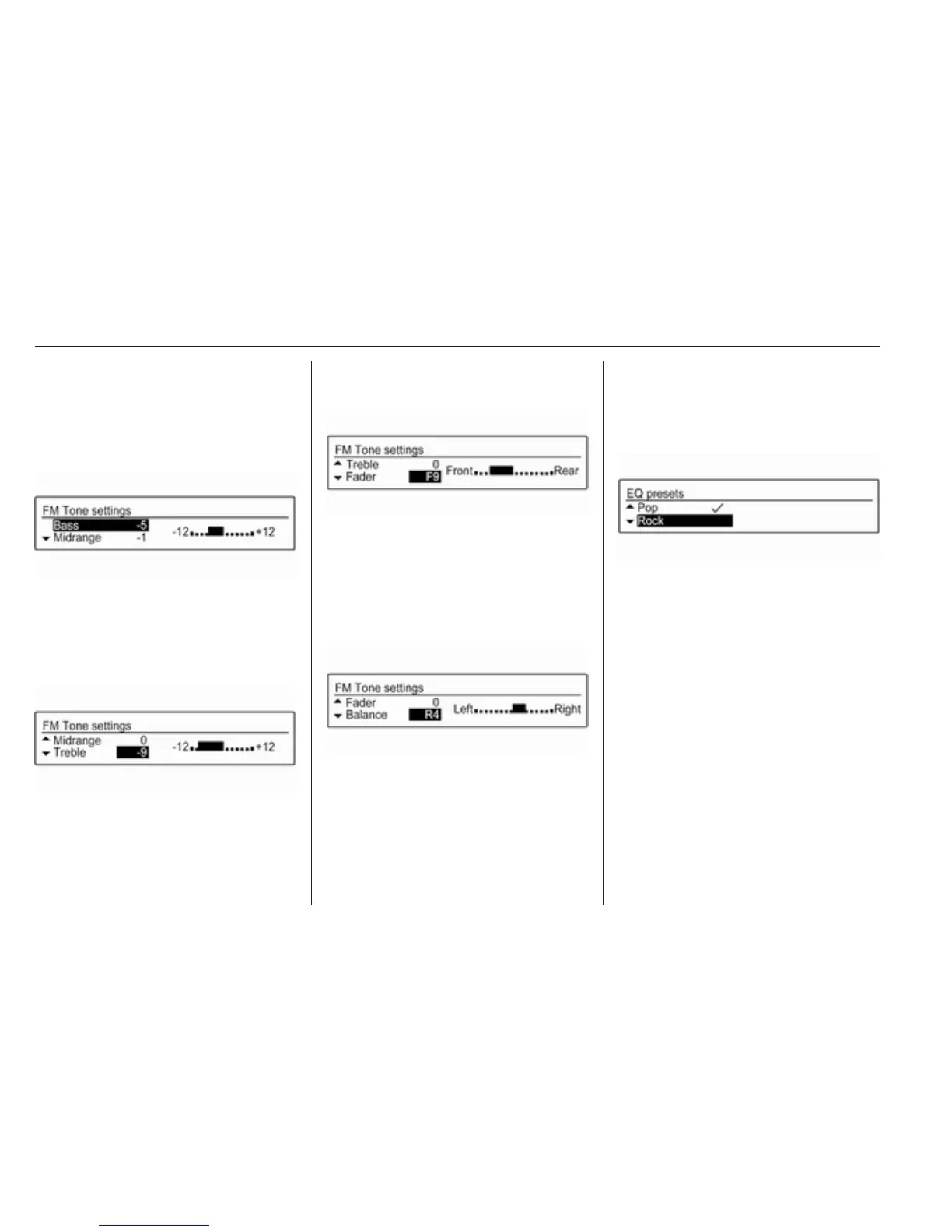
Setting bass, midrange, and
treble
Scroll through the list and select
Bass, Midrange or Treble.
Set the desired value for the selected
option.
Setting the volume distribution
between front and rear
Scroll through the list and select
Fader.
Set the desired value.
Setting the volume distribution
between right and left
Scroll through the list and select
Balance.
Set the desired value.
Selecting a tone style
Scroll through the list and select EQ
(Equaliser). The EQ presets menu is
displayed.
The displayed options offer optimised
bass, middle, and treble presettings
for the relevant style of music.
Select the desired option.
Setting an individual setting to "0"
Select the desired option and press
MENU-TUNE for a few seconds.
The value is reset to "0".
Setting all settings to "0" or "OFF"
Press TONE for a few seconds.
All values are reset to "0", the EQ
preset is set to "OFF".



 To Next Page