Phone 79
minutes depending on the phone
model. During this period, operation
of the mobile phone is possible via the
Infotainment system only to a limited
extent.
Note
Not every mobile phone supports all
functions of the Phone portal.
Therefore deviations from the range
of functions described with these
specific mobile phones are possible.
Prerequisites
The following prerequisites must be
met in order to use the handsfree
mode of the Infotainment system:
● The Bluetooth function of the
Infotainment system must be
activated 3 76.
● The Bluetooth function of the
mobile phone must be activated
(see user guide of the device).
● The mobile phone must be set to
"visible" (see user guide of the
device).
● The mobile phone must be paired
to the Infotainment system 3 76.
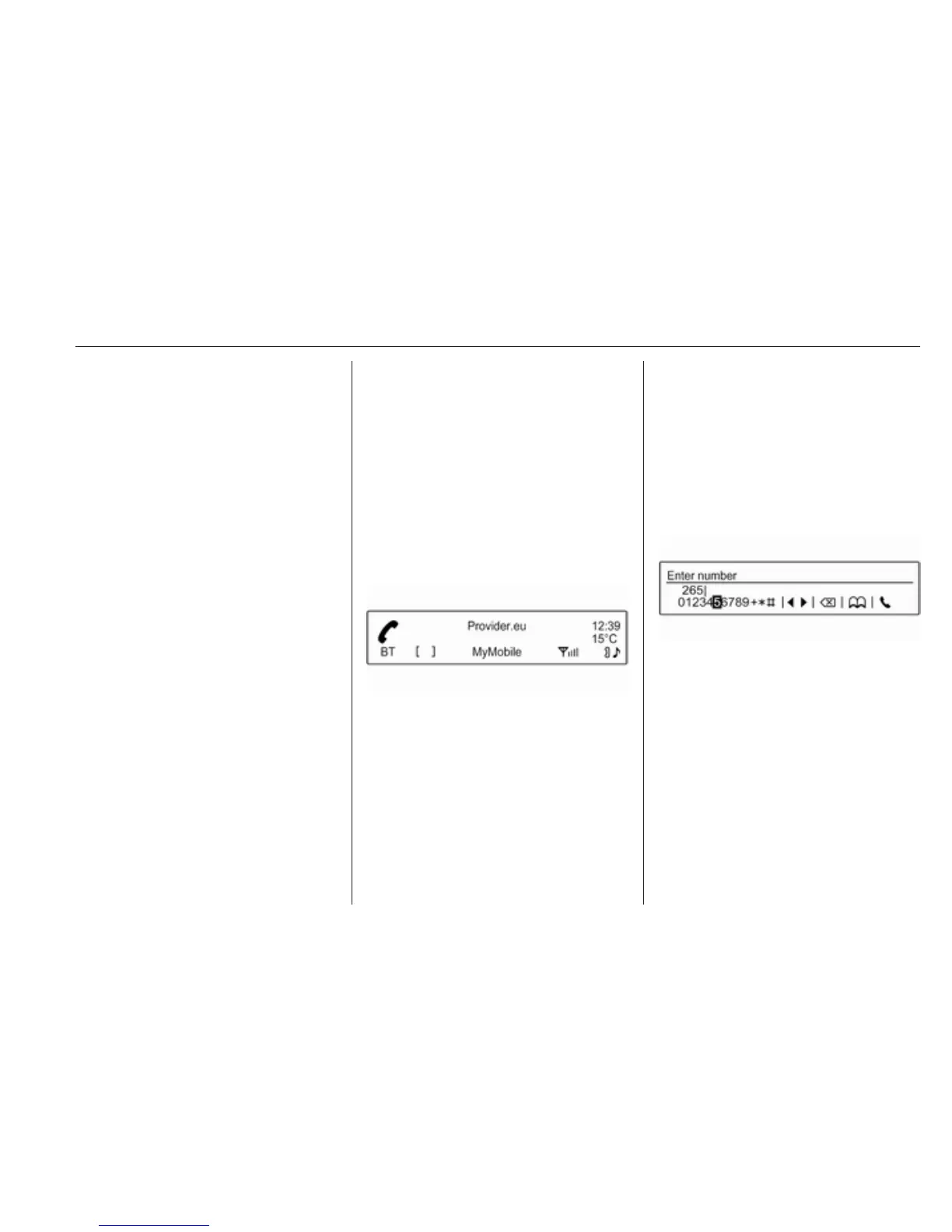
Activating the handsfree mode
Press y / @ on the control panel of the
Infotainment system. The phone main
menu is displayed.
Note
If there is no mobile phone
connected to the Infotainment
system, No phone available is
displayed. For a detailed description
of how to establish a Bluetooth
connection 3 76.
Many functions of the mobile phone
can now be controlled via the phone
main menu (and associated
submenus) and via the phone-
specific controls on the steering
wheel.
Initiating a phone call
Entering a number manually
While in the phone main menu, press
MENU-TUNE to open the Phone
Menu.
Select the submenu item Enter
number. The following screen is
displayed.
Enter the desired number and select
y on the display to start dialling.
Note
To open the Search screen of the
phone book, select 4.
Using the phone book
The phone book contains contact
names and numbers.
Being in the phone main menu, press
MENU-TUNE to open the Phone
Menu.



 To Next Page