Radio 21
Note
The currently received radio station
is indicated by the l symbol next to
the station name.
Update station lists
If the stations stored in a waveband-
specific station list can no longer be
received, select Menu in the bottom
line of the active radio main menu and
then select the respective menu item
to update the station list, e.g. Update
Station List.
Note
If a waveband-specific station list is
updated, the corresponding
category list is also updated.
A station search is started and a
corresponding message is displayed.
Once the search is finished, the
respective station list is displayed.
Note
The currently received radio station
is indicated by the l symbol next to
the station name.
Favourite lists
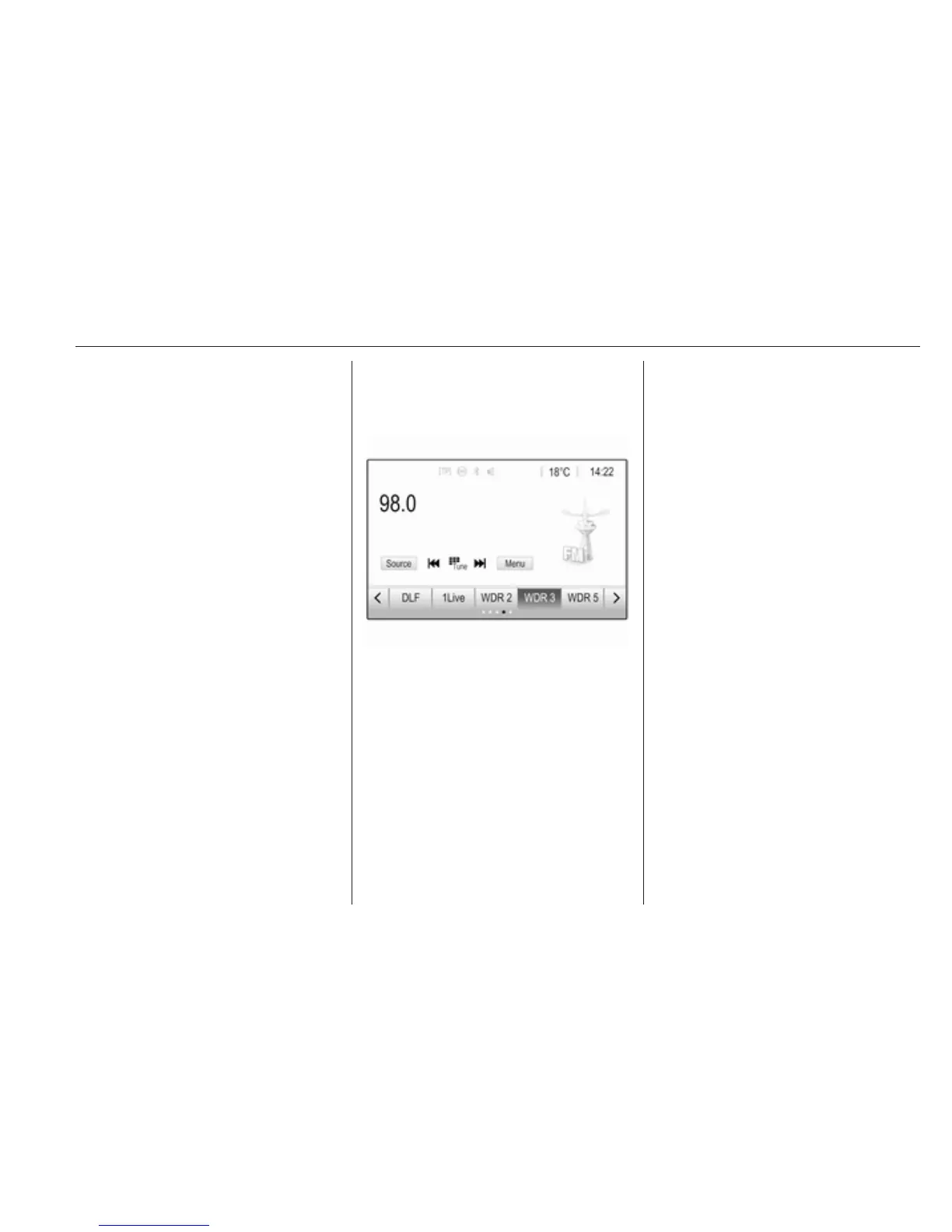
Stations of all wavebands can be
stored manually in the favourite lists.
Five favourite lists are available, in
each of which 5 stations may be
stored.
Note
The currently received station is
highlighted.
Storing a station
If required, touch < or > to scroll
through the favourite pages.
To store the currently active radio
station to a preset screen button:
touch and hold the desired screen
button for a few seconds. The
corresponding frequency or station
name is displayed on the screen
button.
Retrieving stations
If required, touch < or > to scroll to
the desired favourite page.
Select the preset screen button on
which the desired radio station is
stored.
Defining the number of available
favourites pages
To define the number of favourites
pages displayed for selection, press
HOME and then select SETTINGS on
the screen.
Select Radio and then Manage
Favourites to display the respective
submenu.
Depending on which favourites pages
you want to be displayed, activate or
deactivate the pages.



 To Next Page