18 Introduction
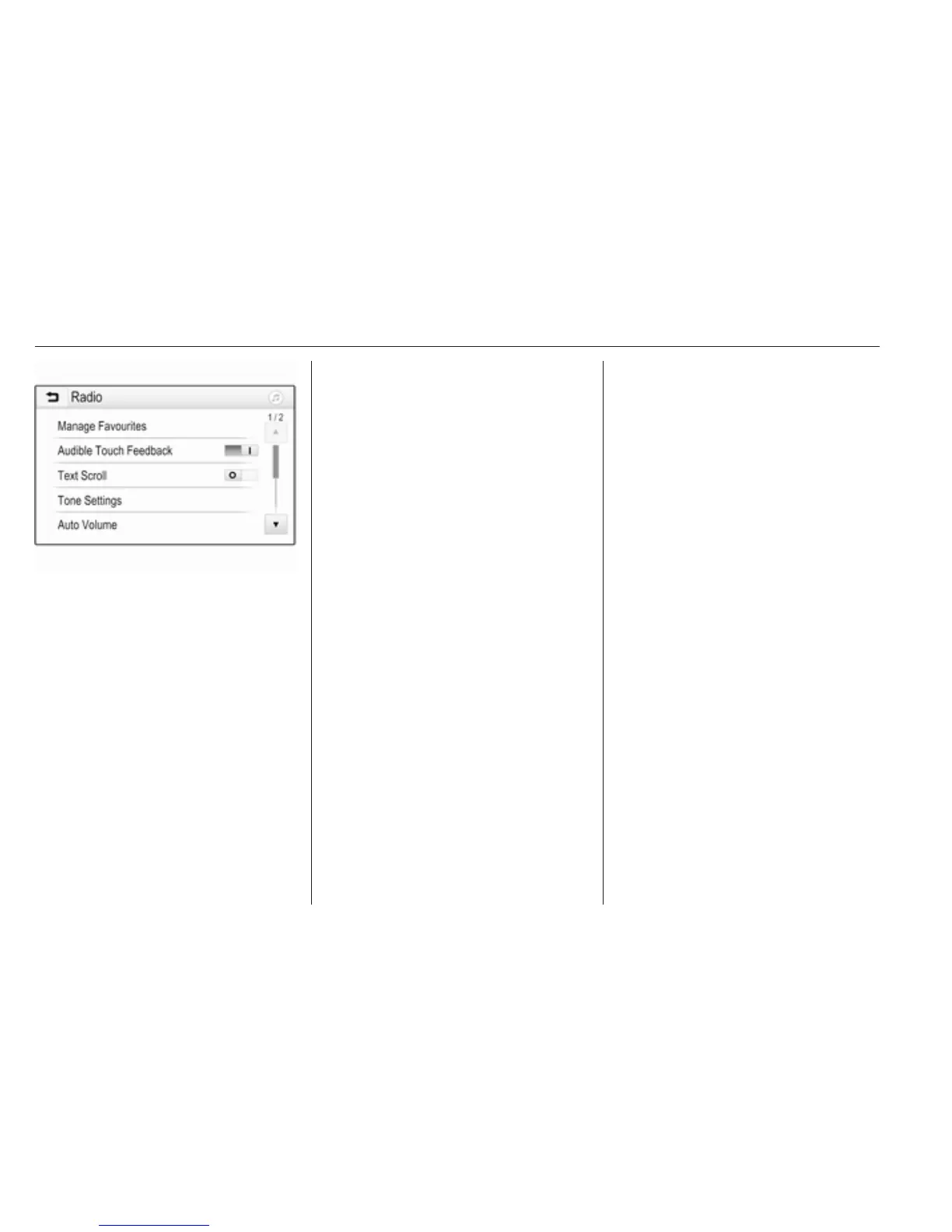
If you wish the text to be scrolled
continually, activate Text Scroll.
If you wish the text to be scrolled in
blocks, deactivate the setting.
Factory defaults
Press ; and then select Settings.
Scroll through the list and select
Return to Factory Settings.
To restore all vehicle personalisation
settings, select Restore Vehicle
Settings.
To delete the paired Bluetooth
devices, the contacts list and the
voice mail numbers stored, select
Clear All Private Data.
To reset tone and volume settings,
delete all favourites, and erase the
ringtone selection, select Restore
Radio Settings.
In each case, a warning message is
displayed. Select Continue to reset
the settings.
System version
Press ; and then select Settings.
Scroll through the list and select
Software Information.
If a USB device is connected, you
may save the vehicle information to
this USB device.
Select System Update and then Save
Vehicle Info to USB.
For a system update, contact your
workshop.
Vehicle settings
Vehicle settings are described in the
Owner's Manual.



 To Next Page