Radio 19
Radio
Usage .......................................... 19
Station search .............................. 19
Favourite lists ............................... 21
Radio data system (RDS) ............ 22
Digital audio broadcasting ........... 23
Usage
Activating radio
Press ; and then select AUDIO. The
audio main menu last selected is
displayed.
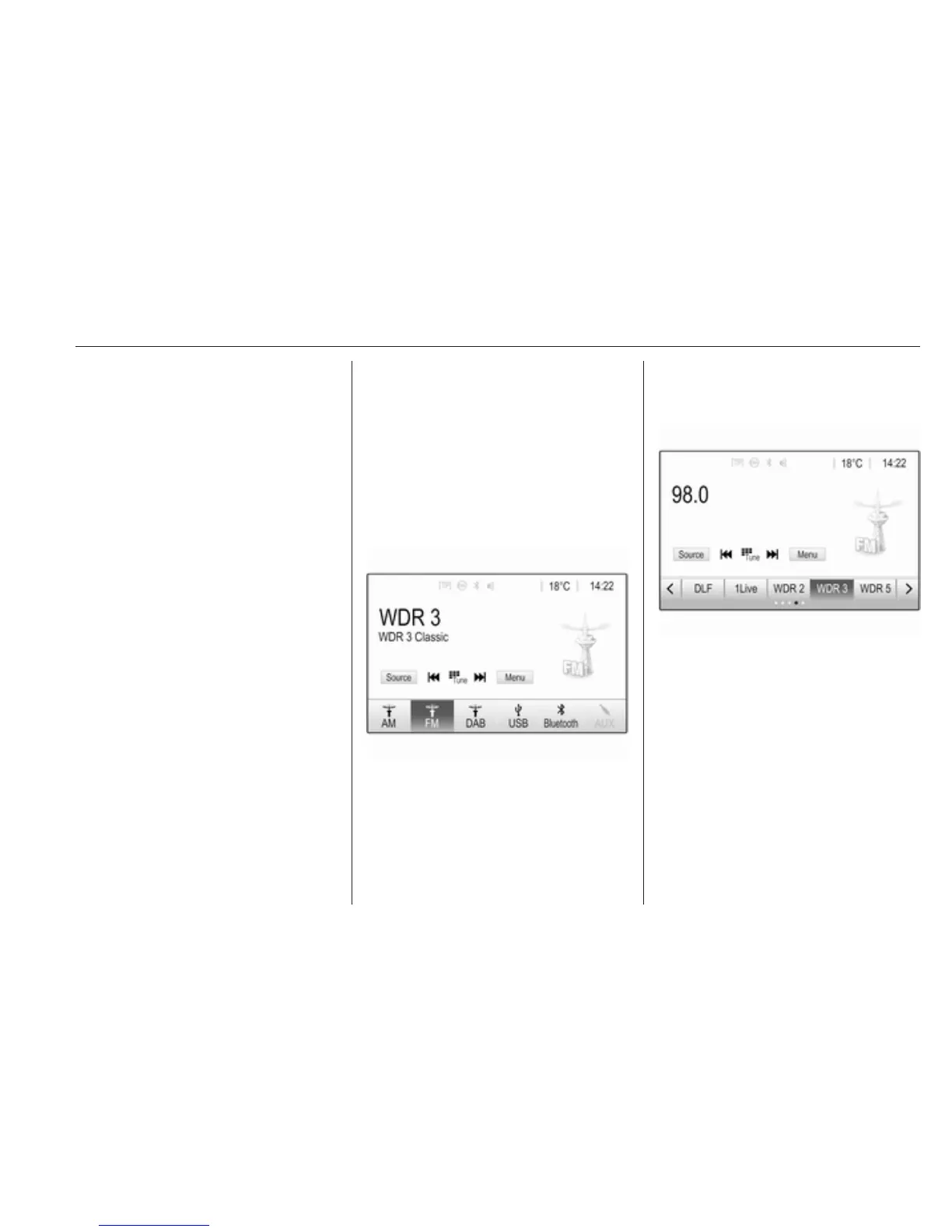
Select Source in the bottom line of the
active radio main menu to open the
interaction selector bar.
Select the desired waveband.
The station last played in the selected
waveband will be received.
Station search
Automatic station search
Briefly press or touch t or v on the
control panel or on the screen to play
the previous or next station in the
station memory.
Manual station search
Press and hold t or v on the
control panel. Release when the
required frequency has almost been
reached.
A search is made for the next station
that can be received and it is played
automatically.



 To Next Page