Radio 59
On the pop-up frequency display, turn
MENU-TUNE and set the optimal
reception frequency.
Autostore lists
The stations received best in a
waveband can be searched for and
stored automatically via the autostore
function.
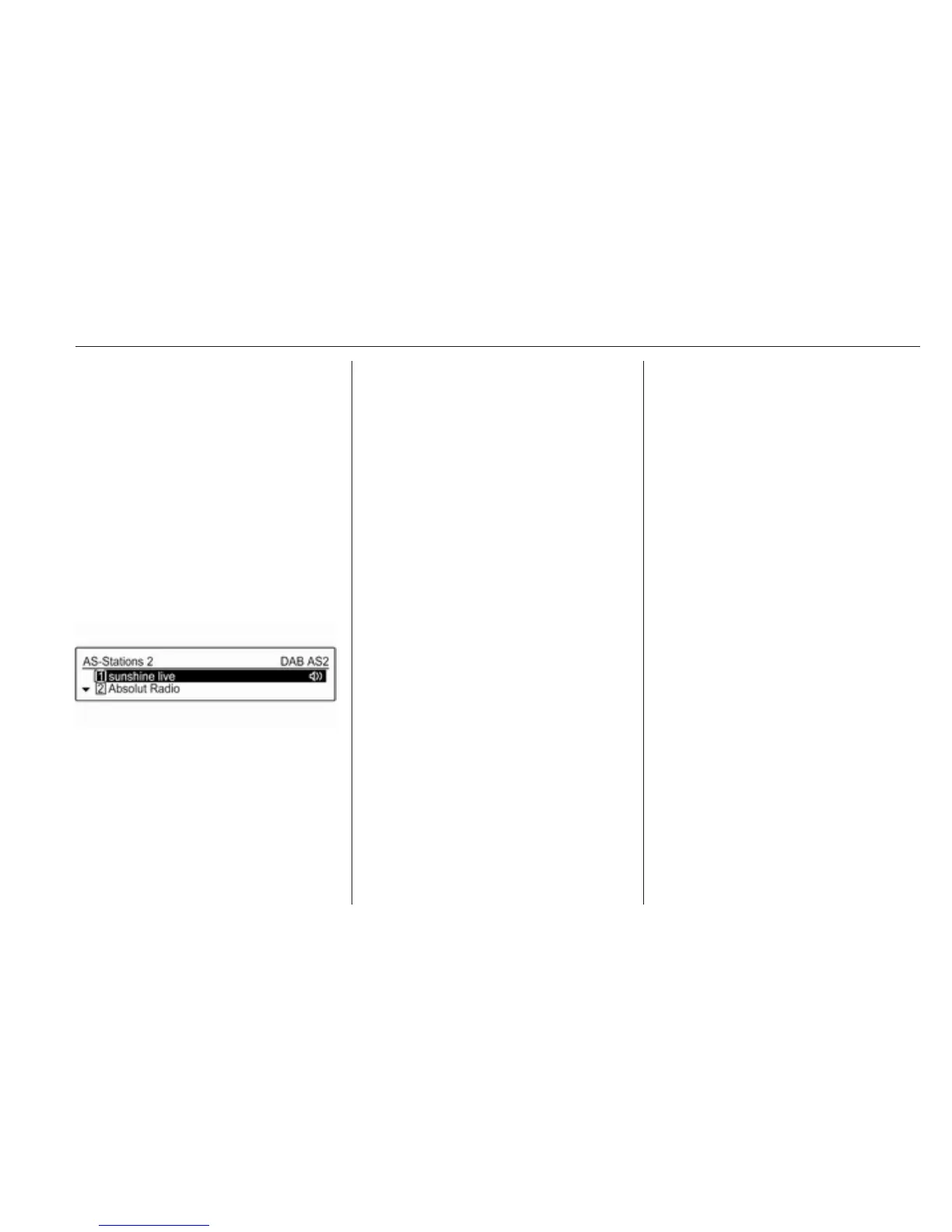
Each waveband has 2 autostore lists
(AS-Stations 1, AS-Stations 2), in
each of which 6 stations can be
stored.
Note
The currently received station is
marked by i.
Automatic station storing
Press and hold FAV 1-2-3 until an
autostore message is displayed. The
12 strongest stations in the current
waveband will be stored in the
2 autostore lists.
To cancel the autostore procedure,
press MENU-TUNE.
Storing stations manually
Stations can also be stored manually
in the autostore lists.
Set the station to be stored.
Briefly press FAV 1-2-3 once or
several times to switch to the desired
list.
To store the station in a list position:
press the corresponding station
button 1...6 until a confirmation
message is displayed.
Note
Manually stored stations are
overwritten in an automatic station
storing process.
Note
To operate this function, the AS-
Stations function must be activated
(see below).
Retrieving a station
Briefly press FAV 1-2-3 once or
several times to switch to the desired
list.
Briefly press one of the station
buttons 1...6 to open the station at the
corresponding list position.
Note
To operate this function, the AS-
Stations function must be activated
(see below).
Activating the autostore stations
function
Press CONFIG to open the Settings
menu.
Select Radio settings and then AS-
Stations to open the respective menu.
Set the autostore stations for the
respective waveband to On.



 To Next Page