54 Introduction
Press CONFIG to open the Settings
menu.
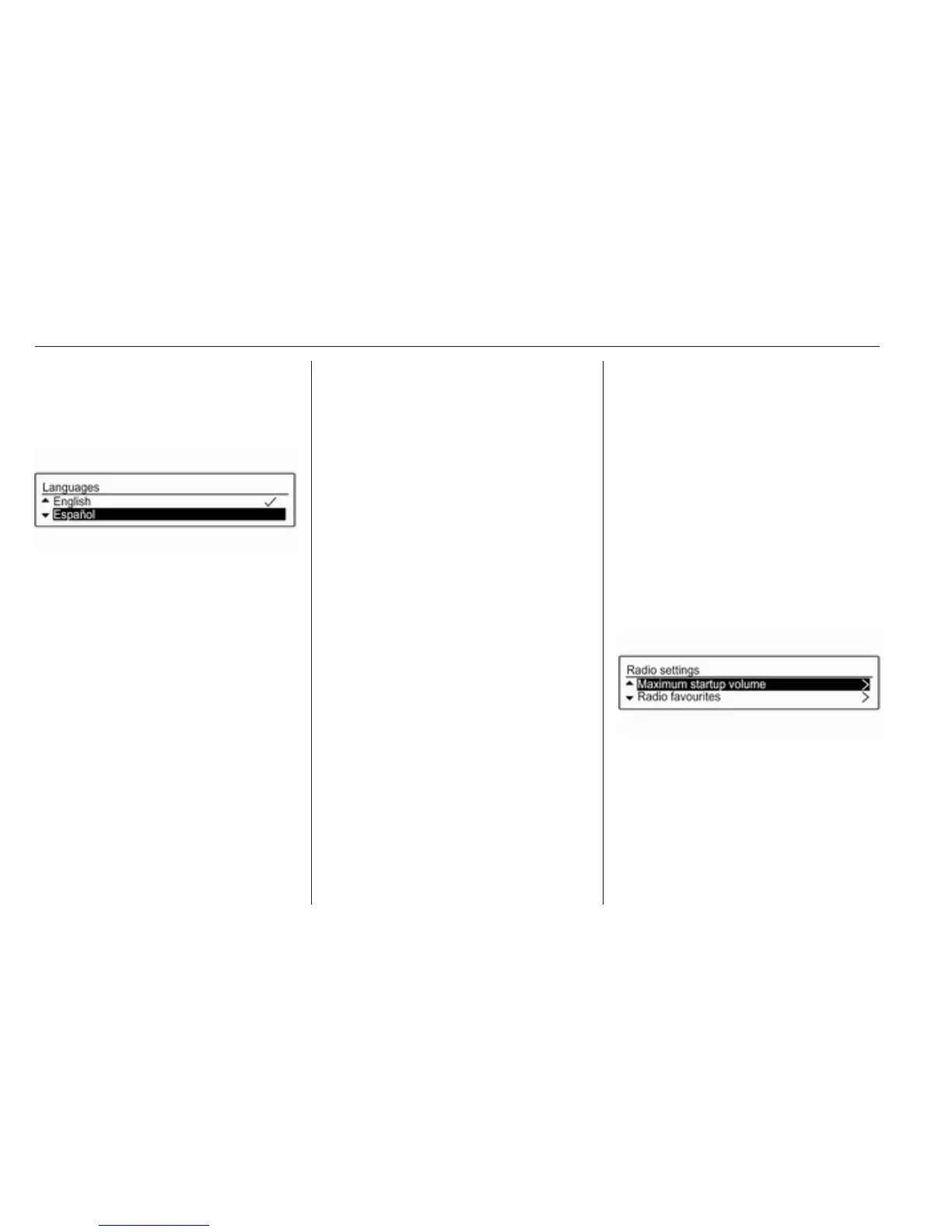
Select Languages in the Settings
menu to display the respective menu.
Choose the desired language for the
menu texts.
Note
For a detailed description of menu
operation 3 54.
Time and date settings
Find a detailed description in your
Owner's Manual.
Vehicle settings
Find a detailed description in your
Owner's Manual.
Other settings
Find a detailed description for all
other settings in the relevant
chapters.
Restore factory settings
All settings, e.g. the volume and tone
settings, the favourite lists, or the
Bluetooth device list, can be reset to
the factory defaults.
Press CONFIG to open the Settings
menu. Select Vehicle settings and
then Restore factory settings.
The submenu prompts you with a
question. To reset all values to the
factory defaults, select Yes.
Basic operation
MENU-TUNE knob
The MENU-TUNE knob is the central
control element for the menus.
Turn MENU-TUNE:
● to mark a menu option,
● to set a numeric value.
Press MENU-TUNE:
● to select or activate the marked
option,
● to confirm a set value,
● to switch a system function on/
off.
P BACK button
Press P BACK briefly:
● to exit a menu,
● to return from a submenu to the
next higher menu level,
● to delete the last character in a
character sequence.
Press and hold P BACK for a few
seconds to delete the entire entry.
Examples of menu operation
Selecting an option
Turn MENU-TUNE to move the
cursor (= coloured background) to the
desired option.
Press MENU-TUNE to select the
marked option.



 To Next Page