Introduction 55
Submenus
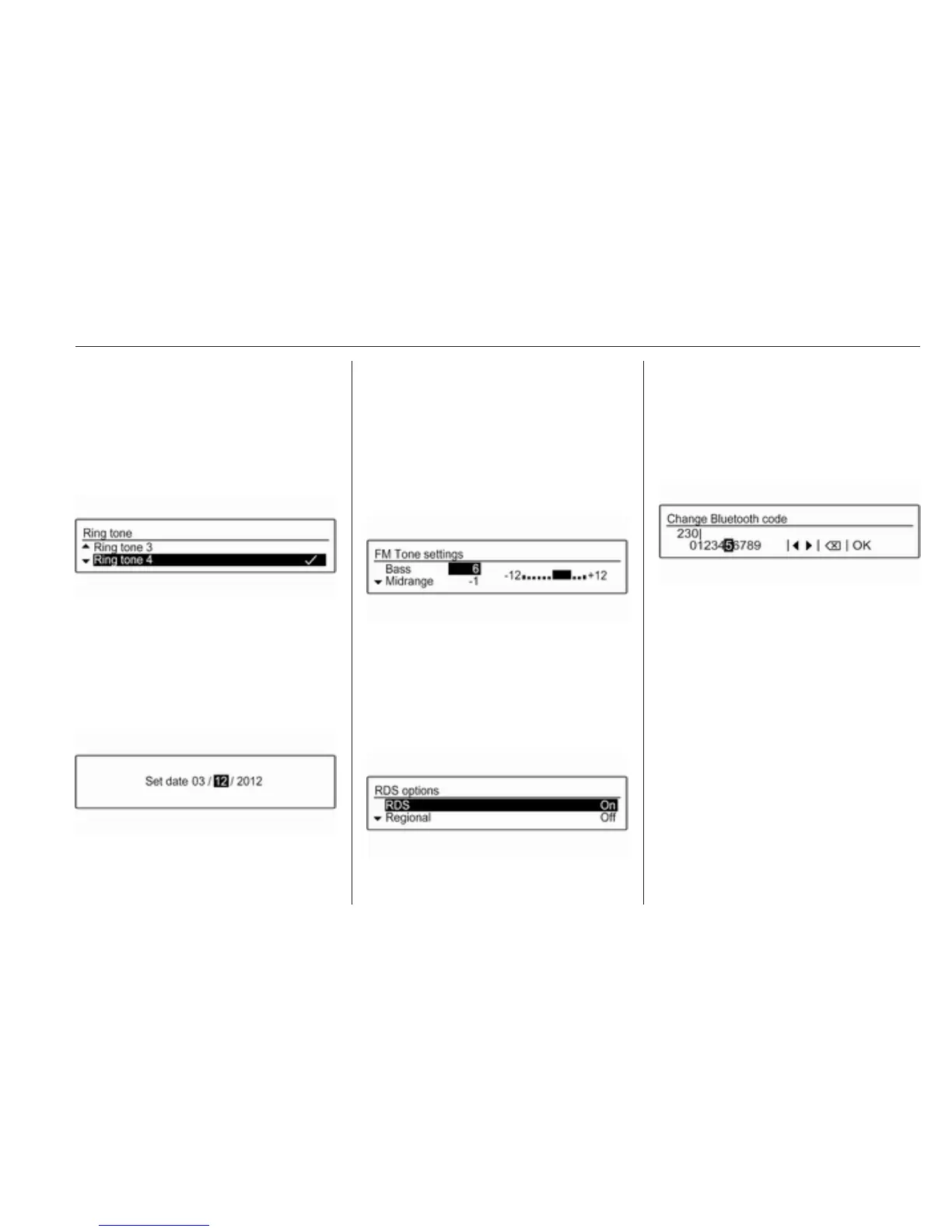
An arrow on the right-hand edge of
the menu indicates that after
selection of the option a submenu
with further options will be opened.
Activating a setting
Turn MENU-TUNE to mark the
desired setting.
Press MENU-TUNE to activate the
setting.
Setting a value
Turn MENU-TUNE to change the
current value of the setting.
Press MENU-TUNE to confirm the set
value.
The cursor then switches to the next
value. If all values are set, you are
automatically returned to the next
higher menu level.
Adjusting a setting
Turn MENU-TUNE to adjust the
setting.
Press MENU-TUNE to confirm the
setting.
Switching a function on or off
Turn MENU-TUNE to mark the
function to be switched on or off.
Press MENU-TUNE to switch
between the settings On and Off.
Entering a character sequence
To enter character sequences, e.g.
PIN codes or telephone numbers:
Turn MENU-TUNE to mark the
desired character.
Press MENU-TUNE to confirm the
marked character.
The last character in the character
sequence can be deleted by selecting
k on the display or pressing P
BACK. Pressing and holding P
BACK deletes the entire entry.
To change the position of the cursor
in the character sequence already
entered, select ◀ or ▶ on the display.



 To Next Page