Radio 61
Note
The currently received station is
marked by i.
Updating the stations lists
When in a radio main menu, press
MENU-TUNE to open the relevant
waveband menu.
If the stations stored in the waveband-
specific station list can no longer be
received:
Select the respective menu item to
update the station list in the
respective waveband menu, e.g.
Update FM station list.
A station search is started. Once the
search is completed, the station last
received will be played.
To cancel the station search: press
MENU-TUNE.
Note
If the Infotainment system features a
dual tuner, the stations lists are
continuously updated in the
background. No manual update is
required.
Note
If a waveband-specific station list is
updated, the corresponding
category list is also updated.
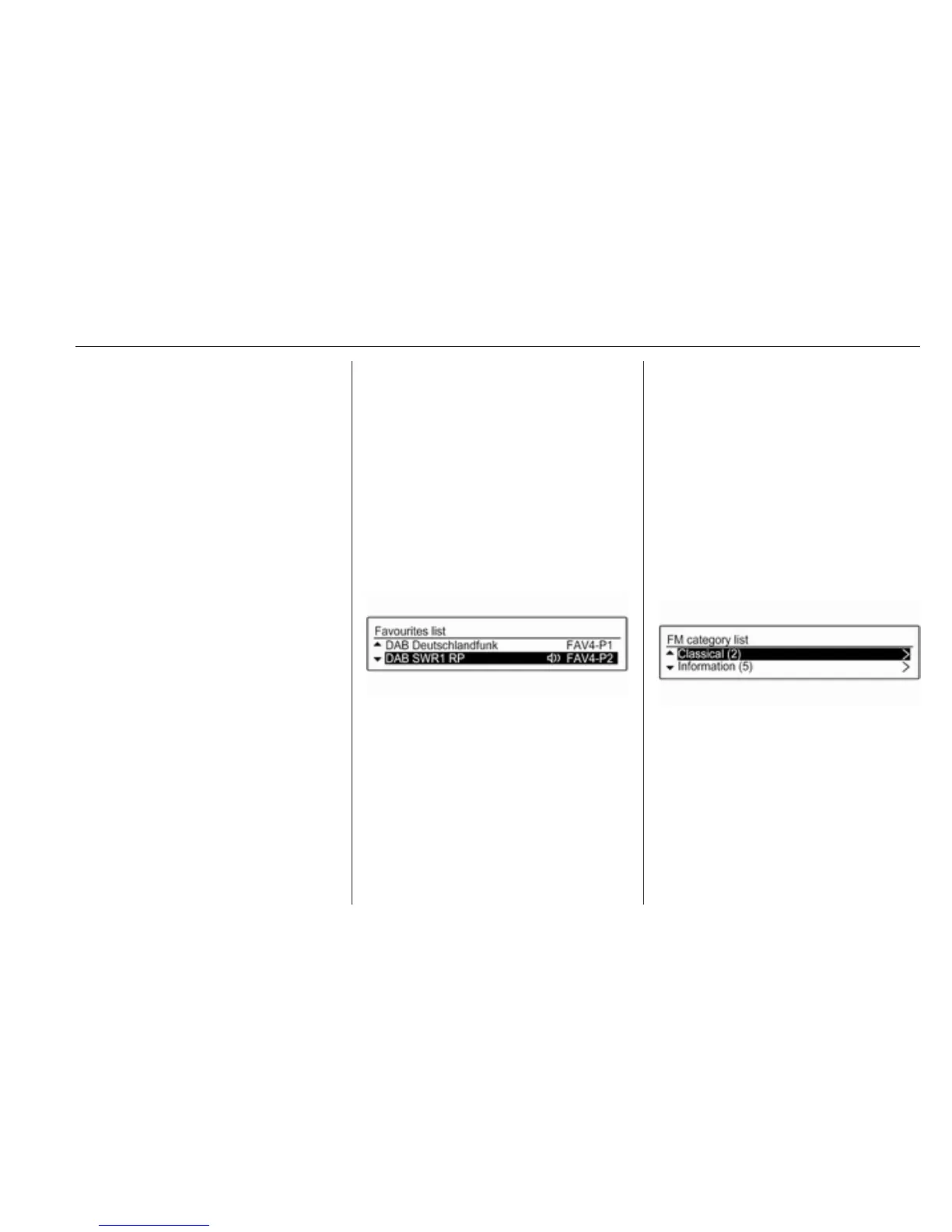
Favourites list
While in a radio main menu, press
MENU-TUNE to open the relevant
waveband menu.
Select Favourites list. All stations
saved in the favourite lists are
displayed.
Select the desired station.
Note
The currently received station is
marked by i.
Category lists
Numerous radio stations broadcast a
PTY code, which specifies the type of
programme transmitted (e.g. news).
Some stations also change the PTY
code depending on the content
currently being transmitted.
The Infotainment system stores these
stations, sorted by programme type,
in the corresponding category list.
To search for a programme type
determined by station: select the
waveband specific category list
option.
A list of programme types currently
available is displayed.
Select the desired programme type.
A list of stations is displayed that
transmit a programme of the selected
type.



 To Next Page