12 Introduction
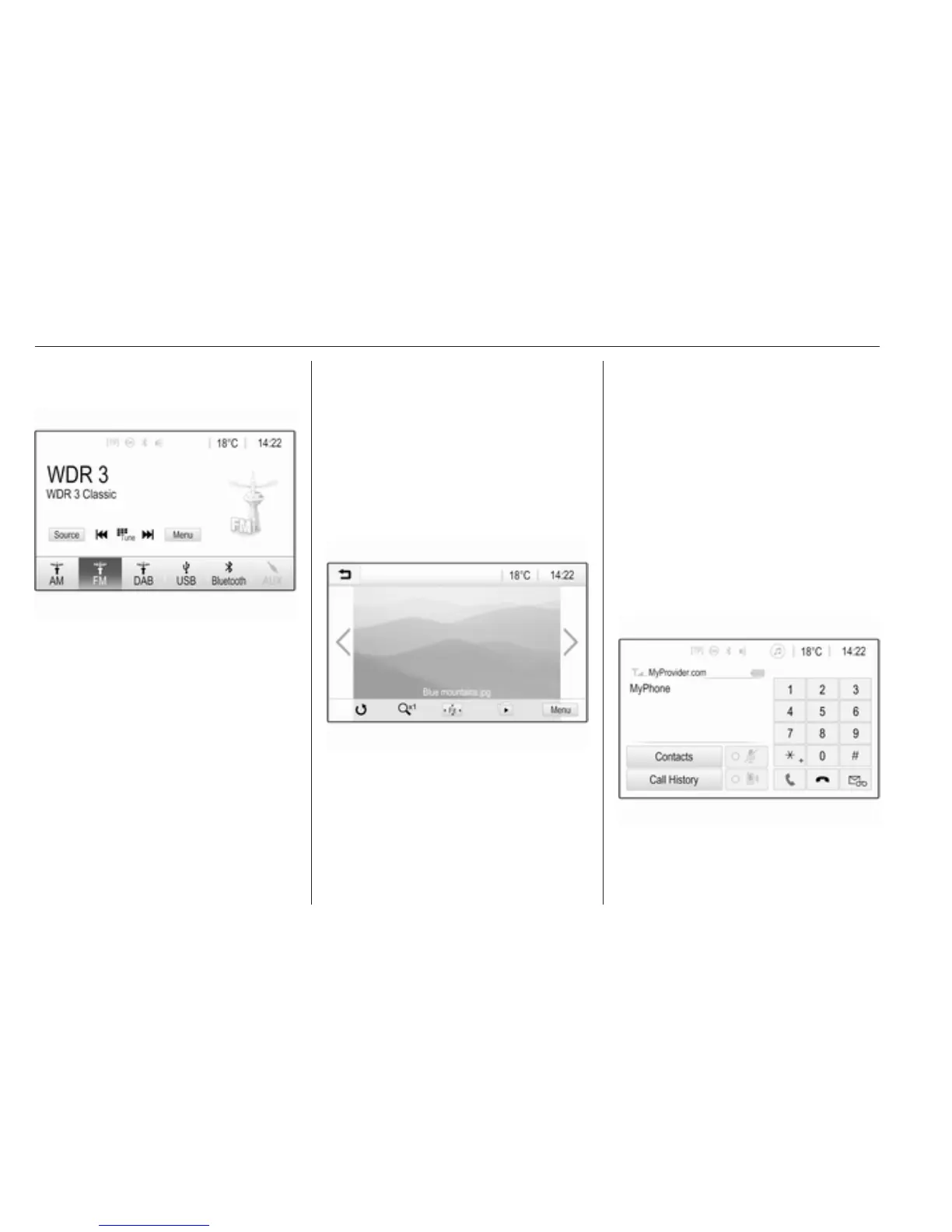
Select Source on the screen to
display the interaction selector bar.
To change to another audio mode:
touch one of the items in the
interaction selector bar.
For a detailed description of:
● Radio functions 3 19
● External devices (USB, AUX,
Bluetooth) 3 27
Note
To easily return to the audio screen
currently active, touch A in the top
line of any screen.
GALLERY
Select GALLERY to open the picture
and movie menu for files stored on an
external device such as USB stick or
smartphone.
Select l or m to display the picture or
movie menu. Select the desired
picture or movie file to show the
respective item on the display.
For a detailed description of:
● Picture functions 3 28
● Movie functions 3 29
PHONE
Before the phone portal can be used,
a connection has to be established
between the Infotainment system and
the mobile phone.
For a detailed description of
preparing and establishing a
Bluetooth connection between the
Infotainment system and a mobile
phone 3 33.
If the mobile phone is connected,
select PHONE to display the main
menu of the phone portal.
For a detailed description of mobile
phone operation via the Infotainment
system 3 37.



 To Next Page