10
SourceSelector/FunctionKnob.Thebasicoperationsare:
Press the Source Selector / Function Knob to show the first settings and advanced operations
screen.
IftheSourceSelector/FunctionKnobispressedagainimmediatelywithoutanyotheroperations
occurring on the current screen, the next settings
and advanced operations screen is shown. You
willneedtopresstheSourceSelector/FunctionKnobmultipletimeswithoutturningitinorderto
accessadditionalsettingsandadvancedoperationsscreens.
On any setting screen, the current setting is indicated by a check mark (). Rotate the Source
Selector/FunctionKnobtomovetheselectioncursor.Thehighlightedselectionbecomesactiveif
youpresstheSourceSelector/FunctionKnob.SonicaDACreturnstoitsnormalstatusscreenafter
aselectionismade.
Onanyadvancedoperationsscreen,thecurrentstatusortitleisshown.Rotate
theSourceSelector
/ Function Knob to move the selection cursor to any available action. The highlighted action is
executedifyoupresstheSourceSelector/FunctionKnob.Dependingontheactionyouselect,you
maybepromotedforadditionaloperations.
Theavailablesettingsandadvancedoperationsscreens
are:
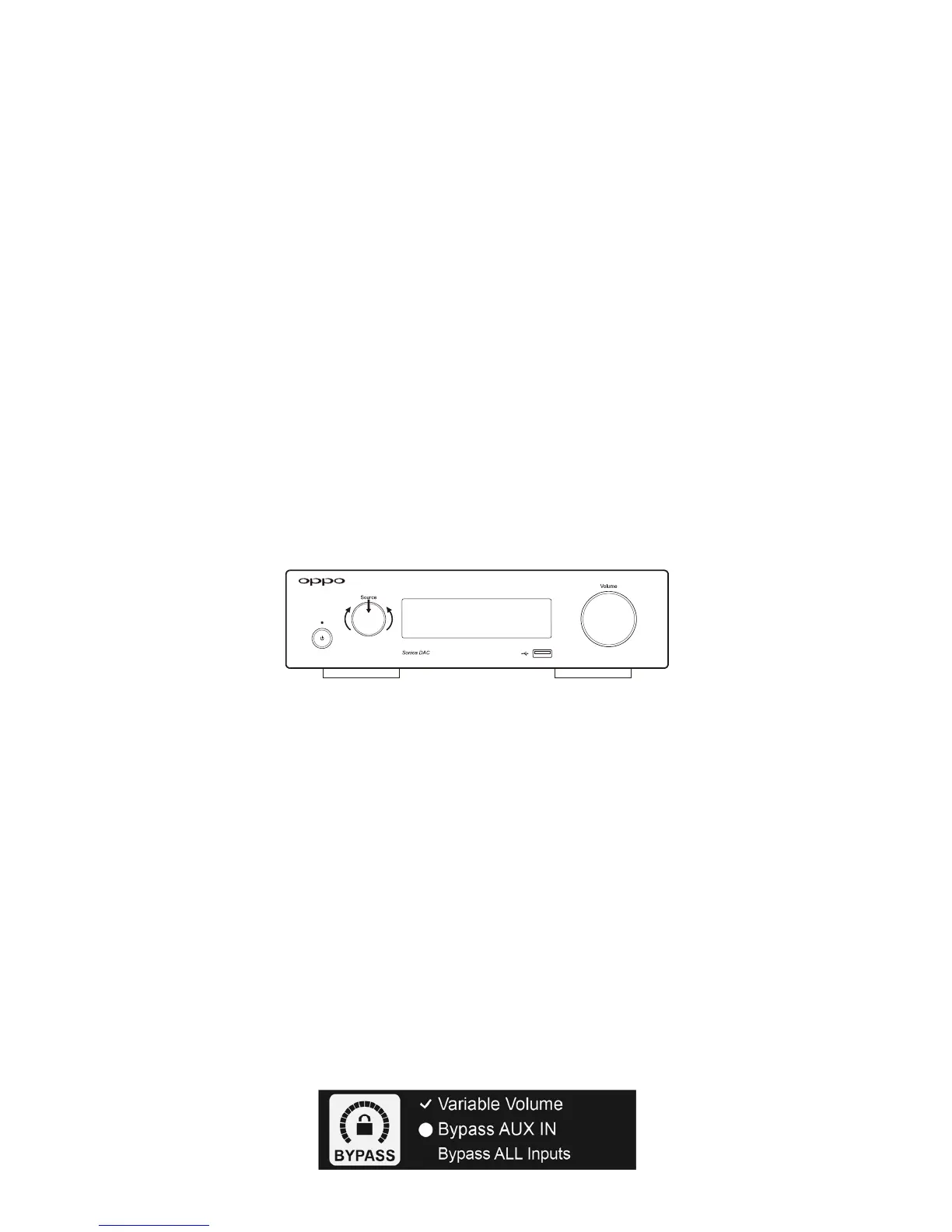
BypassMode
BypassmodesetsSonicaDAC’soutputleveltofullanddisablesthevolumecontrol.Thisisusefulifyou
areconnectingSonicaDACtoadevicethathasitsownvolumecontrol,suchasapreamplifieroranA/V
receiver.TheavailableBypassoptionsare:
VariableVolume(default)–The
outputlevelisvariableandcontrolledbytheVolumeKnob.
Bypass AUX Input ‐The AUX Audio Input will be in the Bypass mode while all other sources are
controlled by the Volume Knob. This option is useful if the source that is connected to the AUX
AudioInputalready
hasavolumecontrol.
BypassAllInputs‐AllinputsourceswillbeinBypassmode.



 To Next Page