18
Note:Forplaybackfr omaUSBdriveoraDLNAserver,musicfileswithPCMsampleratesupto24‐bit/
192kHzandDSD64inDSForDFFformatsaresupported.NotallfileformatsaresupportedbyallDLNA
servers,soexperiencemayvarybasedonthe
hardwareandsoftwareinuse.Thefulloriginalresolution
is retained during playback if Sonica DAC is not grouped together with any other Sonica products for
multi‐roomstreaming. IfSonica DACis grouped with other Sonica speakers for multi‐room streaming,
music will be down‐sampled to 44.1 kHz or
48 kHz in order to meet the bandwidthlimitations of the
network.
UsingSonicaDACforMusicStreaming
MusicStreamingviaNetwork,AirPlay,andDLNA
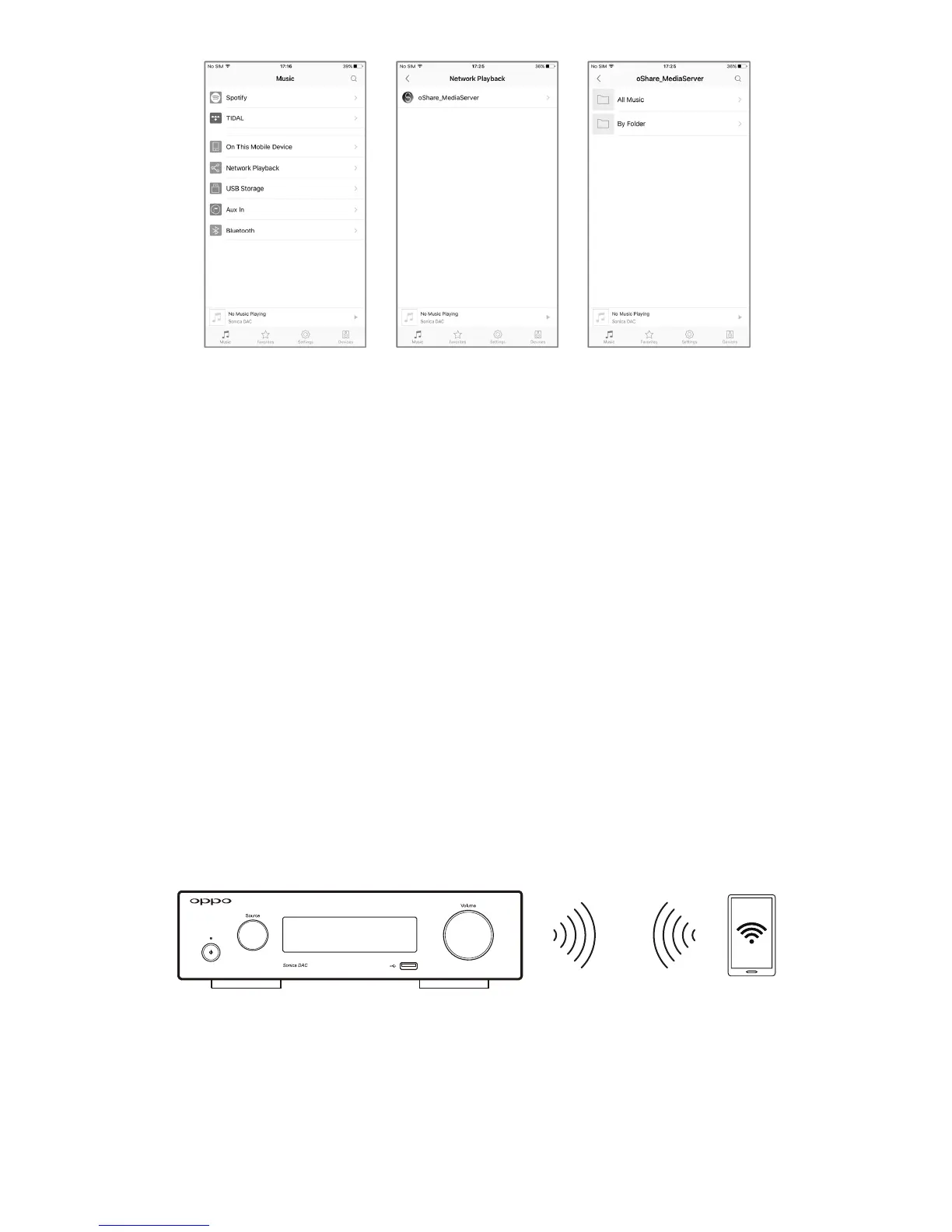
OnceSonicaDACisconnectedtothenetwork,youcanusetheSonicaapptoplaymusicstoredonyour
mobile device, from a supported music streaming service, or from a media server on your home
network.SonicaDACalsosupportsAirPlayandDLNAstreamingwhenyourmobiledeviceison
thesame
network.
To use AirPlay, start playing a song from your local music library or music streaming app on your iOS
device,taptheAirPlaybuttonintheiOSControlCenter,andselecttheSonicaDACtobeginstreaming.
TouseDLNA,openanappthatisDLNAcompliant,
startplayingasongintheappandselectSonicaDAC
tobegincasting.DLNAcastingsupportwillvaryfordifferentdevicesandapps.



 To Next Page