17
resolutiondigitalplayer.YouwillbeabletoplaymusicfilesstoredonaUSBdriveattachedtotheSonica
DAC, on your mobile device, or from a DLNA server on your home network. Sonica DAC must be
connectedtothesameWi‐Fiorwirednetworkasyourmobiledevice
thatrunstheSonicaapp.
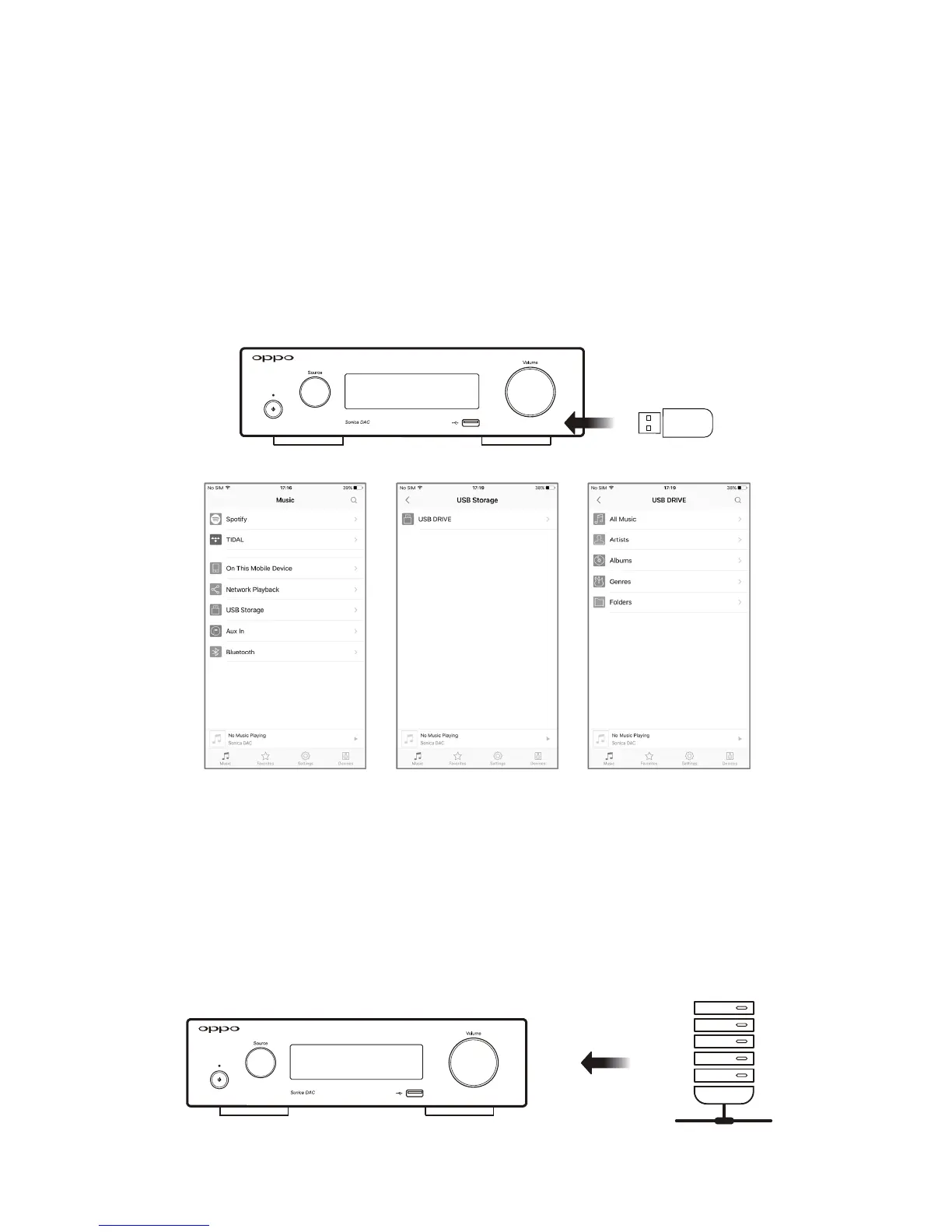
PlaybackfromaUSBDrive
You can transfer music files from your computer to a USB drive and play them through Sonica DAC.
TherearetwoUSB Type A portson Sonica DAC.Plug theUSBdrivetoeither port, anduse theSonica
apptobrowseandplaythesefiles.
PlaybackfromaDLNAServer
If you store your music files on a home network server or NAS device, and the server or NAS device
supportsDLNA,youcanplayyourmusicbyhavingSonicaDACdirectlyaccessthefilesoverthenetwork.
Make sure that your DLNA server or NAS device is on the same
network as Sonica DAC, and use the
Sonicaapptobrowseandplaythemusicfiles.



 To Next Page