16
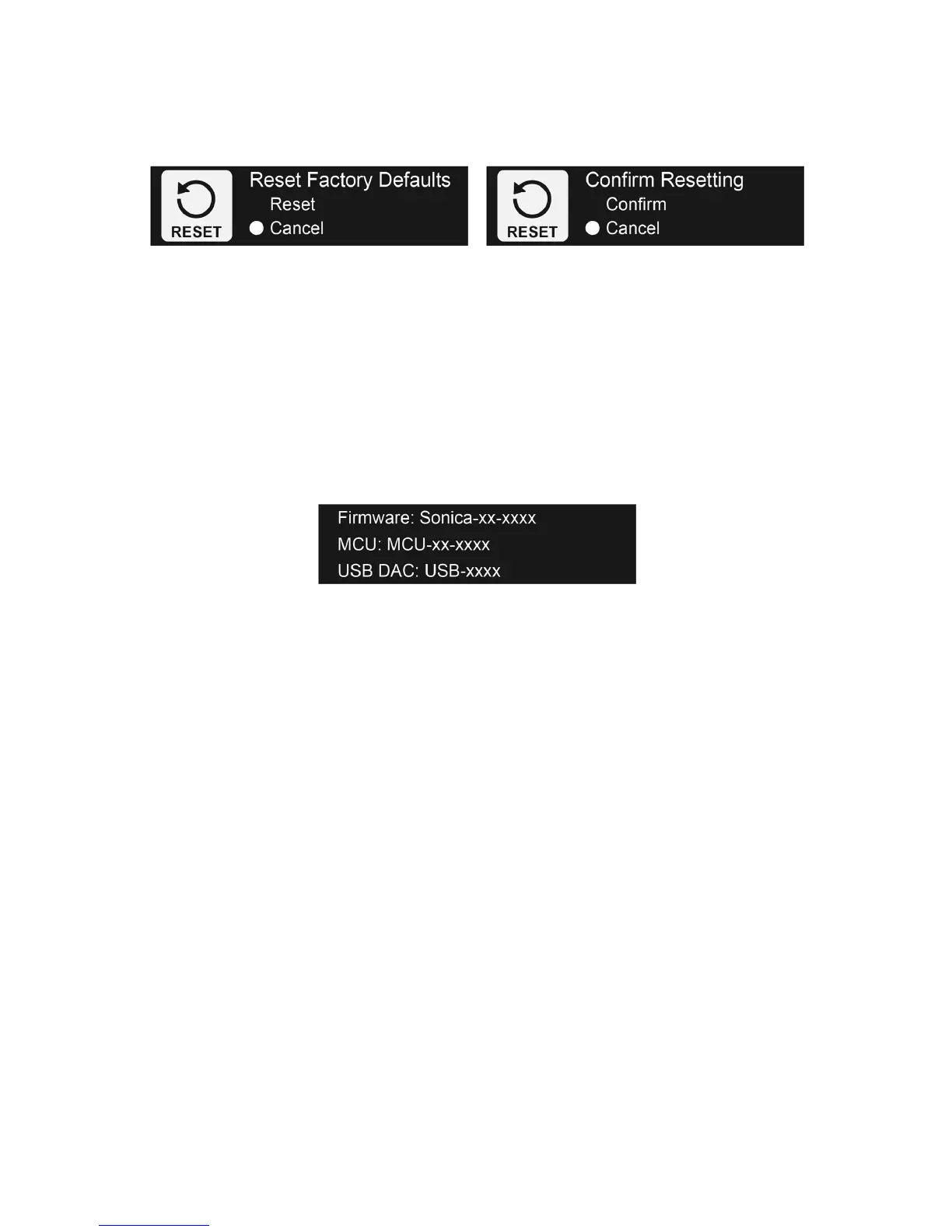
andselectResetusingtheSourceSelector/FunctionKnob.Youwillbeaskedtoconfirmtheoperation.
Onceconfirmed,allcustomsettingswillbeerasedandthefactorydefaultsettingswillbeloaded.Sonica
DACwillautomaticallyturnoffandonafterresettingtofactorydefaultsettings.
FirmwareVersionDisplay
Firmware is the system software that controls the features and functions of your Sonica DAC. The
FirmwareVersion screendisplaysthe currentfirmware versions installed inthe Sonica DAC. Thereare
three parts of the firmware, each with its own version number: the main firmware, the MCU
(Micro‐ControllerUnit)firmware,
andtheUSBDACfirmware.
UpgradingtheFirmware
FromtimetotimeOPPOwillreleasefirmwareupdatestoimproveproductfeaturesandfunctions,orto
fix issues reported by customers. For the best user experience, we strongly suggest upgrading the
firmwaretothelatestrelease.
Therearetwowaystoupgradethefirmware:
ViaNetwork‐SonicaDACwill
automaticallydownloadandinstalltheupgradethroughtheInternet.
YouwillbepromptedviatheSonicaappwhenanewfirmwareversionisavailableforinstallation.
Via USB‐Sonica DAC will install the upgrade from a connected USB drive which contains the
firmwarefile.Thefirmwarefileandinstructions
canbefoundonOPPODigital’swebsite.
TheUSBDACfirmwaredoesnotchangeoften.Ifanewversionbecomesavailable,thefirmwarefileand
instructionswillbemadeavailableonOPPODigital’swebsiteunderthe“Support”sectionfortheSonica
DACproduct.
UsingSonicaDACasaHighResolutionDigitalPlayer
The Sonica app allows you to navigate through your music files and use the Sonica DAC as a high



 To Next Page