11
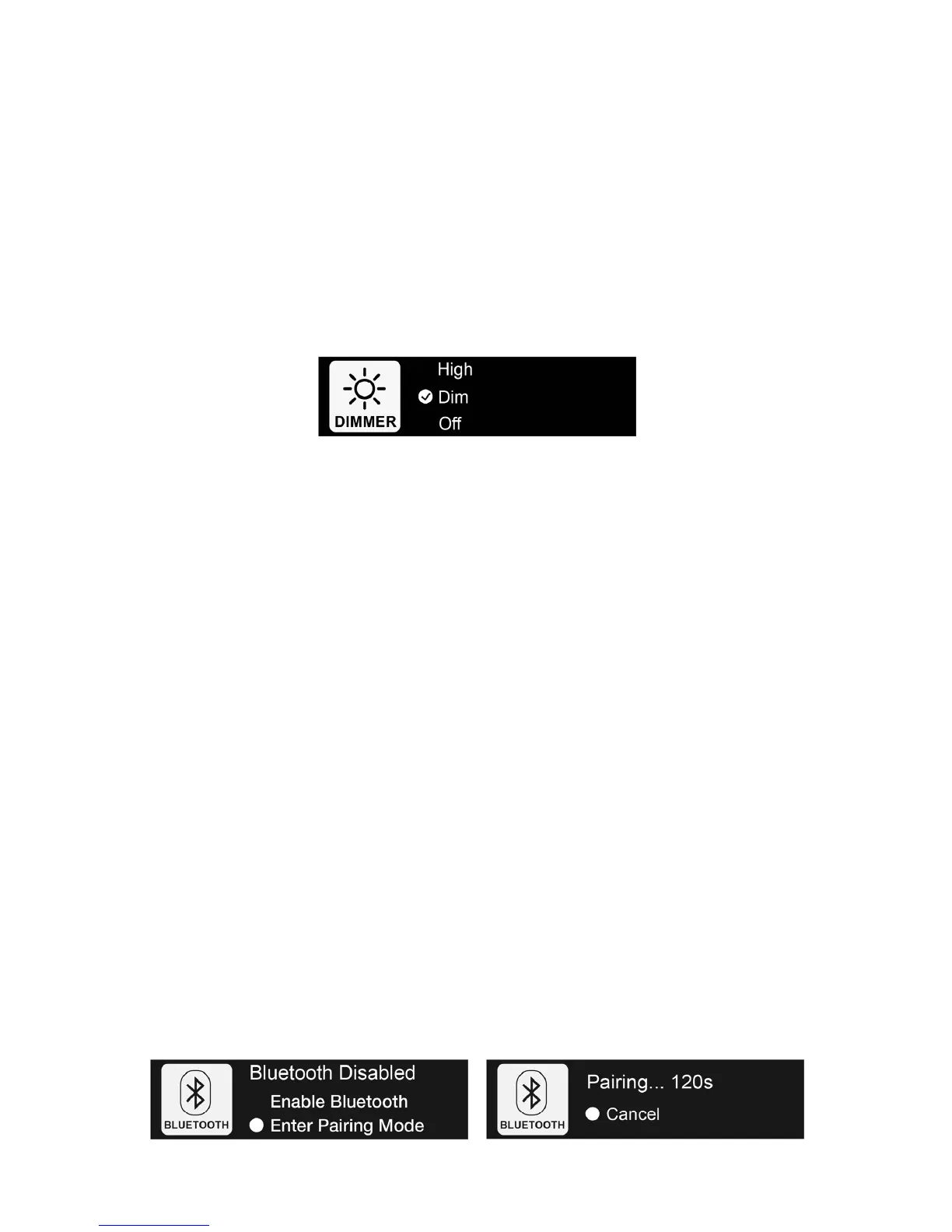
ScreenDimmerSetting
YoucanadjustthebrightnessoftheFrontPanelDisplay.Theavailableselectionsare:
High‐The Front Panel Display willoperate at high brightness. Please notethatrunning theFront
Panel Display in high brightness mode may reduce its life and cause image retention issues
(burn‐in).
Dim
(default)‐TheFrontPanelDisplaywilloperateatadimmedbrightnesslevel.
Off‐The Front Panel Display will be turned off. Any user interaction will turn on the display
temporarily.Thedisplaywillautomaticallyturnoffagainafterafewseconds.
BluetoothConnection
Topair SonicaDACtoa devicevia Bluetooth,you canactivateSonica DAC’spairing modebyselecting
Enter Pairing Mode from the Bluetooth Connection screen. (If you use the Sonica app, you can also
activate Bluetooth pairing mode by setting Pairing Mode to ON under Settings in the app). When
Pairing Mode is ON, enable Bluetooth on your device and pair it with Sonica DAC according to your
device’s instructions. The Front Panel Display will show the device name when pairing is successful.
SonicaDACwillexitPairingModeaftertwominutesifpairingisunsuccessful.
Fordevices thathave
alreadypairedwith Sonica DAC,enable Bluetoothon bothSonicaDAC andyour
portabledevice,chooseSonicaDACunderpaireddevicestoconnect,andstartstreaming.
ThefollowingBluetoothoperationsarepossibledependingonthecurrentconnectionstatus:
Enter Pairing Mode‐Sonica DAC will turn on Bluetooth and will be
ready to pair. Any existing
Bluetoothconnectionandpairingwillbedisconnected.
Disconnect–Ifadeviceisalreadyconnected,selectingthisoperationwilldisconnectthedevice.
DisableBluetooth–ThisoperationwillturnofftheBluetoothradio.Selectthisoperationifyoudo
notplantouse
Bluetooth.
EnableBluetooth‐IfBluetoothisdisabled,selectingthisoperationwillenableBluetoothagain.



 To Next Page