6
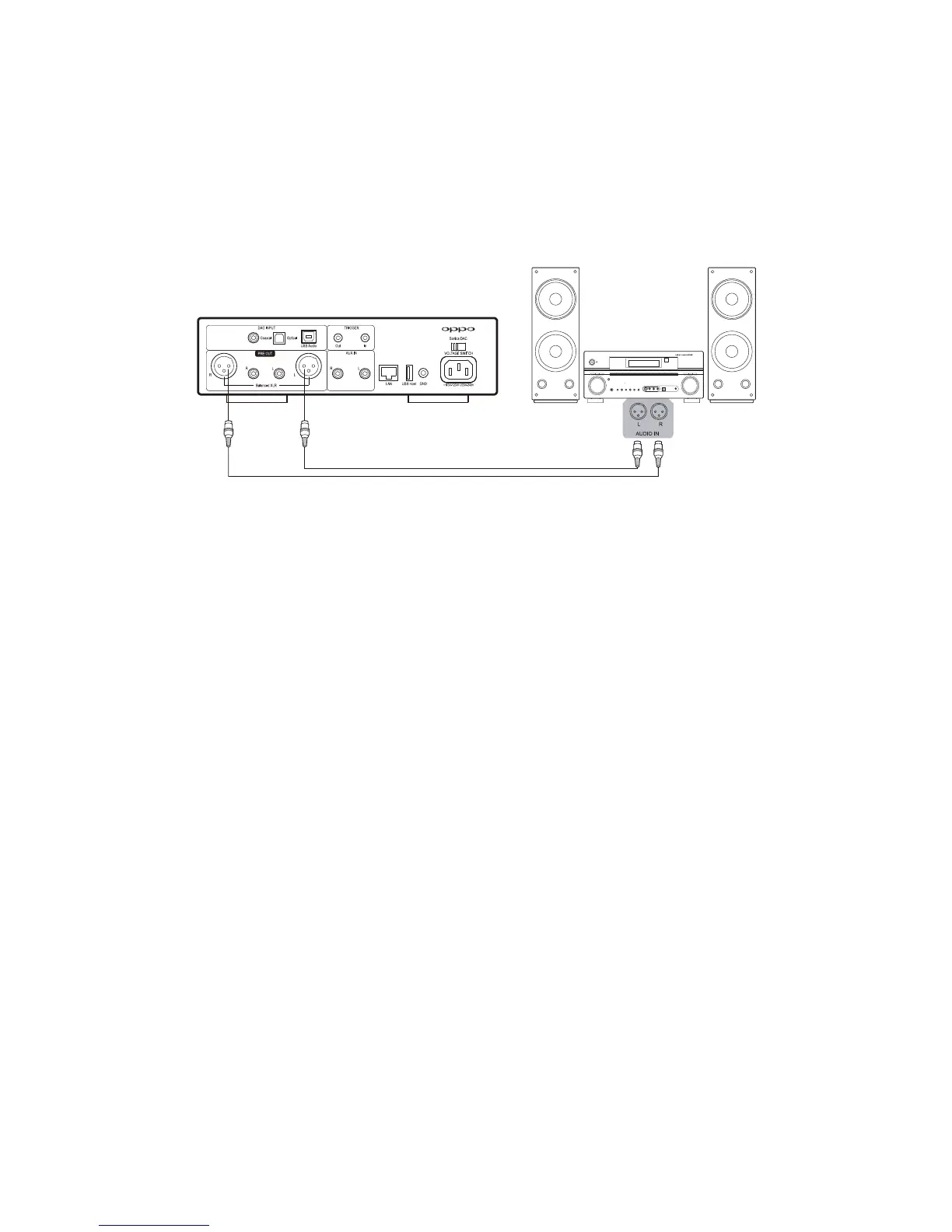
XLRBalancedAudioOutput
XLRbalancedconnectionoffersbettercommon‐modenoiserejectionandimprovedsignalqualityover
theRCAconnection.Ifyourpreamplifier,poweramplifier,oractivespeakersofferXLRbalancedinputs,
youmayuseapairofXLRaudiocablestoconnecttheSonicaDAC’ sXLRBalancedAudioOutputtothe
XLRinput
ofyourdevice.
TriggerInput&Output
You can connect the Trigger Output of Sonica DAC to the trigger input of a preamplifier or power
amplifier using a 3.5 mm mono‐to‐mono mini‐jack cable. When Sonica DAC is turned on, the Trigger
Outputwillsupplya+12Vvoltagesignaltoautomaticallyturnontheconnected
pre‐amplifierorpower
amplifier.TheTriggerOutputcansupplyupto100mAcurrent.
The Trigger Inputof Sonica DAC can be connected to the triggeroutput of another deviceand Sonica
DACwillturnonandofftogetherwiththeconnecteddevice.
Theuseof TriggerInput&
Outputisnotrequired.Youcan alwaysmanuallyturnon oroffSonicaDAC
usingthePowerButtononthefrontpanel.



 To Next Page