19
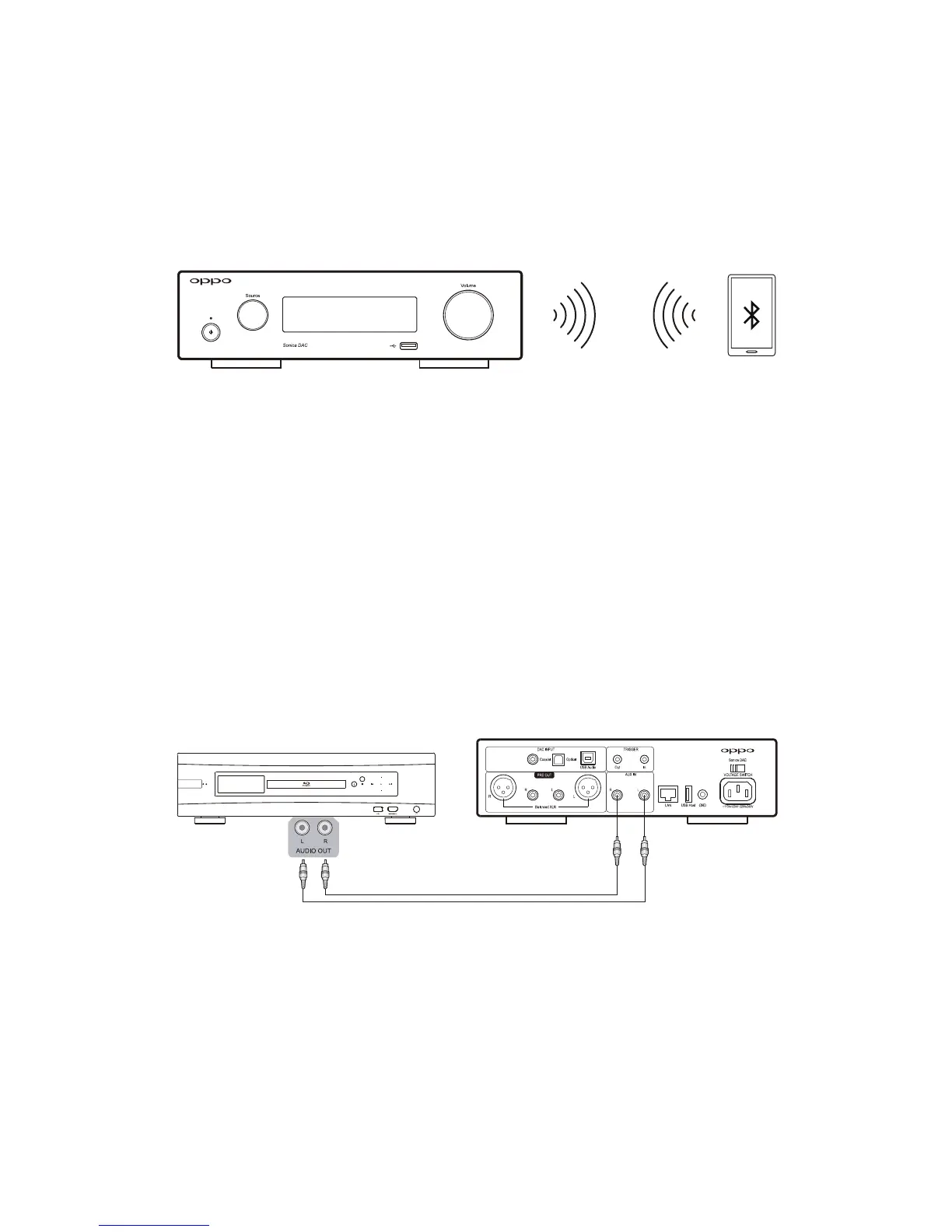
MusicStreamingviaBluetooth
Connect a Bluetooth‐capable device such as a smartphone or tablet by enabling Bluetooth on your
deviceandthenpairingitwithSonicaDAC.RefertoBluetoothConnectionintheSettingsandAdvanced
Operations section on pages 11 for pairing instructions. You can play music from your device either
throughits
locallibraryorothermusicapps.
AUXAudioInput
YoucanconnectanaudiodevicewithastereoanalogoutputintotheAUXINofSonicaDACusingapair
ofaudiointerconnectcables.Theinputsignalwillbedigitizedandmadeavailableforstreamingtoother
Sonica speakers on your network, and at the same time will beconv erted
back to analog via theRCA
andXLRoutputs.ToselectthissourceasthestreamingaudioinputforyourSonicaspeakers,selectAUX
INasthesourcefromtheSonicaapporusingtheSourceSelectionscreenontheFrontPanelDisplay.
Certainanalogaudiodevices,suchasphono
preamplifiersandturntables,mighthaveaseparateground
wire.Connecting the ground wire to the groundterminal on Sonica DAC isoptional.Ifconnecting the
groundwiretoSonicaDACdoesnotresultinlowernoise,itisnotnecessaryforyoutodoso.
Note: Input signal from
AUX IN passes through analog‐to‐digital and digital‐to‐analog conversions
before it reaches the XLR or RCA outputs. Although the signal quality is still excellent, this is quite
differentthanpassingthesamesignalthroughananalogpre‐amplifier.ForthisreasonSonicaDACisnot
recommendedasa
replacementforapre‐amplifierforanalogaudiosignals.



 To Next Page