12
NetworkConnection
BeforeyoucanusestreammusictoSonicaDACviaWi‐FiorEthernet,youneedtoconnectSonicaDAC
toyournetwork.ThisisdonebyusingtheSonicaapp.Pleasefollowthesesteps:
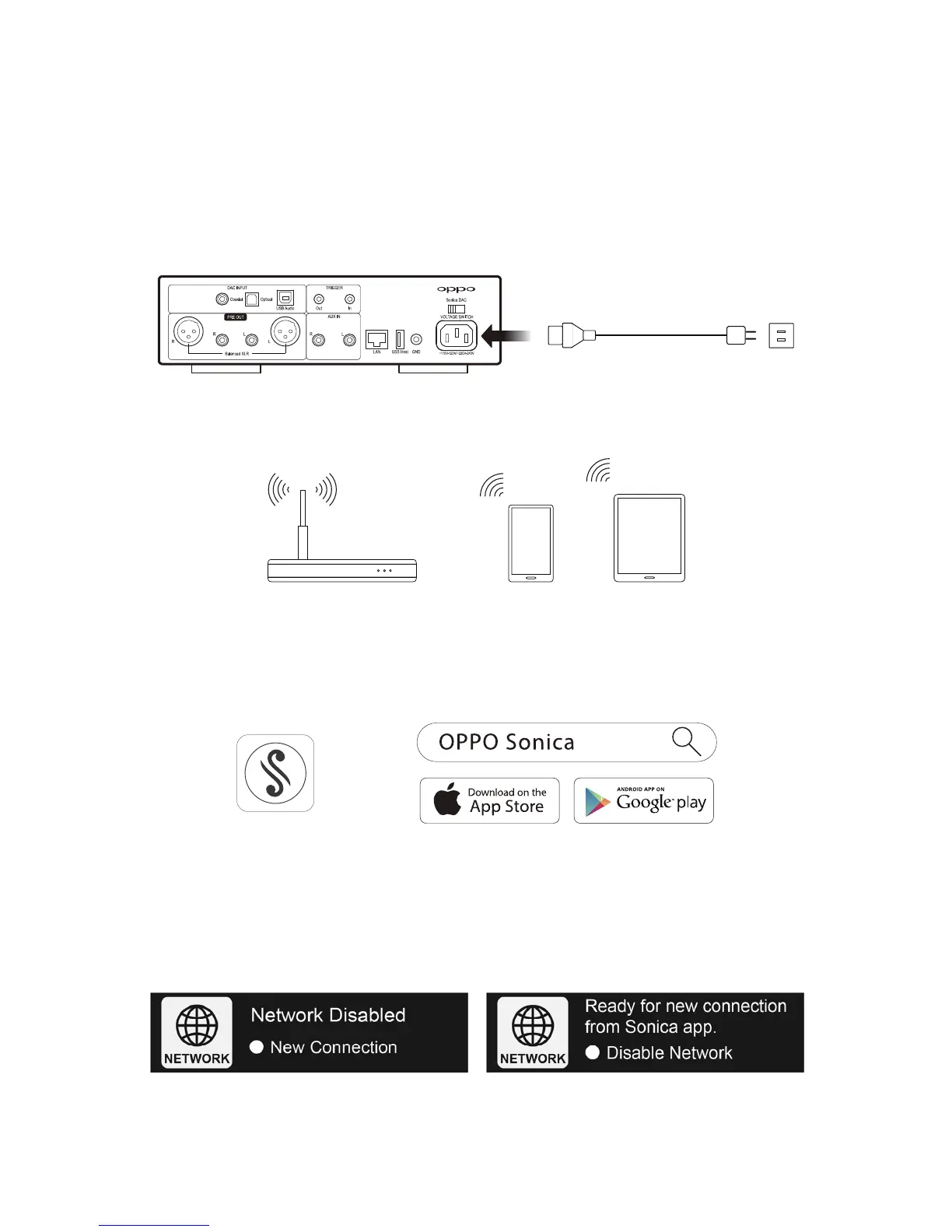
Step 1: Connect Sonica DAC to power and turn it on. If you plan to
use a wired network connection,
connectSonicaDACtoyournetworkusinganEthernetcable.
Step2:Connectasmartphoneortablettoyournetwork.
RouterSmartphoneTablet
Step 3: Downloadthe Sonica app from the App Store or Google Play Storeusing your smartphone or
tablet.
Step
4: Access the Network Connection screen using the Source Selector / Function Knob, and select
NewConnection.



 To Next Page