Connection to converter C4000
- 26 -
optek-Manual--1004-2001-02--AF16-US-2011-01-04
www.optek.com
Tool • Screw driver
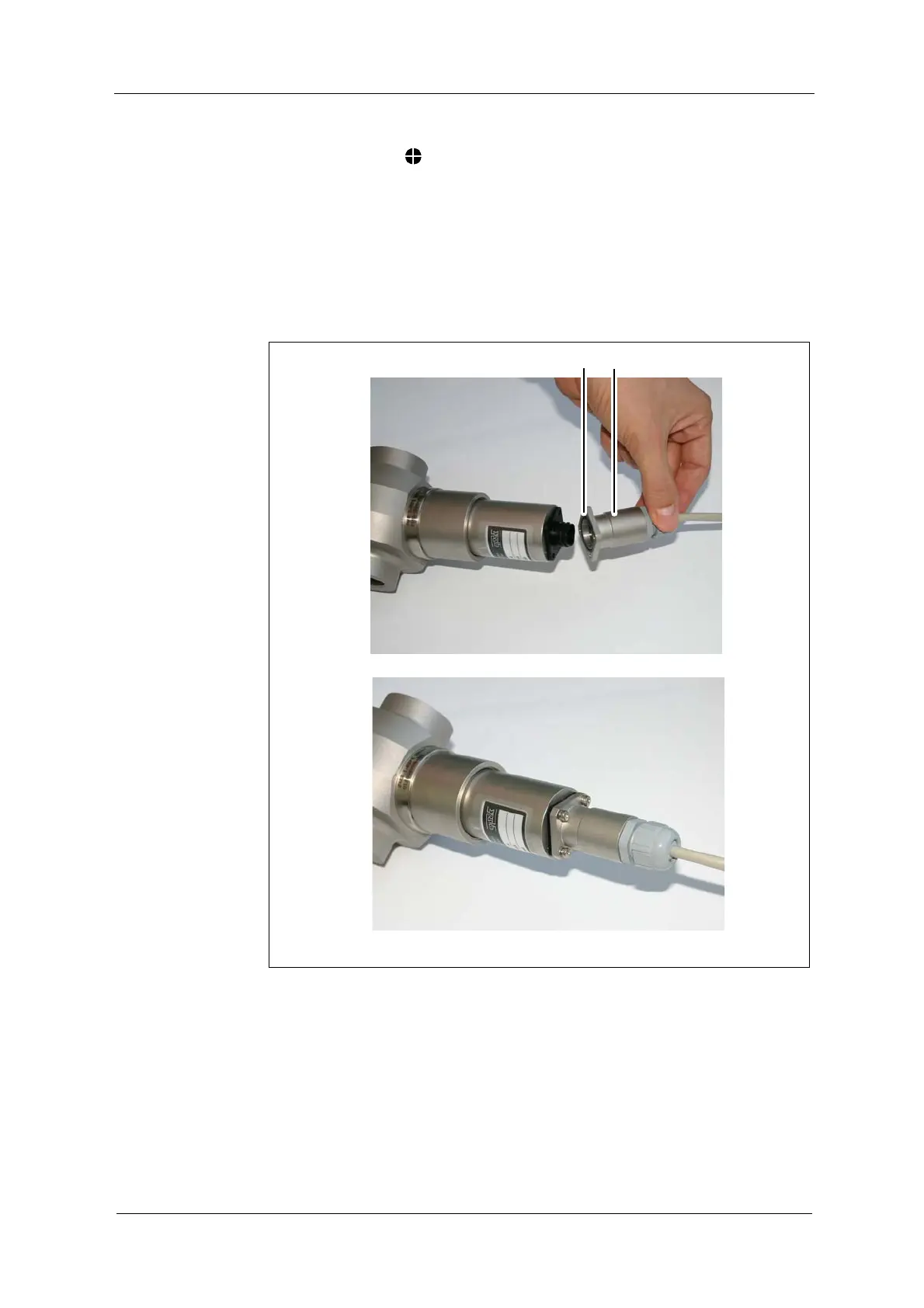
Connection of the sensor cable with plug protector on the detector and lamp
side:
1. Loosen the connection cover of the sensor.
2. Ensure there is an O-Ring (7, fig. 20) for plug protector.
3. Connect the sensor cable.
4. Fasten each of the four screws of the plug protector (17) with washer.
Fig. 20 Connection of the sensor cable with plug protector


 To Next Page