OPTIMUM
MASCHINEN - GERMANY
Operation
Version 1.1.5 dated 2015-08-31 Page 27Original operating instructions
BF30Vario GB
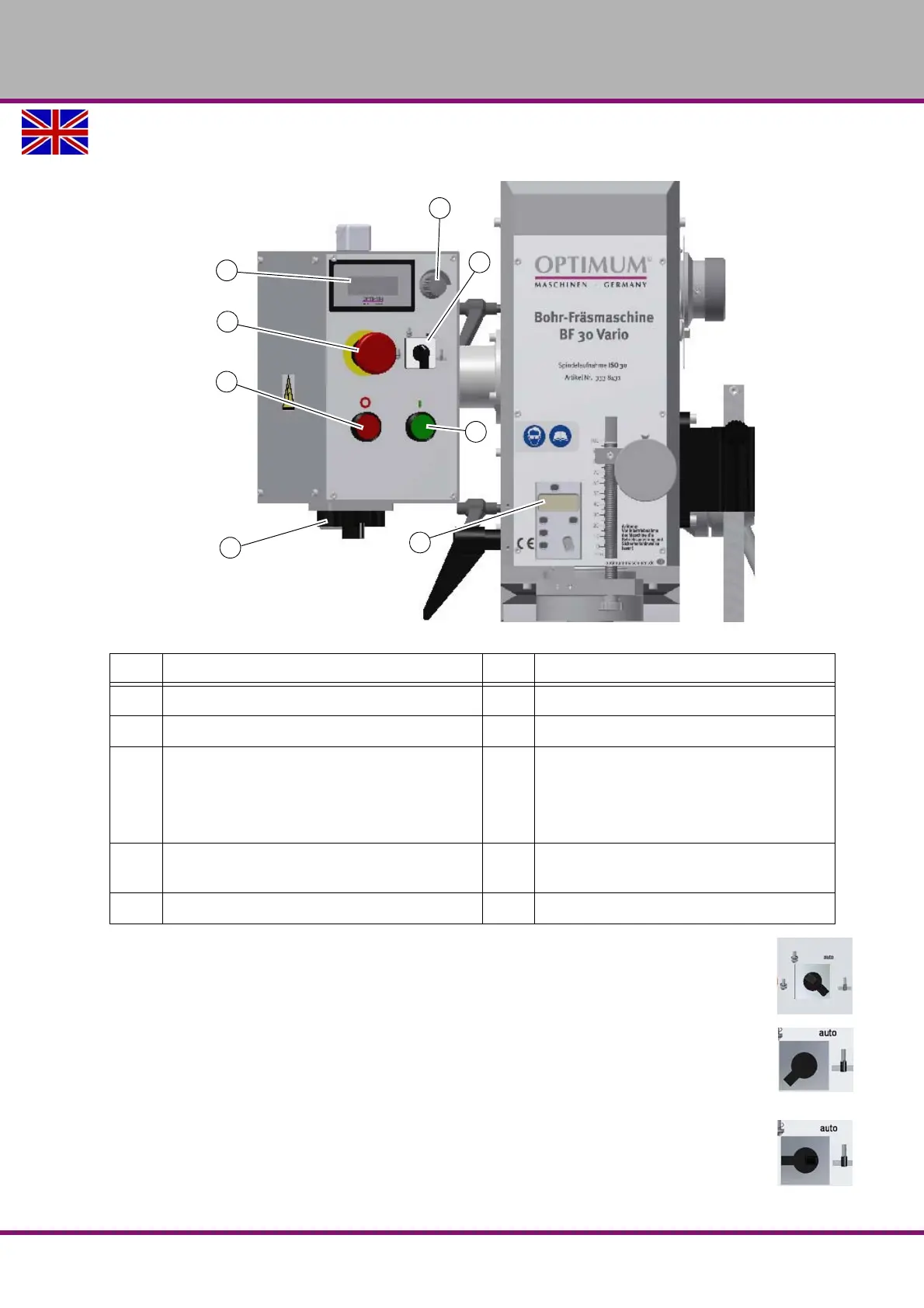
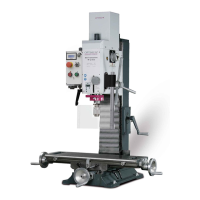
4.2.1 Control panel
Img.4-1: Control panel
Selection switch for operating mode
With the selector switch the operating mode „automatic, threading or right-hand respectively
left-hand run“ is being selected.
Operation mode automatic
In the automatic mode the engine starts up according to a predefined path over the drilling
depth limit of the spindle sleeve and stop at the end position. This way for, the push button Start
and Stop does not have to be actuated for repetitive drilling tasks.
Operation mode thread cutting
In the thread cutting mode the engine automatically starts up according to a predefined path
over the drilling depth stop and automatically changes the turning direction as soon as the pre-
defined depth had been achieved. The screw-tap is drawn out of the workpiece.
Pos. Designation Pos. Designation
10 Clamping screw of spindle sleeve
11
Digital display speed
12 EMERGENCY-STOP
13
Speed control
14 Push button spindle rotation "ON" 15 Selection switch operating mode
Automatic
Threading
turning direction
17 Push button spindle rotation "OFF" 18 Digital display fine crossfeed of spindle
sleeve
19 Main switch




 To Next Page