OPTIMUM
MASCHINEN - GERMANY
User interface, machine control panel
Version 1.0 dated 2015-05-27 Page 42 Original operating instructions
F3GB
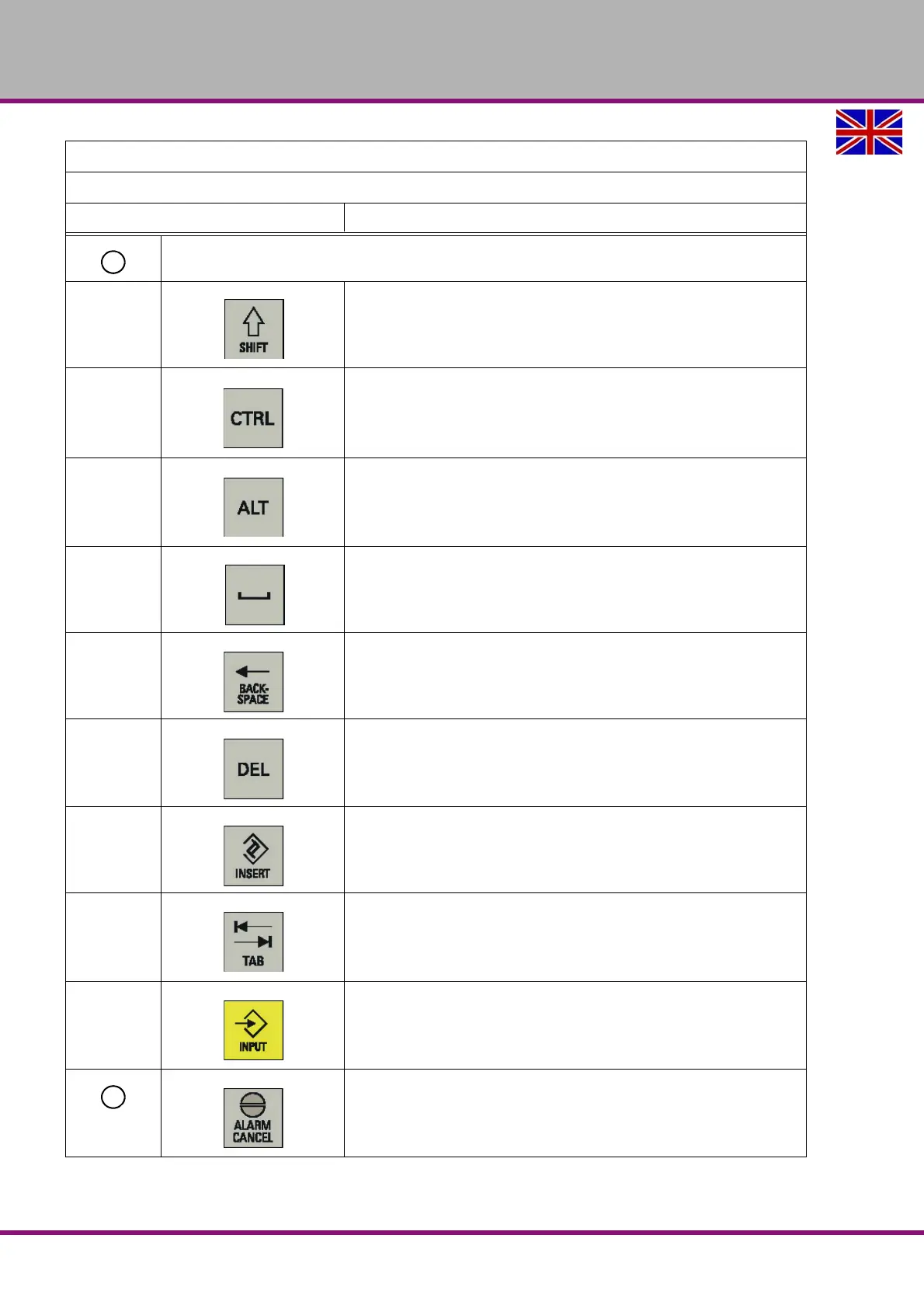
Control keys
Shift key
Control key
Alternate key
Space key
Backspace key
Deletes a character selected to the left of the cursor.
Delete key
Deletes the selected file or character.
Insert key
Tab key
• Indents the cursor by several characters.
• Toggles between the input field and the selected program name.
Input key
• Confirms your entry of a value.
• Opens a directory or program.
Alarm cancel key
Cancels alarms and messages that are marked with this symbol
Elements on the PPU
Excerpt from the manual of the operating instructions for "SINUMERIK 808D OPM Operation"
Description















 To Next Page