OPTIMUM
MASCHINEN - GERMANY
User interface, machine control panel
Version 1.0 dated 2015-05-27 Page 43Original operating instructions
F3 GB
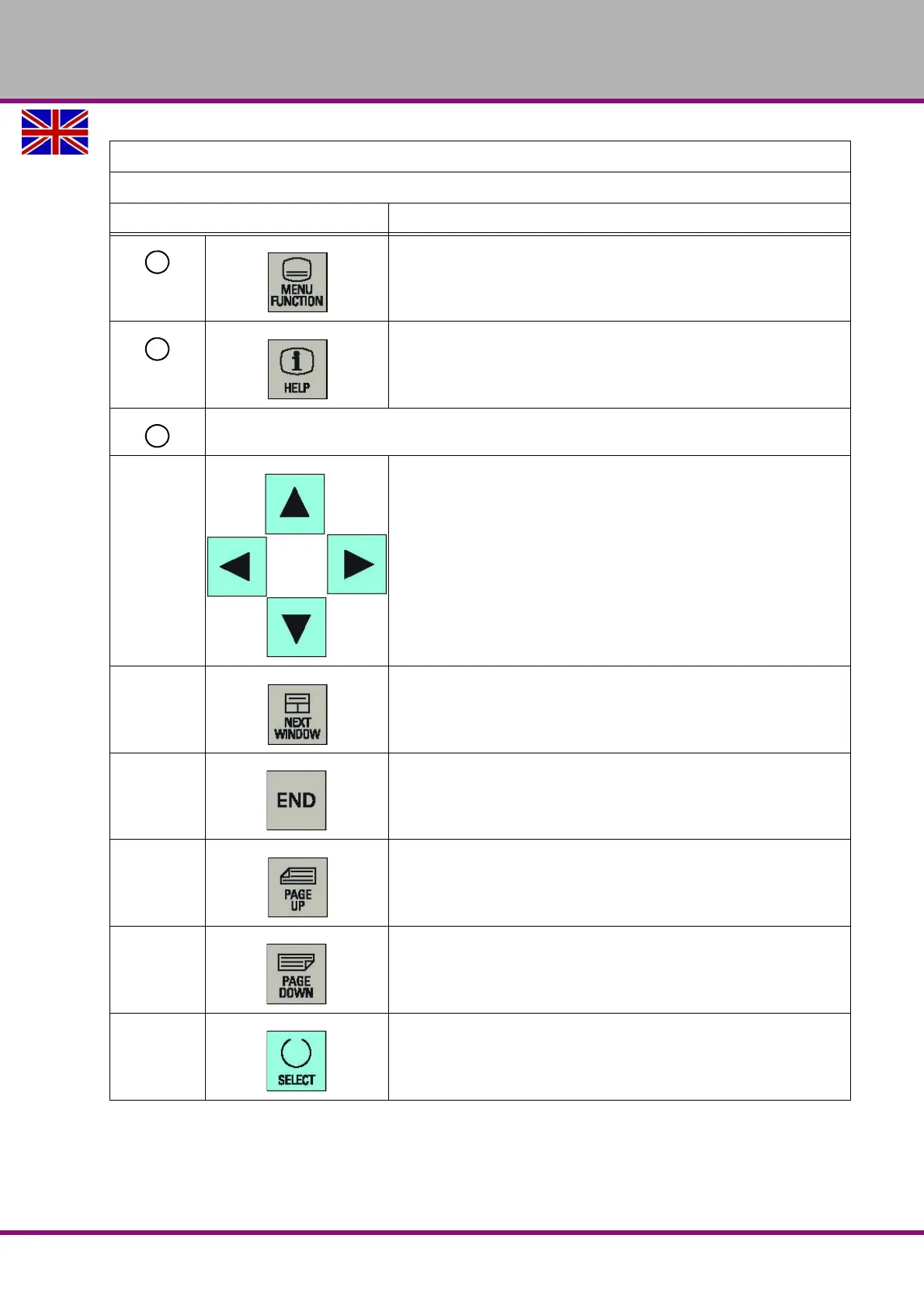
Menu function key
Opens the wizard main screen.
Help key
Calls the context-sensitive help for the selected window, alarm,
message, machine data, setting data, or end-user wizard.
Cursor keys
Cursor keys
up/down/left/right keys
Next window key
No function is assigned to this key. Reserved for future use.
End key
Moves the cursor to the end of a line.
Page up key
Scrolls upwards on a menu screen
Page down key
Scrolls downwards on a menu screen
Selection key
• Toggles in selection lists and selection fields between several
options.
• Enters the "Set-up menu" dialog at NC start-up.
Elements on the PPU
Excerpt from the manual of the operating instructions for "SINUMERIK 808D OPM Operation"
Description















 To Next Page