16 © Hypercom EMEA Ltd. 2011 Understanding your equipment
Understanding your equipment
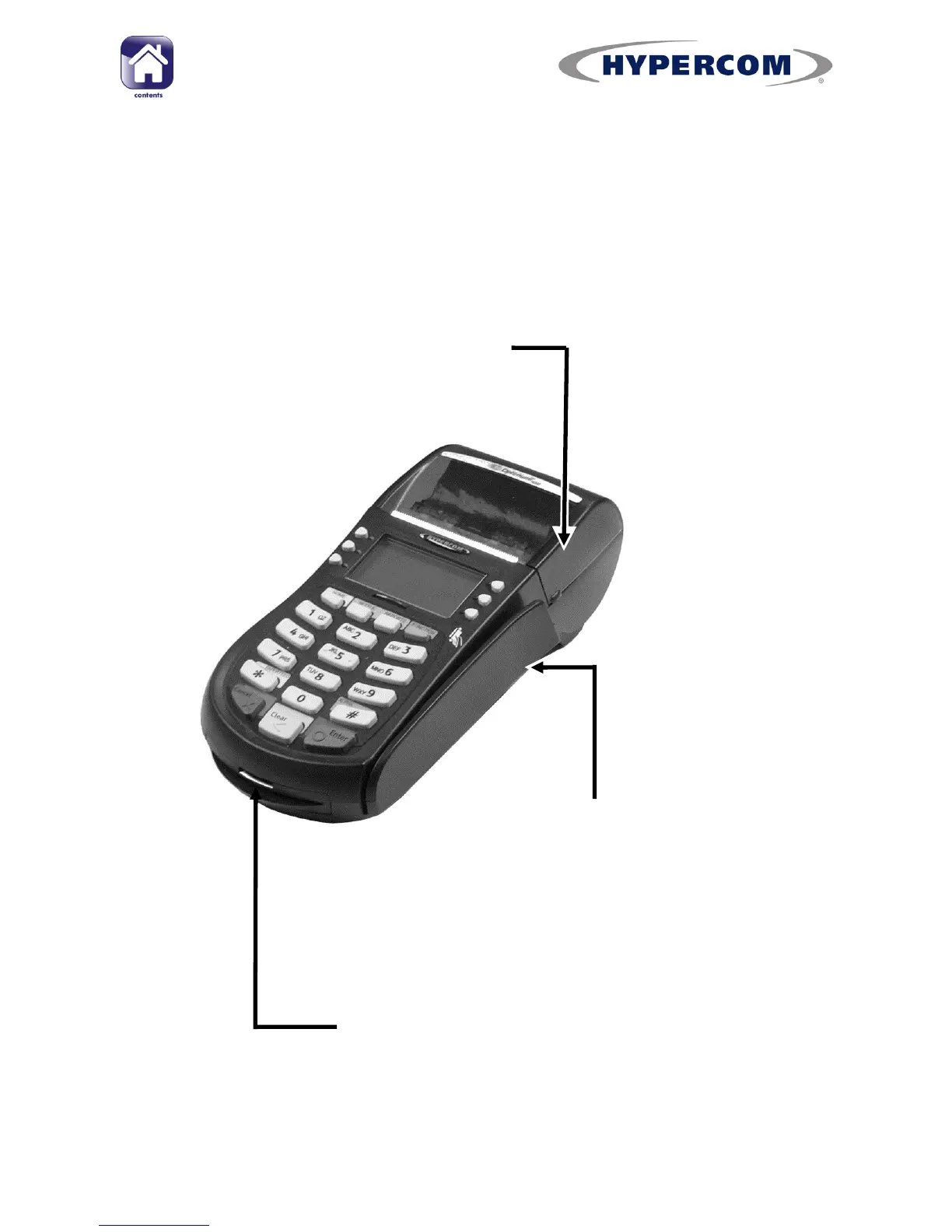
Terminal overview
Paper roll compartment
More information about your
printer and how to load a paper
roll can be found in the Setup
Guide
Chip Card reader
Use when the cardholder presents a
Chip Card.
Swipe card reader
Use when the cardholder
presents a debit or credit card
without a chip on the front or if
prompted by the terminal.



 To Next Page