38 © Hypercom EMEA Ltd. 2011 Using your terminal
Sale
Step 1
From the Idle screen, type a numeric key that is the first digit of the
Sale amount; the screen will automatically show the Amount entry
screen with the digit entered shown
N.B. On some software versions, and configurations, typing a numeric
key from the Idle screen will commence entry of a card number; in this
case the order of data entry will differ from that described below)
OR, select SALE from the Idle screen
OR, Insert a Chip Card into the terminal‟s Chip Card reader or into the
optional PIN Pad
OR, Swipe a Magnetic Swipe Card in the terminal‟s magnetic swipe
reader.
If you have the R3210 Contactless Reader, then use one of the first two
methods described above; if you insert or swipe a contactless chip card,
then you will not have an opportunity to do a contactless transaction.
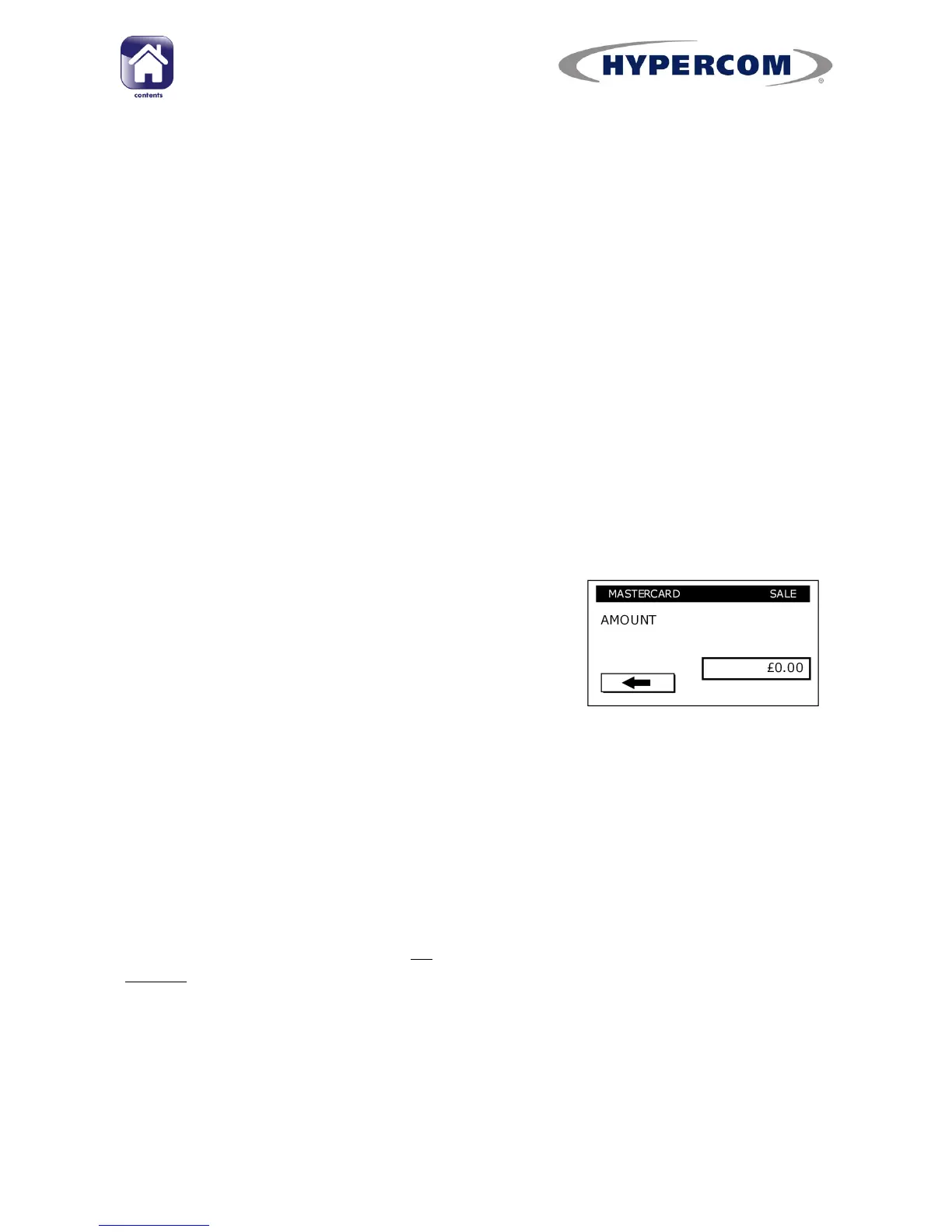
Step 2
Type in the complete SALE AMOUNT in your
currency minor denomination e.g. pence in UK,
or cents in ROI) and press Enter.
E.g. Entering
1000
equates to a value of
£10.00 (€10.00 in ROI).
If you make en error with the amount:
To clear the whole value to zero at once, press the Clear button on the
keypad.
To clear one digit at a time, press the Navigation Button next to back
arrow on the screen.
PLEASE NOTE: This applies to all screens that ask you to enter information
except the
ENTER PIN
screen
continued...



 To Next Page