Using your terminal © Hypercom EMEA Ltd. 2011 27
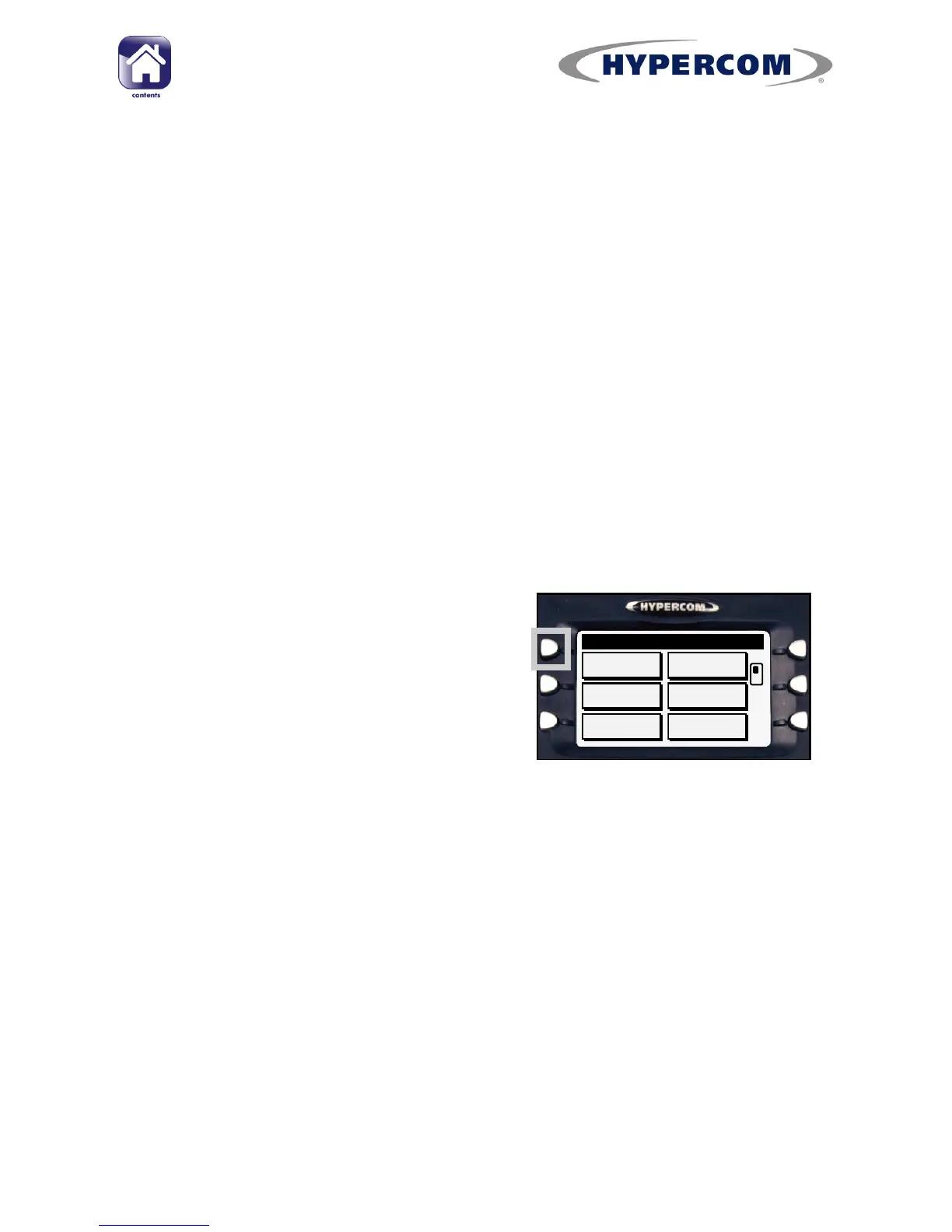
Navigation Buttons
In order to select an item on the screen,
press the corresponding Navigation But-
ton alongside the left and right edges of
the screen.
In the example, pressing the top left but-
ton would select the top left item on the
screen, in this case SALE.
SALE
MORE
UPDATE
REFUND
LAST
MAIN
SWIPE/INSERT
Using Your Terminal
Terminal Operating Concepts
This section provides a general overview of how to use your terminal.
Payment application software version AT42UK511A and onwards introduce
the option to use the R3210 Contactless Reader. The instructions in this
user manual refer to AT42UK5111A and onwards; if your terminal has an
older version of software, then it cannot support the R3210 and operation
may be slightly different to that described in this manual.
To find out the software version of the payment application, use Function
91



 To Next Page