32 © Hypercom EMEA Ltd. 2011 Using your terminal
Training Mode
Your terminal allows the operator to conduct training sessions for contact
card initiated transactions by switching to Training Mode. You will need a
Training Card; please contact your helpdesk if you need a Training card.
How to switch to Training Mode
Press MAIN MENU > TERM > TRAIN
Type in the local password (default is 0000) and press Enter
The screen will display SWITCH TO TRAIN MODE
Press YES/Enter
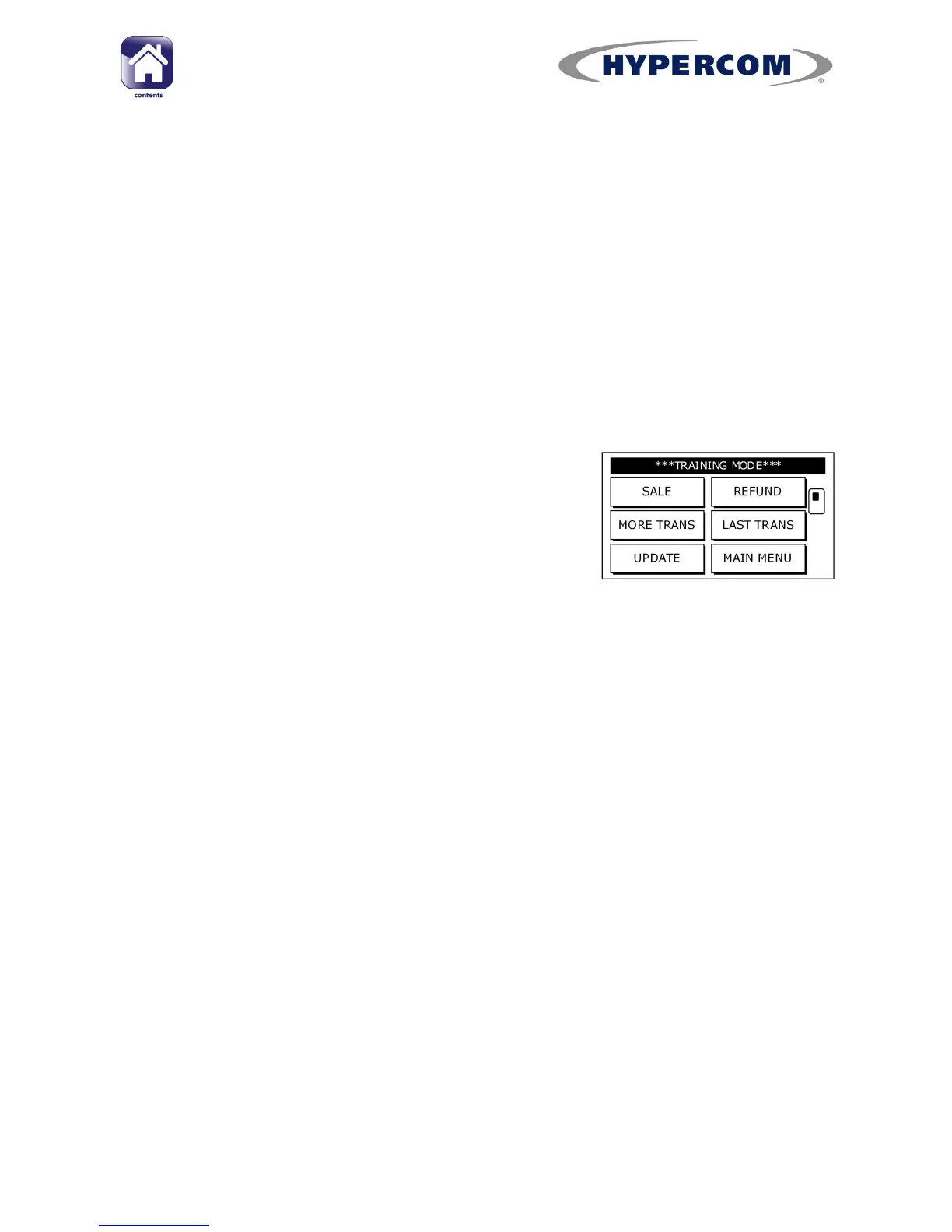
Once in Training Mode, the top of the screen will
cycle between SWIPE/INSERT CARD, the date and
time and ***TRAINING MODE***.
Using Training Mode
You are able to perform SALE and REFUND transactions using the Training
Card supplied.
PLEASE NOTE: The Training Card PIN is
1234
Different amounts on each training transaction will prompt various
responses from the terminal, for example:
0.01 to 100 will result in the transaction being approved.
200 will display REJECTED.
300 will display DECLINED BY CARD.
400 will display PICK UP CARD.
Any other amount will display INVALID AMOUNT.
continued...



 To Next Page