60 © Hypercom EMEA Ltd. 2011 Using your terminal
Reports
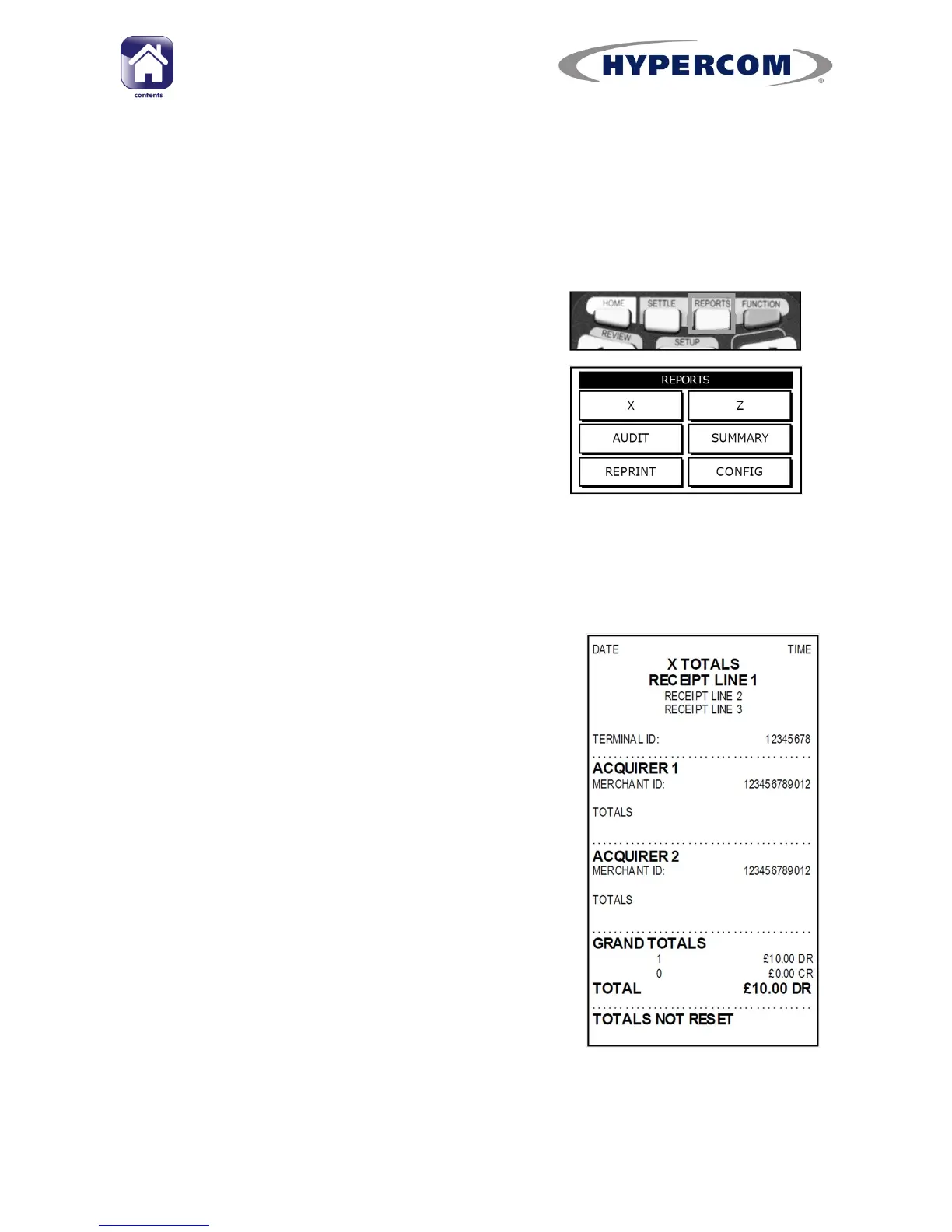
There are a number of different reports that can be produced by the
terminal, each with a different purpose.
To access the reports menu, ensure the Idle screen is displayed.
Then press the REPORTS button on the
keypad.
PLEASE NOTE: The Supervisor Card and/or the Merchant password
(factory default 0000. but should be changed at least every three months
to your preferred value) is required to access these reports.
X Totals
This is a running report that can be printed off
at any point during the day. It displays the total
number and total value of transactions
performed for each Acquirer since the last Z
report was done, but does not reset the totals.
Z Totals
This report can be done at the end of each
business day or working week. It performs the
same function as an X Totals Report but then
resets the reports totals in the terminal back to
zero.



 To Next Page