Using your terminal © Hypercom EMEA Ltd. 2011 47
Tipping
Your terminal can be independently configured to accept a Tip on Sale
transactions and on Completion transactions (as used in Hotel and Rental
environments, refer to Page ?? For usage in Hotel and Rental
environments_
PLEASE NOTE: You must request the tipping service for Sales and/or for
Completion transactions from your leasing agent.
The terminal can configured in two different methods for Tipping:
Tip Amount Entry: In this method, the terminal prompts for an optional
Tip amount which as then automatically added to the Sale/
Completion .amount by the terminal. This is the default method and unless
you specify otherwise, your terminal will be configured with this method.
Final Amount Entry: In this method, the terminal prompts for an optional
Final amount, i.e. you are prompted to enter the total of Sale/Completion
amount plus Tip. You must request this method from your leasing agent if
preferred.
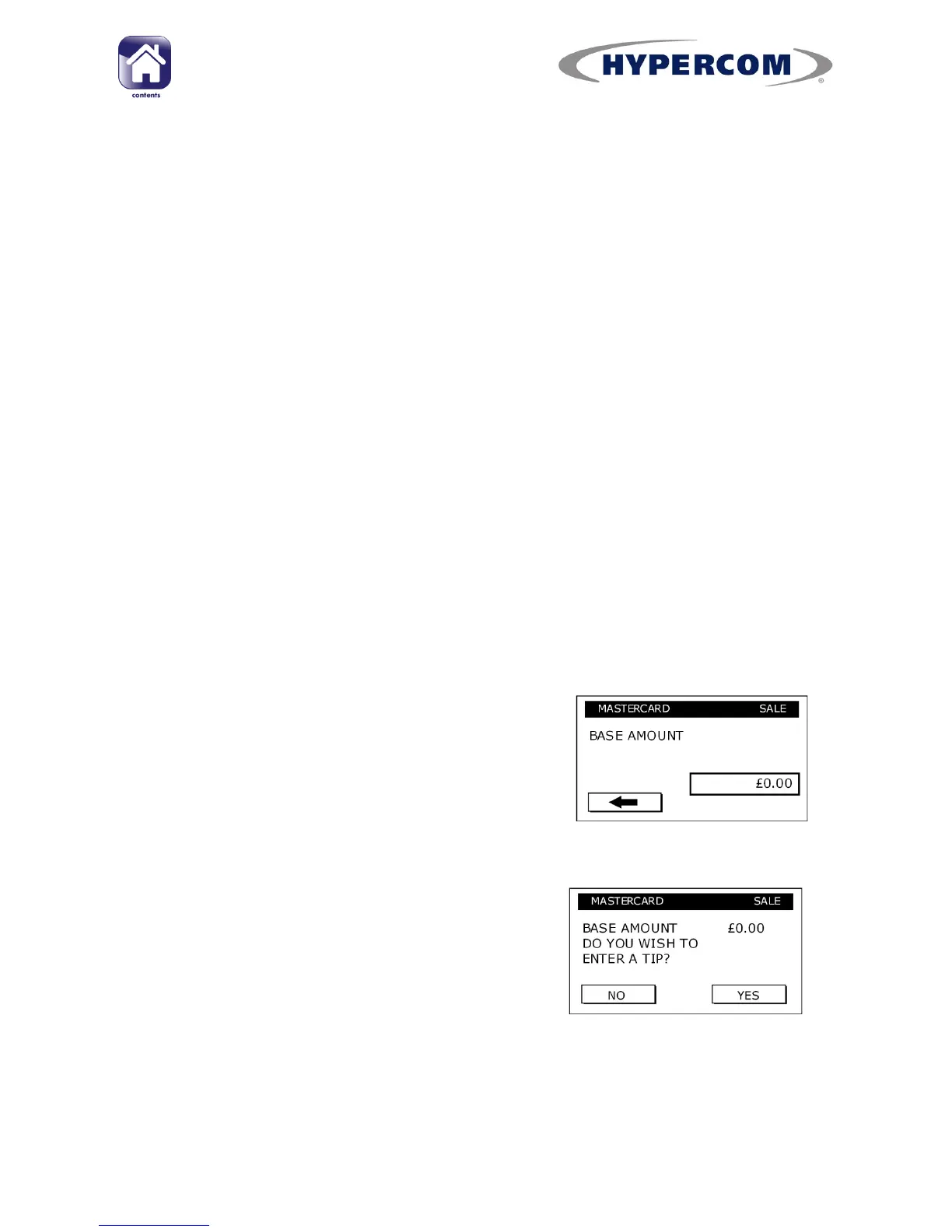
Differences when Entering a Tip:
The Sale/Completion amount is prompted as a
“Base” amount, but is entered in same way as
a normal amount entry
The terminal is then handed to the cardholder
for Tip Entry, who responds to the prompt to
enter a Tip with No or Yes response
continued...



 To Next Page