48 © Hypercom EMEA Ltd. 2011 Using your terminal
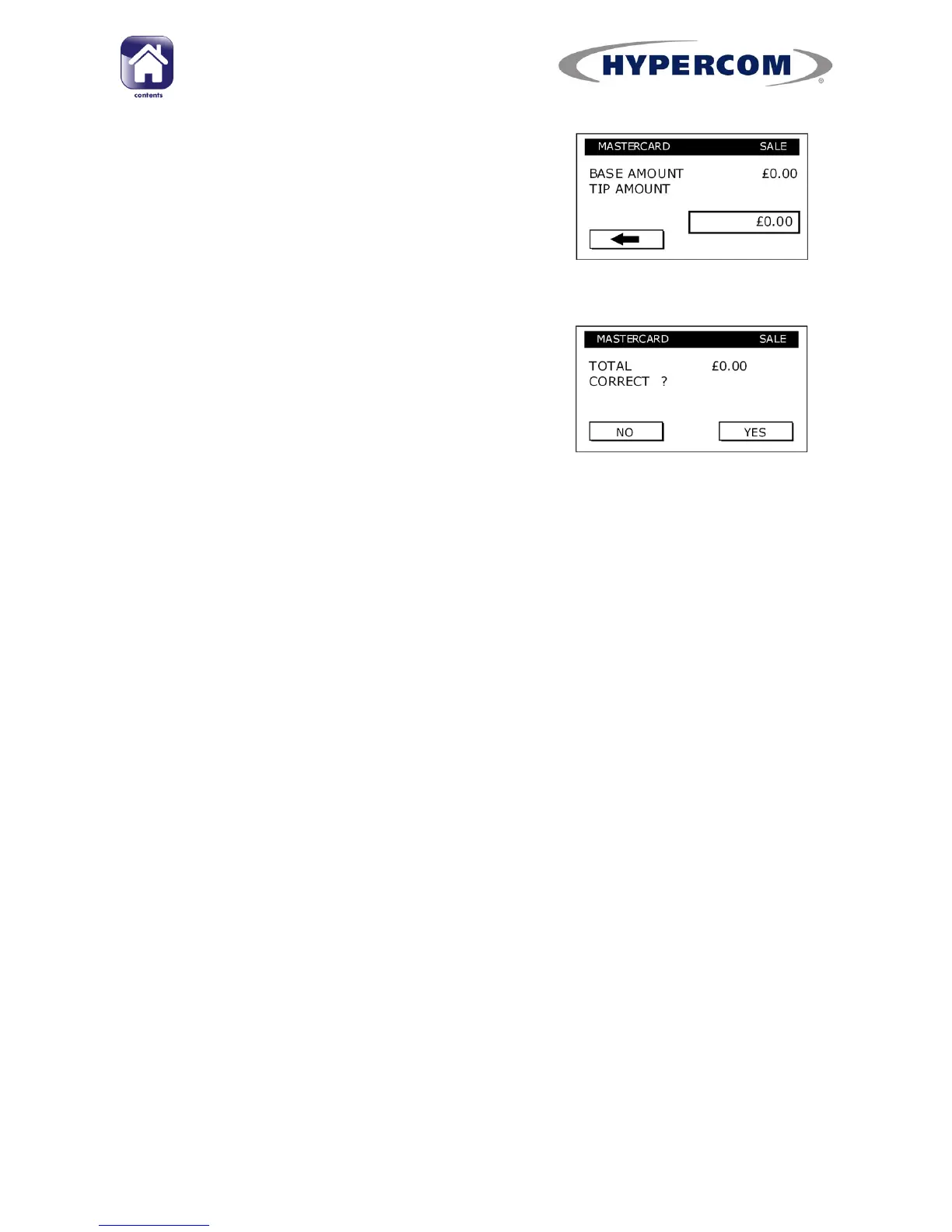
If user selects a Tip, they should type in the
TIP AMOUNT and press Enter. Alternatively, for
method 2, the prompt may be for the Final
amount.
The customer should check that the TOTAL is
correct and press YES/Enter to confirm or NO/
Clear to change the amounts or Cancel to
cancel the transaction.
If the Tip entry method is set to Final Entry, then the user prompts will
vary.
Warnings may be shown if large Tips are entered; this prevents against
keying of errors of incorrect Tips



 To Next Page