Installation © Hypercom EMEA Ltd. 2011 25
Installation
Please read and follow the separate Quick Reference Guide received with
your terminal. The Quick Reference Guide contains instructions on how to:
Connect the cables and accessories e.g. Pin-Pad
Install the paper roll
Charge the battery module (M4200)
Switch on your terminal
If you have received an R3210 Contactless Reader, then you will need to
fit this to the T4200 terminal before switching it on . Follow the R3210
Contactless Reader Installation Guide supplied with the Reader to do this.
After switching on, the terminal may ask you to enter your Merchant
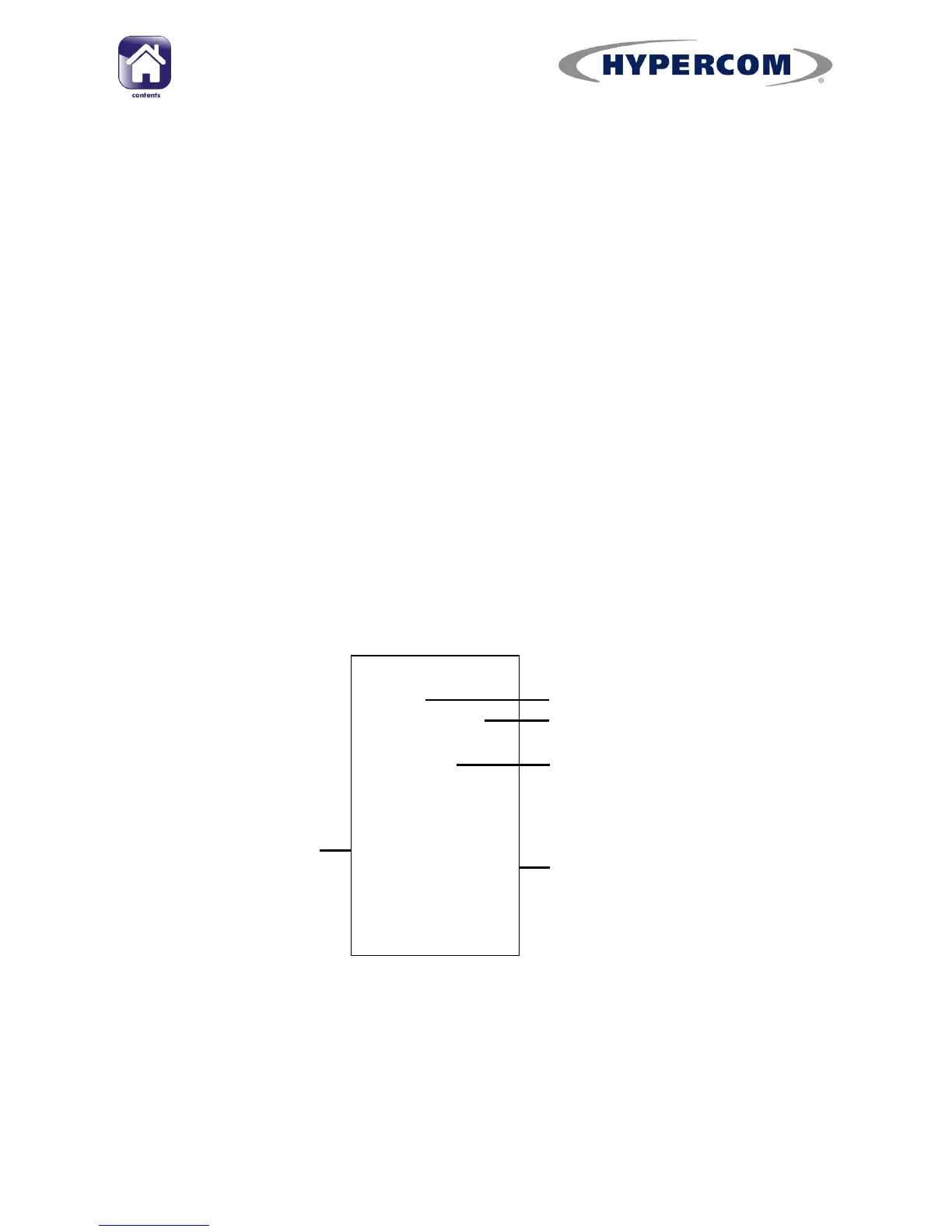
Number. It will then print out a TERMINAL PARAMETERS REPORT. Check
that the Merchant Number printed on the report matches the Merchant
Number assigned to you by your acquirer/s.
continued...
TERMINAL PARAMETERS
REPORT
DATE, TIME
COMPANY NAME
TOWN
THANK YO U
TERMINAL ID: 12345678 (9)
SOFTWARE REL EASE : AT42UK000X
CARD ACQUIRER DATA
ACQUIRER NAME : ACQUIRER 1
TERMINAL ID : 12345678
MERCHA NT ID : 12345678901
NUA 1 : 00
NUA 2 : 00
HOST PRIMARY PHO NE No. : 08001234567
HOST SECOND. PHO NE No. : 08001234567
MODEM MODE : 00
SETTLE PRIMARY PHONE No. : 08001234567
SETTLE SECOND. PHONE No. : 08001234567
MODEM MODE : 00
Dat e and t ime
Merchant name and t ow n
Terminal ID
Primary Acquirer Sect ion
(Further Acq u ir er sect ion s wi ll pr in t
underneath if m or e t han one Acq ui r er
is set up on th e t er mi n al )



 To Next Page