EasyManua.ls Logo

Optimum T4210 - Page 26

Optimum T4210
92 pages
Print Icon
To Next Page IconTo Next Page
To Previous Page IconTo Previous Page
Loading...
26 © Hypercom EMEA Ltd. 2011 Installation
Installation (continued)
Your terminal may then attempt to connect to your acquirer/s and print
out a LOG-ON REPORT indicating if the logon was successful or not.
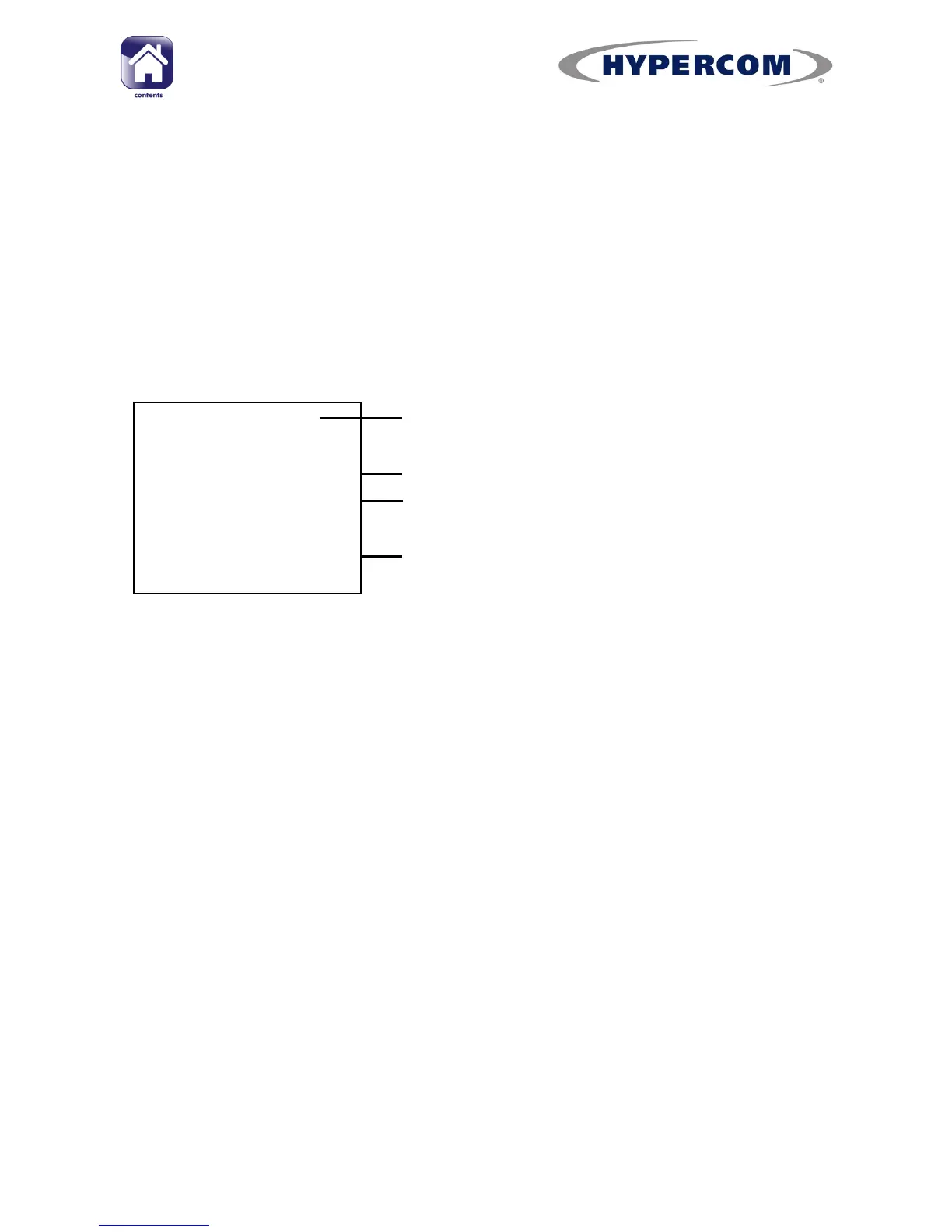
The report should read for each acquirer:
ACQUIRER NAME: ENABLED
COMPANY NAME
TOWN
THANK YO U
TERMINA L ID: 12345678
LOG-ON REPO RT DATE, TI ME
. . . . . . . . . . . . . . . . . . . . . . . . . . . . . . . . . . . . . . .
ACQUI RER 1 E NABLE D
ACQUI RER 2 DISABLED (03)
Merchant name and t ow n
Terminal ID
Dat e and t ime
Acquirer Log-on status
(If d isab led , th is will sh ow an error co de
in br acket s. Please cont act t h e h el pd esk
and quo t e t his error cod e)
Log-on report