Understanding your equipment © Hypercom EMEA Ltd. 2011 19
Battery Module (applicable to M
4200
)
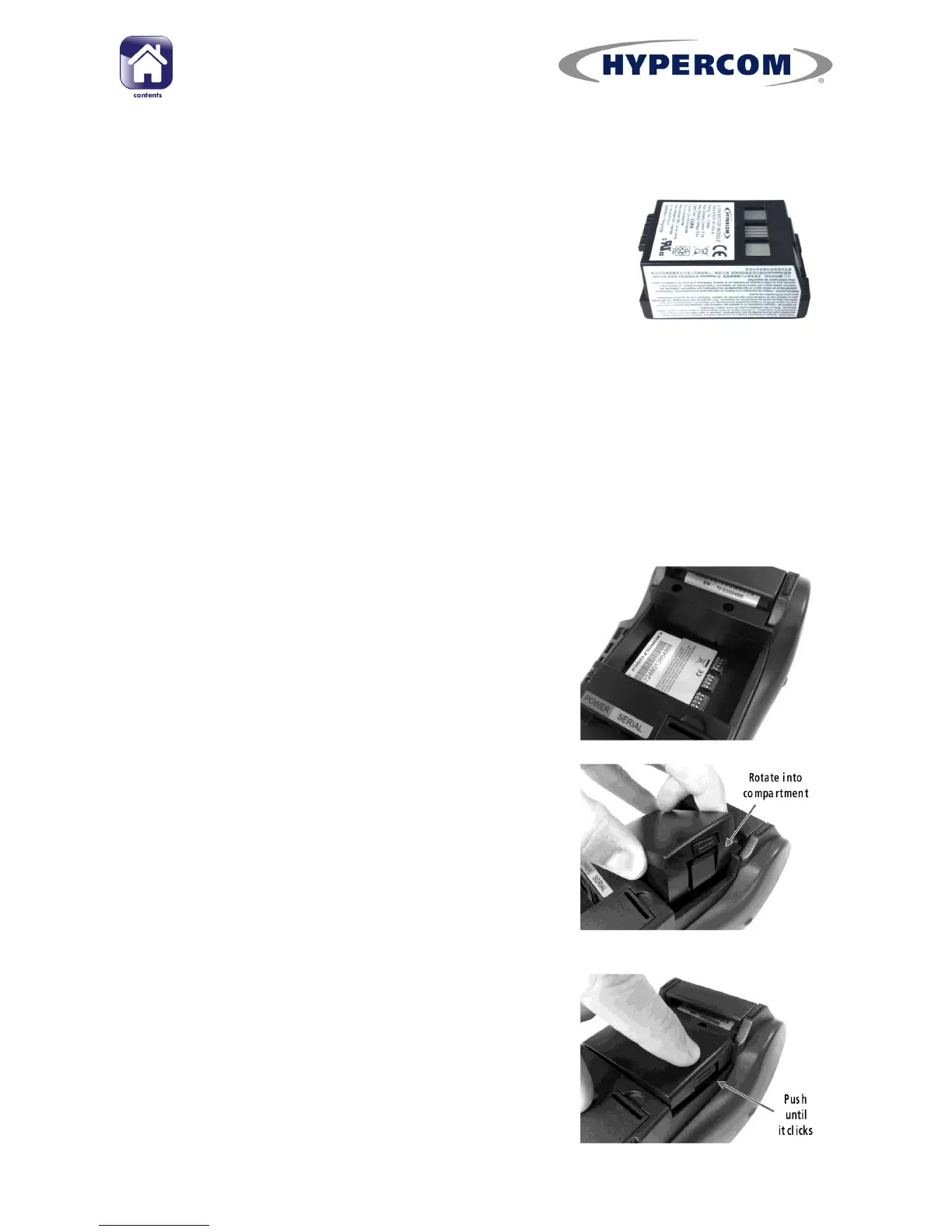
If you have a mobile terminal, it will come pre-fitted
with a removable, rechargeable Li-Ion battery
module. The battery module will need to be charged
when you receive a new complete terminal or
replacement battery module. Charging instructions
are contained in the Quick Reference Guide supplied
with the terminal.
See page 5 for battery module safety instructions
Replacing the Battery Module
Step 1
Turn the terminal over to find the battery
module. Remove the existing battery module by
pressing in the release clip on the right side of
the battery module, and then pulling out the
battery module. See page 5 for disposal
instructions.
Step 2
Place the left side of the replacement battery
module into the battery module compartment.
Step 3
Lower the right end of battery module into the
terminal and push firmly until the latch on the
right hand side clicks in place. Ensure that the
battery module is firmly in place and flush with
the main terminal body.



 To Next Page